How to Convert JPG to PDF (Free, Combine Multiple Images)
Turn photos or scans into a single PDF — combine multiple JPGs, set page size and order. Free, no install, about 10 seconds.
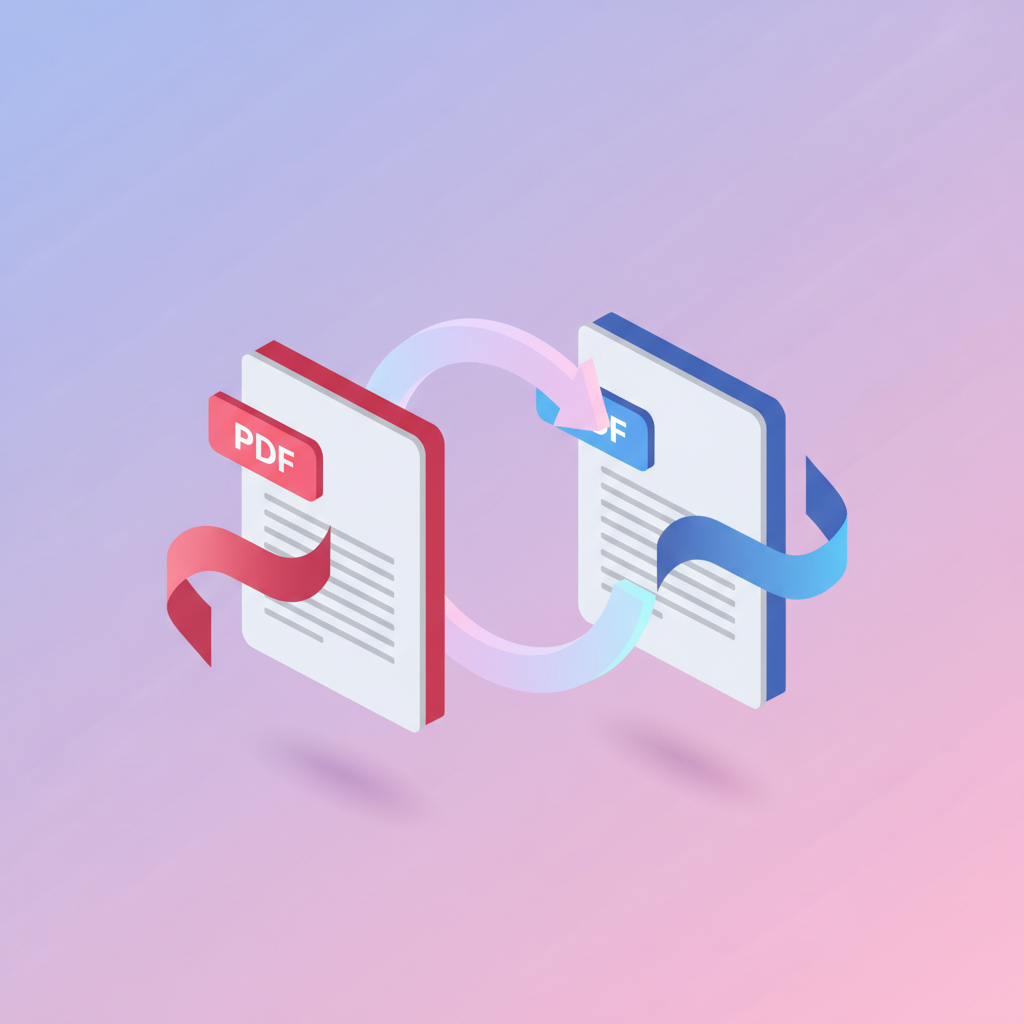
You've got a stack of photos — receipts, a scanned form shot with your phone, ID documents — and you need to send them as one tidy PDF, not a messy folder of images. Here's how.
How to convert — step by step
Open the tool
Go to pdfty.com/tools/jpg-to-pdf. Free up to 20 MB.
Drop your images
Select all the JPGs (or PNGs) and drag them in at once.
Order and set page size
Drag the image cards into the order you want. Pick A4, Letter, or fit-the-page-to-the-image, plus orientation and margins.
Convert
A few seconds. Each image becomes a page.
Download one PDF
A single multi-page PDF, ready to email or upload.
Frequently asked questions
Can I combine images of different sizes?
Yes — choose "fit page to image" to keep each one's proportions, or a fixed size (A4/Letter) to standardise them.
Does it work with PNG and HEIC too?
PNG yes. For iPhone HEIC photos, most phones export as JPG when you share — or convert to JPG first, then upload.
Will the photos lose quality?
No — images are embedded at their original resolution. If the PDF is then too big to email, run it through Compress.
Can I reorder the pages?
Yes — drag the image cards before converting. The PDF follows that order.
How do I make the scan searchable?
After converting, run the PDF through OCR to add a text layer.
Is there a limit on the number of images?
Free plan: 20 MB total. That's typically 20-40 phone photos. Pro lifts the limit.
The pdfty team builds privacy-first online PDF tools — compress, convert, OCR, sign and protect. Files are deleted within 1 hour. About us →