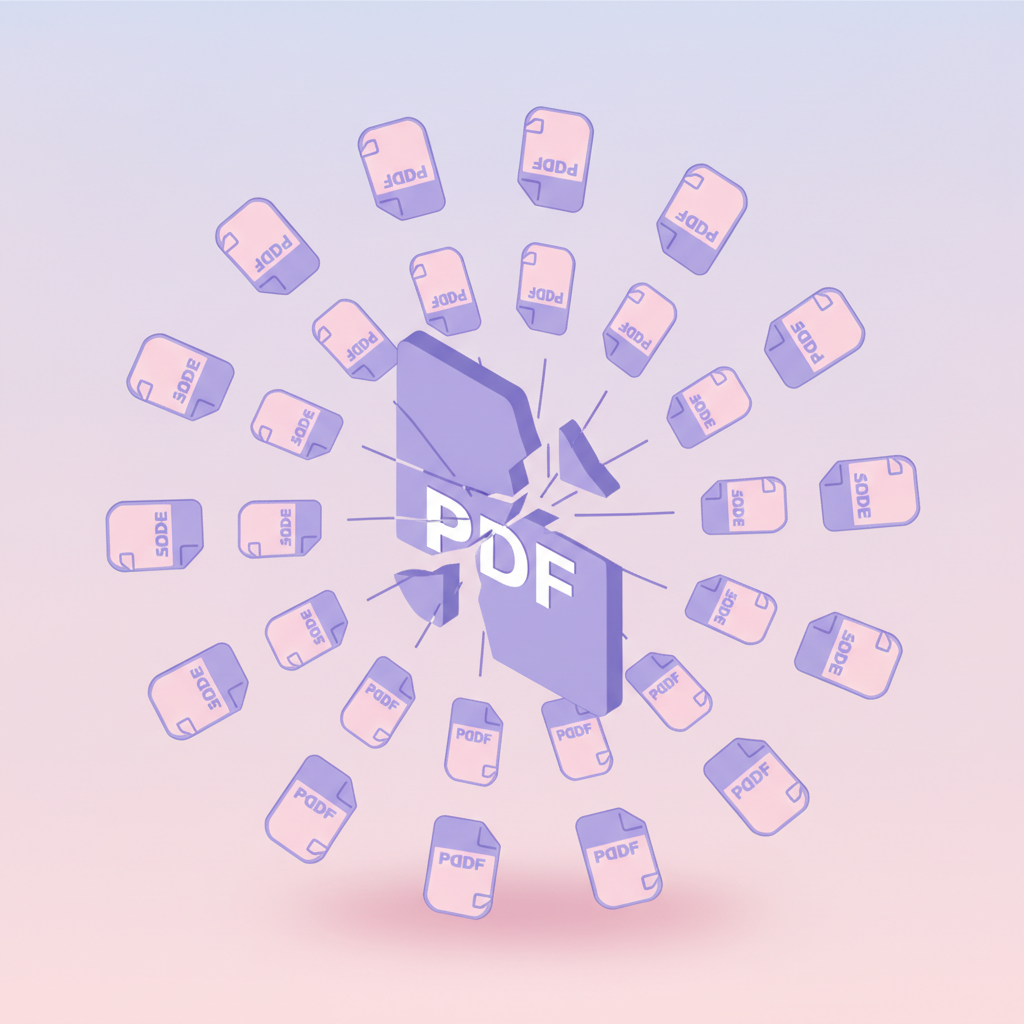
How to Split a Large PDF Into Smaller Files (Free, 3 Ways)
Got a huge PDF that's too big to email? Split your PDF document into multiple files by page ranges, size or bookmarks — free, 30 seconds, no install.

You scanned a 200-page report. Your email won't send a 50 MB attachment. Your friend only needs chapter 3. Your accountant wants each receipt as a separate file but you have 12 of them in one PDF.
All of these are splits. Here's how to do them.
When splitting helps
- Files too big for email. Gmail caps at 25 MB, Outlook around the same, corporate spam filters often cut at 5 MB. Splitting a 50 MB PDF into 5 × 10 MB parts gets each one through.
- Sharing one section. Send only chapter 3 of a long document instead of the whole 200-page report.
- Separating a batch scan. You scanned 12 receipts into one PDF. Each receipt should be its own file for your accountant.
- Splitting a contract to send signed pages separately.
- Working around upload limits on portals that cap at, say, 5 MB.
Three ways to split (pick what matches your goal)
| Mode | When to use | Example |
|---|---|---|
| **By page ranges** | You know exactly which pages should be in each output | Output 1: pages 1-10, output 2: pages 11-23, output 3: pages 24-50 |
| **By max file size** | Each part needs to fit a size limit | Split a 50 MB file so each part is under 10 MB |
| **Every N pages** | Split a long document into equal chunks | One PDF per chapter (every 20 pages), giving 10 parts |
| **One page per file** | Separate every page into its own PDF | Useful for: receipts, photo albums, slides |
| **By bookmark** | The PDF has top-level bookmarks defining sections | One output per bookmarked section |
How to split — step by step
Open the split tool
Go to pdfty.com/tools/split.
Upload your PDF
Drag in the large file. Free up to 20 MB.
Pick your split mode
Page ranges, max size, every N pages, one page per file, or by bookmark. Pick what matches your goal.
Set the parameters
For ranges: type 1-10, 11-23, 24-50. For size: type the cap, e.g. 5 MB. For every N: type the chunk size, e.g. 10. For bookmark: pick which bookmark level to split by.
Download a ZIP of the parts
All output PDFs come back in a single ZIP. Unzip and they're ready to send.
A real example: 60 MB report → 5 MB-each parts for email
The most common case. Steps:
- Upload the 60 MB PDF.
- Pick Split by max size.
- Set max size to 4 MB (under email caps, with a safety margin).
- Hit Split.
- Get a ZIP with ~15 PDFs, each under 4 MB.
- Email them as separate messages (or zip them and share via Drive/Dropbox if the recipient prefers).
Total time: under 60 seconds.
Split a PDF into multiple files at once
You don't need to run the tool once per part. To split a PDF file into multiple files in a single pass, type all your ranges in one go:
1-10, 11-20, 21-30, 31-40
Four ranges in, four PDFs out, all in one ZIP. This is the fastest way to split a PDF document into multiple files when the structure is regular — a 100-page manual into 10 chapters, a semester of lecture notes into weeks, a year of bank statements into months.
Two things worth knowing:
- Ranges don't have to be equal.
1-3, 4-27, 28-100is fine — a cover section, a body, an appendix. - The free tier allows up to 20 outputs per split. That covers a 200-page file in 10-page chunks. Need more parts? Run two passes, or Pro removes the cap.
If every chunk is the same length, skip typing ranges entirely — the Every N pages mode does the same batch split from a single number. Either way you split the PDF document for free, in one pass, under a minute.
Split every page into its own PDF
Sometimes ranges are overkill and what you really want is to split PDF files into pages — every single page as its own one-page PDF. Classic cases:
- Invoices. You scanned 12 invoices into one PDF; your accountant wants 12 separate files, one per invoice.
- Certificates. One PDF with 15 course certificates; each person gets only their own page.
- Slides and handouts. Send page 7 to one reviewer, page 8 to another, without anyone seeing the rest.
How: upload the file, pick One page per file, hit Split. A 12-page
PDF comes back as a ZIP of 12 single-page PDFs, numbered in order
(report_p1.pdf … report_p12.pdf), each fully searchable. No range
typing needed — splitting a PDF file in pages is a one-click mode.
One caveat: the free tier's 20-output cap means one-page-per-file works
free up to a 20-page document. For a 50-page file, either split it in
two passes or use ranges to grab only the pages you actually need as
singles: 3, 7, 12.
Frequently asked questions
Will text in the split files still be searchable?
Yes — each split PDF keeps its text as real text. Search, copy and screen readers all continue to work.
Will hyperlinks survive?
Internal links within each split (e.g., page 5 links to page 12, both in the same split) — yes, preserved and adjusted.
Internal links across splits (page 5 in part 1 links to page 200, now in part 3) — broken. The destination isn't in the same file anymore.
External hyperlinks (to websites): always preserved.
Can I split a password-protected PDF?
Unlock it first using Unlock with the password, then split. We don't ask for the password on split because we'd never store one.
Will my file size go down?
Total file size of all parts ≈ original file size. Sometimes slightly larger (each split has its own PDF header), but usually within 1%.
If the goal is smaller files (not just smaller-each), follow up with Compress on each part — that's where the real size savings come from.
What about bookmarks?
If you split by bookmark, each output gets its own bookmark for its section. If you split by other modes, top-level bookmarks within each section are preserved.
Is there a limit on the number of output files?
Free: up to 20 outputs per split. Pro: no limit.
Can I split into a custom non-sequential set (page 1, 5, 7-10, 15)?
Yes — page ranges accept any comma-separated list, including individual
pages: 1, 5, 7-10, 15.
What's the difference between splitting and extracting pages?
Splitting divides the whole document — every page ends up in one of
the output files. Extracting pulls out only the pages you name and
ignores the rest. On pdfty the same tool does both: to extract, use page
ranges with just the pages you want. 7-10 gives you one PDF with those
four pages; everything else stays behind in the original.
What if my PDF is bigger than 20 MB?
20 MB is the free-tier upload limit. For bigger files, Pro is $9/mo with no limits — or compress the file first to bring it under 20 MB, then split.
The pdfty team builds privacy-first online PDF tools — compress, convert, OCR, sign and protect. Files are deleted within 1 hour. About us →