How to Convert TXT to PDF (Logs, Notes & Code Dumps)
Turn plain text files — logs, notes, code dumps — into clean, printable PDFs with proper pagination. Free in the browser, no sign-up, no watermark.

A .txt file is the cockroach of file formats — it survives everything and opens everywhere. So why convert it to PDF? Because "opens everywhere" and "presents well" are different things. The moment a text file needs to be printed, attached to a report, submitted as evidence, or read by a human who didn't ask for it, its weaknesses show: no page breaks, no margins, lines that run off the printable area, and rendering that changes depending on which editor and font the reader happens to have.
The classic cases:
- Log files attached to an incident report or a support ticket, where reviewers want stable page numbers to reference ("the error on page 7").
- Code dumps and config files that go into documentation or an audit bundle.
- Meeting notes or plain-text journals that need to be archived as a document rather than floating around as editable text.
- Submission portals that accept PDF only — a surprising number reject .txt outright.
A PDF freezes the text into pages that look identical on every machine and every printer. Here's the fastest way to make one.
How to convert TXT to PDF — step by step
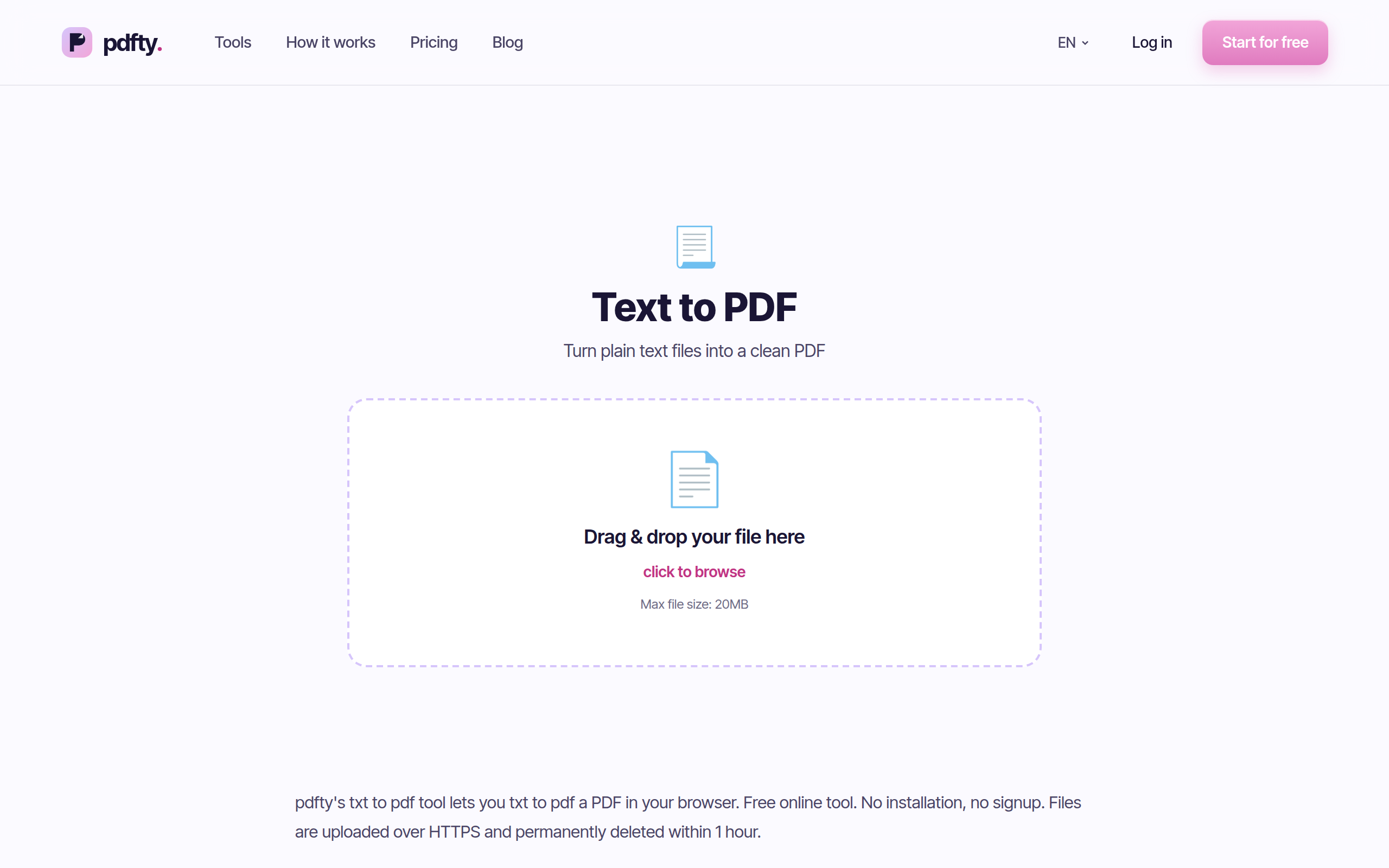
Open the tool
Go to pdfty.com/en/tools/txt-to-pdf. No account; free up to 20 MB — and 20 MB of plain text is a lot of text.
Upload your text file
Drag the .txt in. UTF-8 is the safe encoding — if your file came from an old system, re-save it as UTF-8 first so special characters survive.
Convert
The text is laid out onto pages with readable margins, long lines wrapped instead of clipped.
Download your PDF
A paginated document that prints the same everywhere. Uploads are auto-deleted after 1 hour.
Plain text, Markdown or Word — which converter do you need?
"I have text, I need a PDF" covers three different situations:
| Your source | Right tool | What you get |
|---|---|---|
| Raw .txt — logs, dumps, notes | TXT to PDF | Faithful monospaced-style pages; what you wrote is exactly what prints |
| Markdown with #headings and **bold** | Markdown to PDF | [Markdown to PDF](/en/tools/markdown-to-pdf) renders real headings, lists and emphasis |
| A .docx with fonts and images | Word to PDF | [Word to PDF](/en/tools/word-to-pdf) preserves the document's actual layout |
The dividing line: TXT to PDF does not interpret anything. If your
file contains # Heading or **bold**, those characters print literally
— which is exactly right for logs and code, and exactly wrong for a
formatted report. Know which one you're holding.
Free local alternatives
Plain text to PDF is one conversion your own machine handles well:
Print to PDF (every OS). Open the file in any editor and print to "Save as PDF" (macOS) or "Microsoft Print to PDF" (Windows). Free and offline — but you inherit the editor's margins, font and header junk, and Notepad's defaults are nobody's idea of clean output.
LibreOffice headless (free, scriptable). One command, no GUI:
soffice --headless --convert-to pdf notes.txt
Great for batch jobs — point it at a folder of logs and loop.
pandoc (free). pandoc log.txt -o log.pdf gives typeset output with
configurable margins, if you have a LaTeX engine installed — which is a
sizeable "if."
Local tools win when files are sensitive or you're converting hundreds. The browser wins when you want decent output now without checking what's installed.
Practical gotchas
- Encoding. A file saved in a legacy encoding (Windows-1252, old terminal exports) can turn é into é. Re-save as UTF-8 before converting — every modern editor has a "save with encoding" option.
- Huge logs make huge page counts. The free tier renders up to 50 pages per file; a multi-megabyte log can exceed that. Pre-trim the log to the relevant time window (your reviewers will thank you anyway), or split it into parts and Merge the PDFs after — see merging without Adobe.
- Need page numbers or a filename header for an audit bundle? Run the result through Page numbers or Header & footer. Legal workflows can add Bates numbering on top.
- Tabs. Tab characters render at a fixed tab width that may differ from your editor's. If exact alignment matters, convert tabs to spaces first.
- The text stays text. The PDF's content is selectable and searchable — this conversion doesn't rasterize anything. If you ever need the raw text back, PDF to TXT reverses the trip.
Frequently asked questions
Does TXT to PDF keep my formatting?
It keeps your characters — every letter, space and line break — and lays them out on pages. It doesn't invent formatting that plain text can't express: no bold, no headings, no colors. For styled output, write Markdown and use Markdown to PDF.
What happens to very long lines?
They wrap to the next line rather than being cut off, so no characters are lost. Column-aligned text can drift when lines wrap — trim extreme line lengths first if alignment matters.
Can I convert a huge log file?
Free tier limits are 20 MB and 50 output pages — generous for text, but a giant log can exceed the page count. Trim to the relevant section, split the file, or go Pro ($9/mo) for unlimited size.
Will special characters and other languages work?
Yes, if the file is UTF-8 encoded. Legacy encodings are the usual cause of garbled characters — re-save the file as UTF-8 and convert again.
Is the PDF searchable?
Yes. Unlike image-based conversions, the output contains real text — you can search, select and copy it in any PDF viewer.
Can I add page numbers or a header with the filename?
Not during conversion, but it's a 20-second follow-up: Page numbers and Header & footer both work on the result.
Can I combine several text files into one PDF?
Convert each file, then Merge the PDFs in the order you want. For many files, note the free tier allows 10 operations per day.
Is my data safe?
Uploads go over HTTPS, there's no account linking files to you, and everything is auto-deleted after 1 hour. For logs you can't upload at all, use the LibreOffice command above — it runs entirely offline.
pdfty 팀은 개인정보를 중시하는 온라인 PDF 도구(압축, 변환, OCR, 서명, 보호)를 만듭니다. 파일은 1시간 이내에 삭제됩니다. 회사 소개 →