Compare PDFs
Highlight differences between two PDF files
Drag & drop your file here
click to browse
Max file size: 20MB
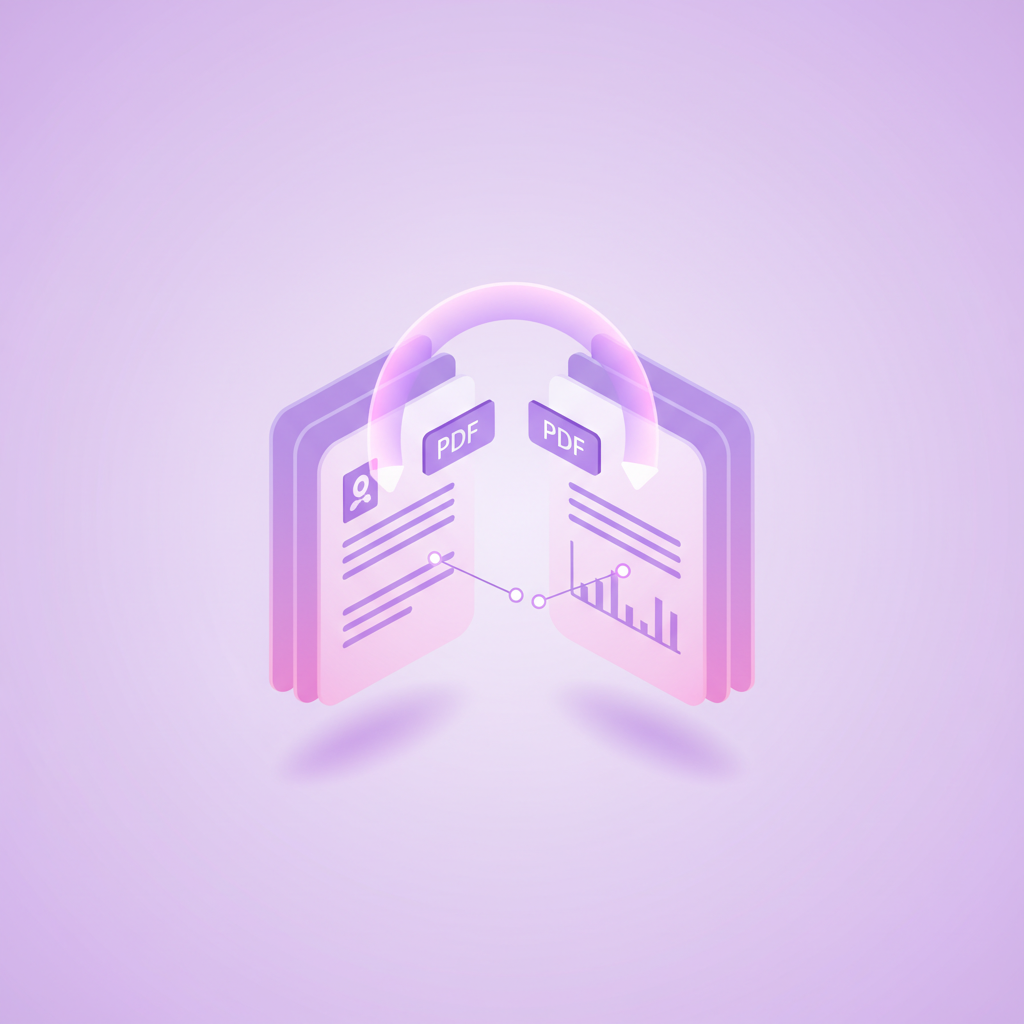
pdfty's compare tool takes two versions of a PDF and shows you precisely what changed. Upload the old and new versions, and get a side-by-side report with insertions, deletions, and modified passages highlighted — no more reading a 40-page contract line by line to find the one clause that moved.
It's built for the situations where differences really matter: reviewing counterparty edits to a contract, verifying that a final invoice matches the approved draft, checking what a colleague changed in a report, or auditing revisions of policy documents. Comparison works on the extracted text, so it catches changes reliably even when line breaks and pagination shift between versions. Scanned documents can be compared after a pass through our OCR tool.
Compare is a Pro feature — $9/mo, which also lifts the size and page limits on every pdfty tool. Both files are transmitted over HTTPS, processed server-side, and permanently deleted within 1 hour. We never store, index, or train AI on your documents.
How it works
- 1
Upload the original
Drag and drop the older version of the document.
- 2
Upload the revised version
Add the newer version you want to check against it.
- 3
Compare
We extract and align the text of both files, then diff them. Usually under 15 seconds.
- 4
Review the differences
Additions, deletions, and edits are highlighted with page references.
- 5
Done in 1 hour
Both files and the comparison are deleted from our servers within 1 hour.