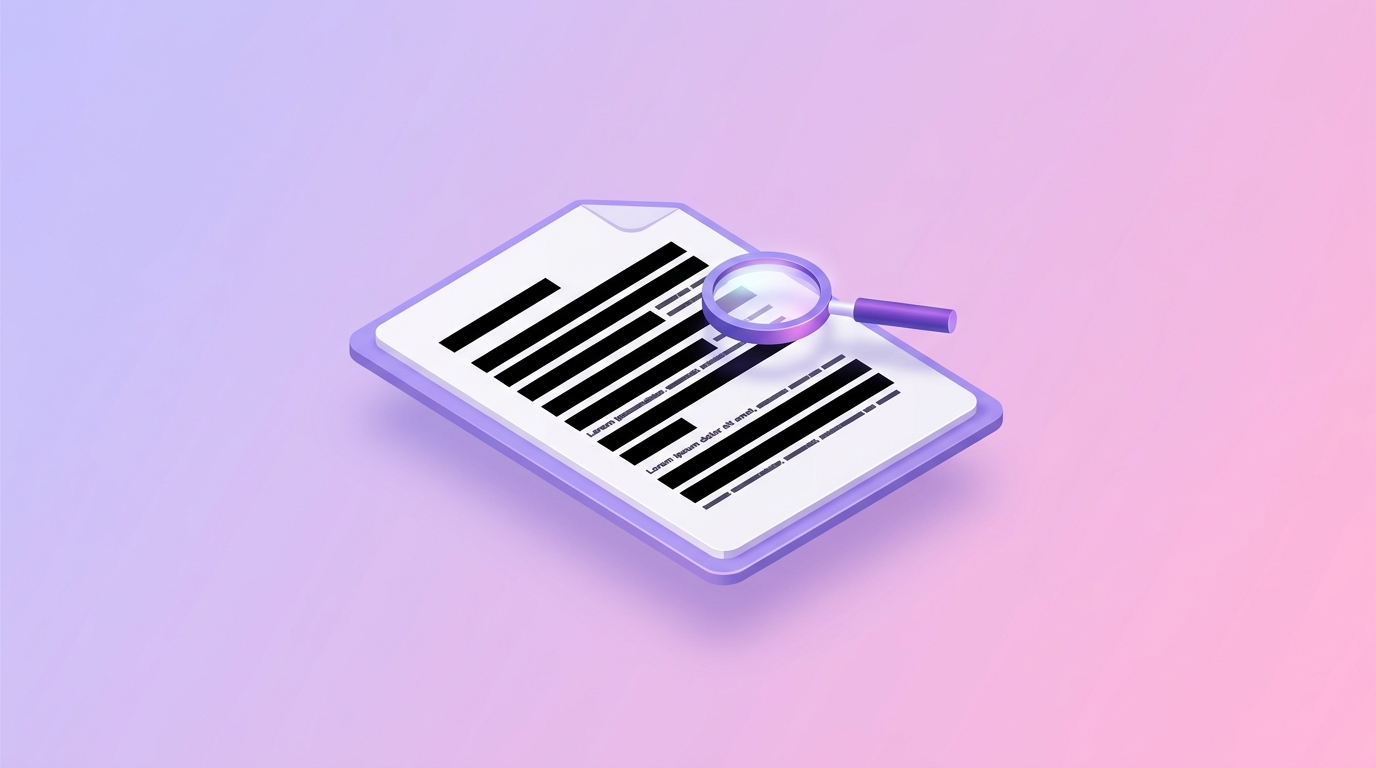
Redact PDF
Permanently black out sensitive information
Drag & drop your file here
click to browse
Max file size: 20MB
pdfty's redact tool permanently removes sensitive content from a PDF. Select the text or areas to redact, and we delete the underlying data from the file itself — names, account numbers, addresses, whole paragraphs — replacing them with black boxes that have nothing hidden behind them.
This matters because DIY redaction fails constantly: drawing a black rectangle in an editor merely covers the text, which anyone can still select, copy, or extract — a mistake that has burned courts, government agencies, and companies in public filings. True redaction rewrites the page content. We use PyMuPDF's redaction engine, which deletes the text runs and image regions under each redaction box, then scrubs the affected areas so no trace remains in the file's text layer, metadata, or content streams.
Redact is a Pro feature — $9/mo, which also lifts size and page limits across all pdfty tools. Your files are transmitted over HTTPS, processed server-side, and permanently deleted within 1 hour. We never log or retain any document content.
How it works
- 1
Upload your PDF
Drag and drop the document containing sensitive data.
- 2
Mark redactions
Draw boxes over text or images to remove, or search for a term to mark every occurrence.
- 3
Review the marks
Check each highlighted area — redaction is permanent once applied.
- 4
Apply redaction
PyMuPDF deletes the underlying text and image data and places opaque boxes.
- 5
Download
Save the redacted PDF. Verify with select-all/copy that nothing remains. Files are deleted within 1 hour.