PDF to Word
Convert PDF documents to editable Word files
Drag & drop your file here
click to browse
Max file size: 20MB
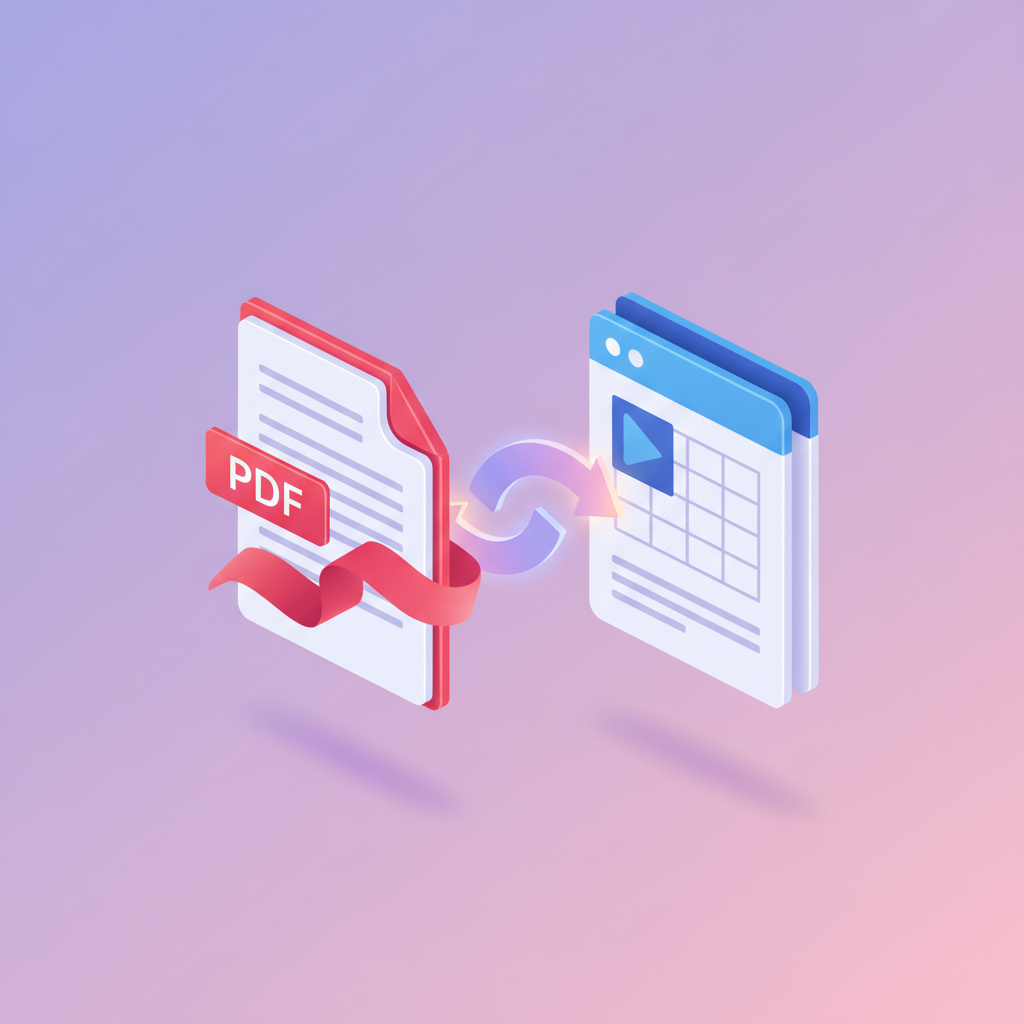
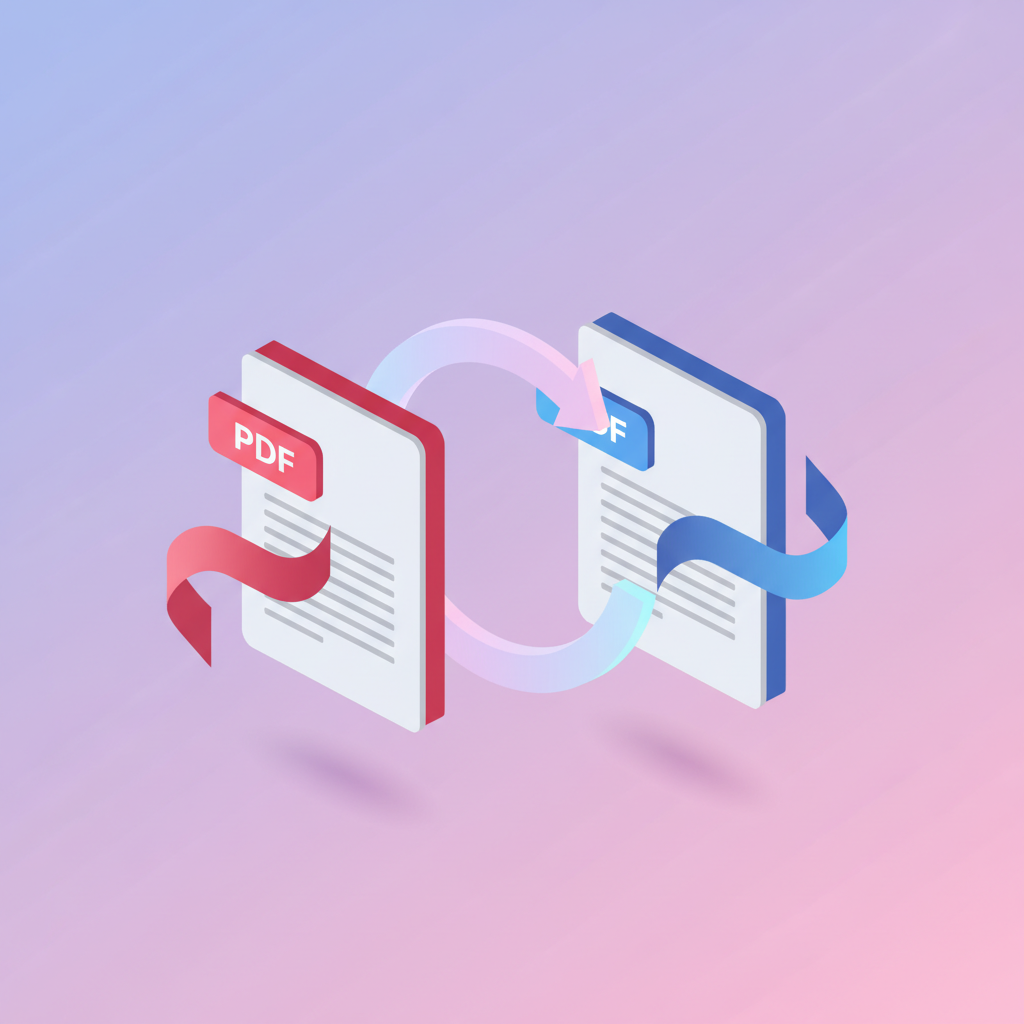
pdfty's PDF to Word converter turns even complex PDFs into editable Microsoft Word documents in seconds. Upload a file, click Convert, and get a clean .docx with text, tables, and basic formatting preserved.
Under the hood we use a combination of pdf2docx and LibreOffice for the highest fidelity on Cyrillic, Latin, and CJK scripts. The output opens correctly in Word 2016+, LibreOffice Writer, Google Docs, and Pages.
Free with no daily limit, files up to 20 MB, no watermarks, no signup. Files auto-delete within 1 hour — we never train AI on your documents.
How it works
- 1
Upload your PDF
Drag and drop the file or click to choose. Single PDF up to 20 MB.
- 2
Wait for conversion
Conversion usually takes under 10 seconds. Larger or scanned PDFs may take a bit longer.
- 3
Download the .docx
Click Download. Your file is ready to edit in Word, LibreOffice, or Google Docs.
- 4
Edit your document
Open in Word and edit text, tables, and formatting just like a normal document.
- 5
Done in 1 hour
Your uploaded file and result are deleted from our servers within 1 hour.