Word to PDF
Convert Word documents to PDF format
Drag & drop your file here
click to browse
Max file size: 20MB
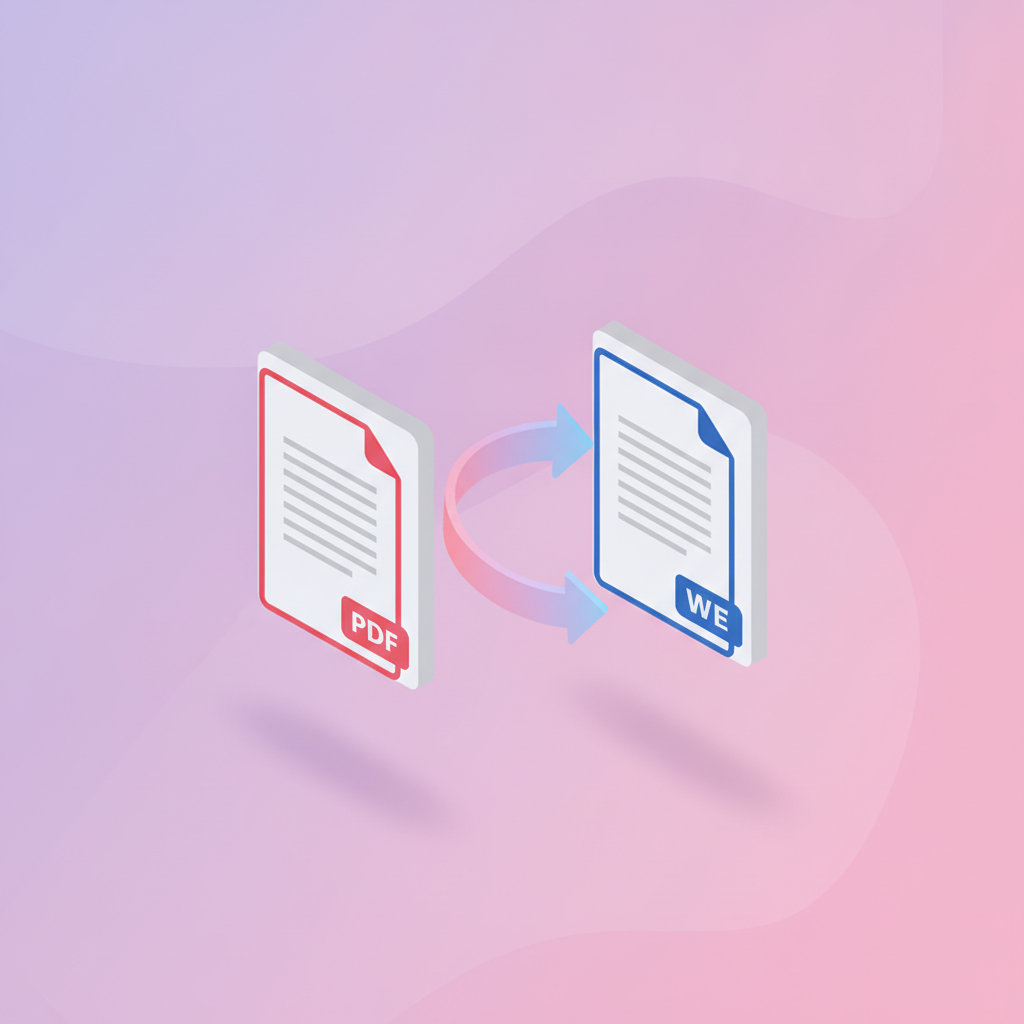
pdfty's Word to PDF converter turns Microsoft Word documents into professional PDFs in seconds. A PDF looks identical on every device and can't be accidentally edited — perfect for sending résumés, contracts, invoices, and reports.
Conversion runs on LibreOffice in headless mode, the same engine used by millions for document interchange. It faithfully reproduces fonts, tables, images, headers and footers, page numbers, and hyperlinks. Both modern .docx and legacy .doc files are supported, along with .odt from LibreOffice and OpenOffice.
Free for files up to 20 MB — no watermark, no signup, and no formatting surprises. Your document is uploaded over HTTPS, converted server-side, and permanently deleted within 1 hour. We never read, index, or train AI on your files. Pro ($9/mo) adds batch conversion and lifts the size limit.
How it works
- 1
Upload your document
Drag and drop a .docx, .doc, or .odt file, or click to choose. Up to 20 MB free.
- 2
Wait for conversion
LibreOffice renders your document server-side. Usually under 10 seconds.
- 3
Download the PDF
Click Download. The PDF is ready to share or print.
- 4
Check the layout
Skim the pages once — especially if the document uses rare fonts.
- 5
Done in 1 hour
Your document and the PDF are deleted from our servers within 1 hour.