Excel to PDF
Convert Excel spreadsheets to PDF format
Drag & drop your file here
click to browse
Max file size: 20MB
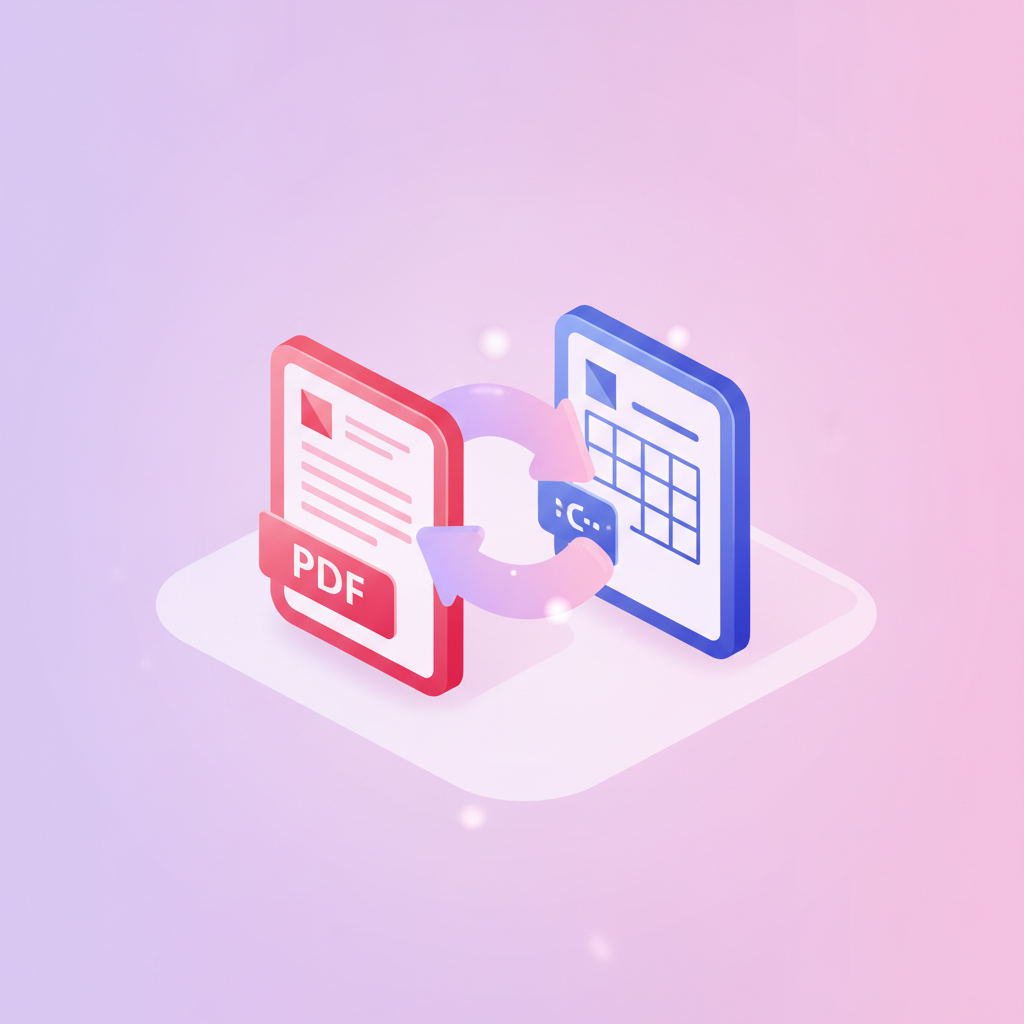
pdfty's Excel to PDF converter turns spreadsheets into clean PDFs you can email, print, or archive. Unlike a raw spreadsheet, a PDF locks in exactly what recipients see — no broken formulas, no accidentally edited cells, no missing-fonts surprises.
We convert with LibreOffice running headless, which respects your workbook's print settings: page orientation, print areas, scaling, and repeated header rows. Formulas are rendered as their computed values, charts come through as sharp vector graphics, and each worksheet is laid out onto pages just like Excel's own print preview. Both modern .xlsx and legacy .xls files work, plus .ods and .csv.
Free for files up to 20 MB — no watermark, no signup. Files travel over HTTPS and are permanently deleted within 1 hour; we never inspect or retain your data. Pro ($9/mo) lifts the size limit and adds batch conversion for many workbooks at once.
How it works
- 1
Upload your spreadsheet
Drag and drop an .xlsx, .xls, .ods, or .csv file. Up to 20 MB free.
- 2
Wait for conversion
LibreOffice renders the workbook using its print settings. Usually under 15 seconds.
- 3
Download the PDF
Click Download. All sheets are included, in workbook order.
- 4
Check pagination
Wide tables split across pages — set a print area or landscape orientation in Excel first for best results.
- 5
Done in 1 hour
Your workbook and the PDF are deleted from our servers within 1 hour.