Nitro vs Adobe Acrobat: Which PDF Editor Wins in 2026?
Nitro PDF Pro vs Adobe Acrobat Pro compared honestly — price models, e-sign, OCR, platform support — plus who each one actually fits, use case by use case.

Nitro built its business on one pitch: most of Acrobat, for a lot less money, in an interface your Office-trained team already understands. That pitch is why "Nitro vs Adobe Acrobat" is one of the most common comparisons IT teams run before rolling out a PDF editor to a whole department. The two products genuinely overlap — editing, conversion, forms, OCR, signatures — so the decision comes down to price model, platform mix, and how deep your PDF needs actually go.
Nitro vs Adobe Acrobat at a glance
| Feature | Nitro PDF Pro | Adobe Acrobat Pro |
|---|---|---|
| Price model | Historically ~$180 perpetual; now business subscriptions | Around $20/mo (~$240/yr), subscription only |
| E-signatures | Included in the product | Basic included; advanced workflows tied to extra Adobe services |
| Platforms | Windows-first; younger Mac app | Windows, Mac, mature mobile and web apps |
| Interface | MS Office-style ribbon, short learning curve | Adobe's own UI, more to learn |
| OCR quality | Good for typical office scans | Deeper, more configurable OCR |
| Forms & redaction | Solid essentials | The most complete forms and redaction toolset |
| Compatibility | High, but occasionally tested against Acrobat | The de facto standard everyone matches |
| Per-seat cost at scale | Typically the cheaper rollout | Adds up fast across a department |
Read the table as trade-offs. Acrobat collects more improved marks on
capability; Nitro's whole case is that most offices never use that extra
depth — and pay for it every year anyway.
Where Nitro wins
Cost, especially per seat. Nitro's historical ~$180 perpetual license was the original draw: pay once, use for years. The company has since moved toward business subscriptions, but pricing still tends to undercut Acrobat when you multiply by 40 seats. Acrobat Pro at roughly $240/yr per user is a permanent line item that never ends.
E-sign included. Nitro bundles electronic signature workflows — sending documents for signature, tracking, templates — into the product. With Adobe, basic fill-and-sign is included but the heavier request-signature workflows push you toward Adobe's paid e-sign services. For a sales or HR team that lives on signature requests, this is often the deciding line item.
The Office-style ribbon. Nitro deliberately mimics Microsoft Office's ribbon UI. Teams that live in Word and Excel pick it up with close to zero training. That sounds minor until you're the person writing the rollout guide.
Deployment for Windows fleets. Nitro has long courted IT departments with volume licensing and deployment tooling aimed squarely at Windows environments — which is exactly where it runs best.
Where Adobe Acrobat wins
Cross-platform maturity. Acrobat is equally at home on Windows and Mac, with genuinely useful mobile apps and a web version, all synced through Adobe's cloud. Nitro ships a Mac app now, but it's younger and thinner than the Windows flagship. A mixed-platform company feels this gap daily.
Industry-standard compatibility. Acrobat effectively defines how a PDF should behave. Complex forms, layered documents, PDF/A archival files, prepress output — when a file must open identically everywhere, Acrobat is the reference implementation. Nitro's compatibility is high, but "renders correctly in Acrobat" remains the test everyone else has to pass.
Deeper OCR, forms, and redaction. Acrobat's OCR handles messy scans and more languages with more control; its form designer and JavaScript form logic are the most complete available; its redaction is the tool legal and government teams standardize on. If your work regularly touches any of these edges, Acrobat pulls ahead clearly.
Ecosystem. Scan on your phone, edit on your desktop, send for signature from the web — Acrobat's cloud ecosystem is unmatched, and integrations with Microsoft 365, Teams, and document-management systems are broad and well maintained.
Which should you pick?
No cop-outs — by use case:
- Windows-only office, budget-conscious, lots of everyday PDF work → Nitro. You get 90% of what the office will ever use, e-sign included, at a lower per-seat cost, in a UI nobody needs training on.
- Mixed Mac/Windows fleet or mobile-heavy work → Acrobat. Nitro's Windows-centricity makes it the wrong standard for a platform-diverse company.
- Legal, government, regulated industries → Acrobat. Its redaction, PDF/A handling, and accessibility tooling are the ones compliance reviewers expect.
- Sales/HR team whose #1 need is signature workflows → Nitro, because e-sign is in the box rather than a second subscription.
- Occasional PDF users who'd resent either bill → neither; see the next section.
For a deeper look at each side, we've also covered Nitro alternatives and free Adobe Acrobat alternatives.
The third option: skip the license for everyday tasks
Here's the trade-off Nitro and Acrobat share: both are paid desktop software sized for power users. If your team's real workload is signing a contract, converting a report to Word, merging attachments, and compressing a scan for email, you'd be buying a truck to fetch groceries.
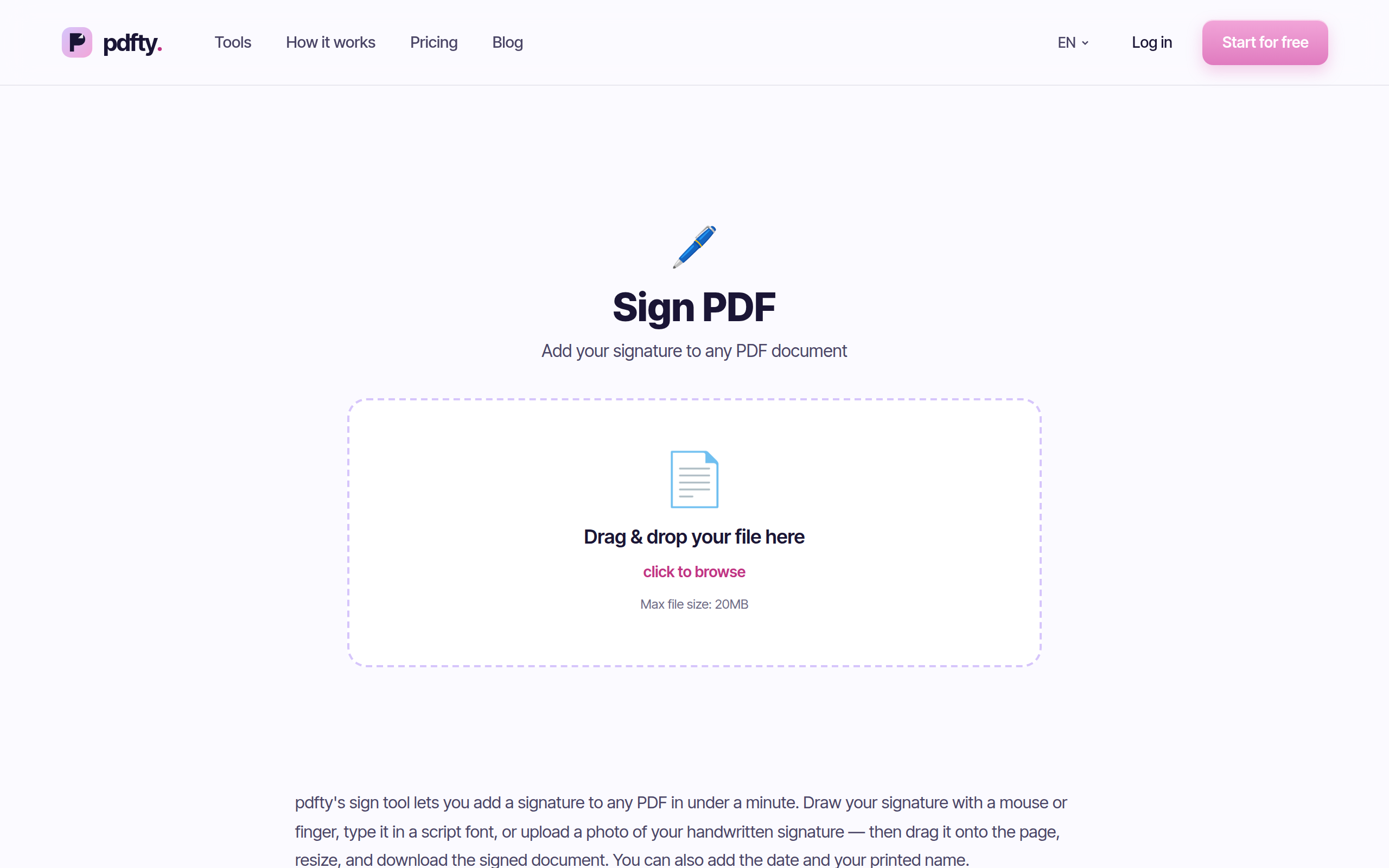
For that everyday subset, pdfty runs free in any browser: up to 20 MB and 50 pages per file, 10 operations a day, no sign-up, no watermark, and files auto-deleted after 1 hour. Around 30 tools, including Sign PDF, PDF to Word, Merge, and Compress. A Pro plan at $9/mo lifts the limits.
Honesty required: pdfty does not replace what these two are genuinely better at. Deep text editing inside a PDF, professional form design, enterprise e-sign audit trails, and offline work all need a desktop editor — if that's your job, pick Nitro or Acrobat above. But plenty of "we need Acrobat licenses" requests are really "we need to sign and convert PDFs sometimes," and that costs nothing.
Frequently asked questions
Is Nitro cheaper than Adobe Acrobat?
Generally yes. Nitro was famous for a one-time license around $180, and even its current business subscriptions typically undercut Acrobat Pro's roughly $20/mo per user. Multiply the difference by a whole department and the gap becomes the main reason Nitro exists.
Is Nitro PDF as good as Adobe Acrobat?
For everyday business editing — text tweaks, conversion, merging, signing, standard forms — Nitro is genuinely comparable and easier to learn. Acrobat stays ahead on deep OCR, complex forms, redaction, mobile apps, and edge-case file compatibility. Whether the gap matters depends on whether your work touches those edges.
Does Nitro work on Mac?
There is a Nitro PDF Pro app for Mac, but Nitro's roots and its most mature product are on Windows. If Macs make up a meaningful share of your fleet, test the Mac app carefully before standardizing — or lean toward Acrobat, which treats both platforms as first-class.
Does Nitro include e-signatures?
Yes — e-sign workflows are part of Nitro's offering, which is a real advantage over Acrobat, where basic fill-and-sign is included but advanced request-signature workflows typically involve Adobe's separate paid e-sign services.
Can I buy Adobe Acrobat without a subscription?
Adobe sells Acrobat Pro as a subscription; the old buy-once model is gone for mainstream users. If a perpetual license matters to you, that's historically been Nitro's territory — though Nitro too has shifted toward subscriptions for business customers, so check current terms at the time of writing.
Is there a free version of either?
Adobe's free tier is Acrobat Reader — view, comment, fill and sign — plus a handful of limited online tools. Nitro offers a 14-day trial rather than a free tier. For free everyday tasks, a browser tool like pdfty's merge or OCR covers the common jobs without a trial clock.
Which is better for a small business?
A Windows-based small business doing routine documents usually gets more value from Nitro: lower cost, e-sign included, no training curve. Choose Acrobat if you're platform-mixed, client-facing with complex documents, or in a regulated field where Acrobat's toolset is the expected standard.
Do I need either just to sign PDFs?
No. Occasional signing doesn't justify a desktop license — free browser tools handle it, and Acrobat Reader's fill-and-sign is free too. Buy Nitro or Acrobat when you need signature workflows at volume: templates, tracking, audit trails, and integration with your document stack.
The pdfty team builds privacy-first online PDF tools — compress, convert, OCR, sign and protect. Files are deleted within 1 hour. About us →