How to Remove Metadata from a PDF (Author, Software, Dates)
Strip hidden metadata from a PDF before sharing — author names, software traces, timestamps. Free and fast, plus what metadata removal honestly can't do.

Open any PDF's properties (File → Properties in most viewers) and look at what it says about you. A resume exported from Word frequently announces the account name of whoever's laptop it was made on. A contract reveals the exact minute of the final edit — awkward if you claimed it was "ready last week". A tender document shows a consultant's firm in the Author field. A "scanned" letter betrays, via its Producer field, that it never saw a scanner.
None of this is visible on the page, which is exactly why it leaks: people check the page and hit send. Here's how to strip it properly, and — just as important — what stripping metadata does not protect you from.
What's hiding in there
| Field | Typical value | Why it can bite |
|---|---|---|
| Author | A real name or Windows/Mac login | Identifies a person you meant to keep out of it |
| Creator / Producer | The software used, with version | Reveals your toolchain — or that a 'scan' was generated |
| Created / Modified dates | Exact timestamps | Contradicts stated timelines in negotiations or filings |
| Title / Subject / Keywords | Often an old draft name | 'contract_v7_FINAL_lawyer_edits' says more than you'd like |
| XMP metadata | An XML block duplicating all of the above | Survives in files where only the visible fields were blanked |
That last row deserves emphasis. PDFs store metadata in two places: the document info dictionary (what viewers show as "properties") and an embedded XMP packet. Plenty of people blank the visible fields in an editor and ship a file whose XMP still names them. A proper cleanup removes both — pdfty's tool does.
How to remove PDF metadata — step by step
Open the tool
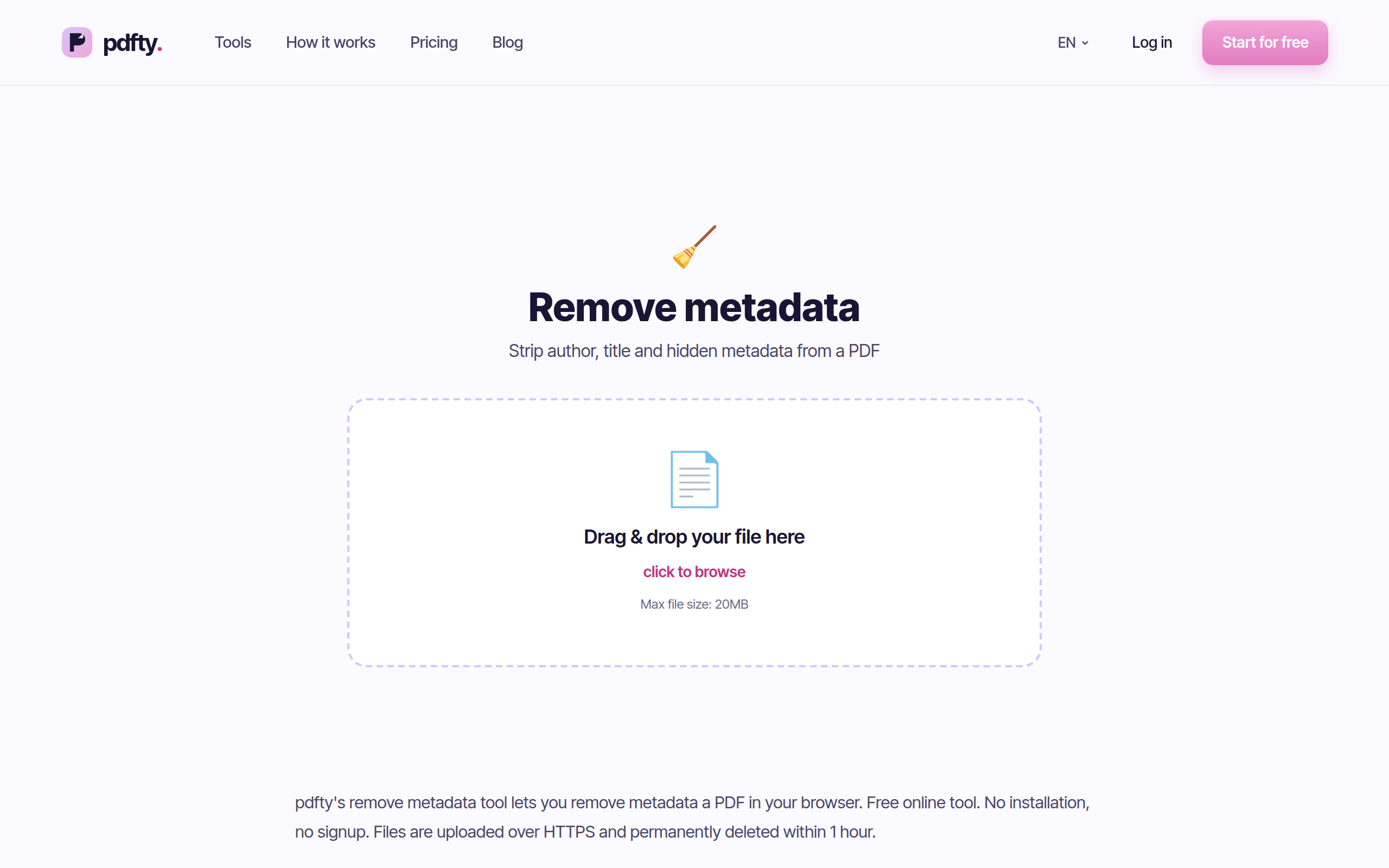
Go to pdfty.com/tools/remove-metadata. Free up to 20 MB and 50 pages, 10 operations/day, no account needed.
Upload the PDF
Drop in the file you're about to share — the resume, the contract, the report.
Strip the metadata
Both the info dictionary and the XMP packet are removed in one pass. Takes a couple of seconds.
Download the clean file
The pages, text and images are untouched — only the hidden properties are gone. Files are deleted from our servers after 1 hour.
Verify
Open the result and check File → Properties: Author, Creator, Producer and the dates should now be empty. Trust, but verify.
What metadata removal does NOT do
This matters more than the tool itself, so here it is plainly:
- It does not touch visible content. A name typed in the letterhead, an email address in the footer, a signature image — all still there, because they're the page, not its properties. To black out visible information irreversibly, use Redact.
- It does not remove comments and annotations. Sticky notes and markup can carry author names of their own. Flatten merges annotations into the page (making them permanent but anonymous-looking) — flattening is for appearance, redaction is for removal.
- It does not clean files inside the file. Attachments embedded in the PDF keep their own metadata.
- It does not anonymize how you send it. Your filename ("JSmith_counteroffer.pdf"), email account and upload timestamps live outside the PDF entirely.
Free local alternatives
- ExifTool (free, all platforms) is the classic:
exiftool -all:all= cleaned.pdf. One caveat worth knowing: on PDFs, ExifTool's default edit is reversible — the old values remain in the file until you also runexiftool -PDF:all= ...with a linearizing re-save, or follow its documented steps. Easy to get subtly wrong. - qpdf / pikepdf (free, open source): a short Python script with pikepdf can clear
docinfoand delete the XMP — this is precisely what pdfty runs server-side. - LibreOffice: exporting a fresh PDF from the original source document with "apply user data" unchecked produces a clean file — works only when you still have the source, not for PDFs you received.
- macOS Preview has no metadata editor — exporting from Preview changes the Producer but doesn't blank author data reliably. Don't rely on it.
Practical gotchas
- Check after every subsequent edit. Any tool that saves the PDF again may stamp its own Producer and fresh timestamps into it. Strip metadata as the last step before sharing.
- Digitally signed PDFs: removing metadata rewrites the file and will invalidate a cryptographic signature. Clean first, sign last.
- Scanned documents usually carry scanner/phone software traces in Producer — worth stripping, but remember the scan image may show more than any metadata (letterheads, handwriting, reflections).
- Hyperlinks keep their targets. A link's visible text may look clean while pointing at an internal SharePoint path. Metadata removal doesn't rewrite links.
Frequently asked questions
What exactly does pdfty remove?
The document information dictionary (Author, Title, Subject, Keywords, Creator, Producer, creation/modification dates) and the embedded XMP metadata packet. Both stores, one pass.
Does it change how the PDF looks?
No. Pages, fonts, images, links and form fields are untouched — only the hidden properties are cleared. The file size stays essentially the same.
Will this remove my name if it's written on the page?
No, and this is the most important limitation: text on the page is content, not metadata. Use Redact to remove visible text permanently — drawing a black rectangle in an editor is not enough, since the text stays selectable underneath.
Do comments and sticky notes get cleaned too?
Their author fields live in annotations, which this tool leaves in place. If the file has markup, flatten it or delete the comments in a viewer first, then strip metadata.
Can someone recover the metadata after removal?
Not from the file pdfty gives you — the entries are removed, not blanked. But any earlier copy of the file (email attachments, shared drives, version history) still has its metadata. Cleaning the latest copy doesn't recall the old ones.
Is my file safe to upload?
Files are processed automatically, never read by humans, and deleted from storage after 1 hour. No sign-up, no watermark. Free tier allows 10 operations/day at up to 20 MB and 50 pages; Pro ($9/mo) removes the limits.
Should I remove metadata from every PDF I send?
For public or external sharing of anything sensitive — resumes going through agencies, contracts, reports with internal authors — it's a cheap habit with real upside. For casual internal files, the Author field is rarely a secret.
How do I check what metadata a PDF currently has?
Open it in any viewer and look at File → Properties (or Document
Properties). For the deep view including XMP, exiftool file.pdf lists
everything. Do this once on your own exported files — it's usually an
eye-opener.
pdfty 팀은 개인정보를 중시하는 온라인 PDF 도구(압축, 변환, OCR, 서명, 보호)를 만듭니다. 파일은 1시간 이내에 삭제됩니다. 회사 소개 →