Adobe Acrobat vs Foxit: Which Paid PDF Editor Wins?
Acrobat Pro or Foxit PDF Editor? A fair comparison of price, features, OCR, forms and licensing — and when you don't need a paid editor at all.

Acrobat vs Foxit is the classic paid-PDF-editor matchup: the tool that defined the format against the challenger that's spent two decades undercutting it. Both are full desktop editors — they edit existing text and layout, build forms, run OCR, redact, and handle signatures. The comparison matters because the two differ where it hurts: price, licensing model, and weight, not core capability.
A note on who's writing this: pdfty is an online PDF toolkit, so we're a third party here — we don't sell either product, and our own pitch is confined to one marked section near the end.
Acrobat vs Foxit at a glance
| Factor | Adobe Acrobat Pro | Foxit PDF Editor |
|---|---|---|
| Price | Around $20/mo (subscription only) | Around $15/mo, or one-time perpetual license |
| Text/layout editing | Excellent, the benchmark | Very good, covers most needs |
| OCR quality | Best in class | Good, a step behind on hard scans |
| Forms | Deepest form designer, JavaScript | Solid form tools, less depth |
| Performance | Heavy install, slower startup | Lighter and noticeably faster |
| Interface | Adobe's own, redesigned repeatedly | Office-style ribbon, familiar fast |
| Integrations | Everywhere: Office, cloud, e-sign | Good coverage, smaller ecosystem |
| Compatibility risk | None — it defines the standard | Rare edge cases on complex PDFs |
Prices are approximate at the time of writing and vary by plan, region and promotions — Foxit in particular sells through several channels, so check the current terms. The structural difference is stable, though: Adobe only rents; Foxit will still sell you a license.
Where Acrobat wins
It's the standard. PDF is Adobe's format. When a complex document — layered forms, digital signatures, portfolios, prepress files — misbehaves elsewhere, it almost always behaves in Acrobat. If your documents come from many sources and must just work, that reliability is worth money.
OCR and Liquid Mode. Acrobat's text recognition is the best in the category, and features like Liquid Mode (reflowing PDFs for small screens) have no real Foxit equivalent.
Forms and automation. Acrobat's form designer is the deepest available — calculations, JavaScript actions, and the widest compatibility with forms other people will fill in other readers.
Ecosystem and enterprise. Adobe Sign, Creative Cloud, Microsoft 365 plugins, admin consoles, and the simple fact that IT departments already know how to deploy and license it. In a large organization, standardizing on Acrobat is the path of least resistance.
Where Foxit wins
Price, and how you pay it. Starting around $11/mo depending on plan already undercuts Acrobat, but the bigger deal is the perpetual license: pay once, use it for years. Three years of Acrobat Pro runs roughly $700 at current rates; a one-time Foxit license costs a fraction of that. Adobe simply doesn't offer the option.
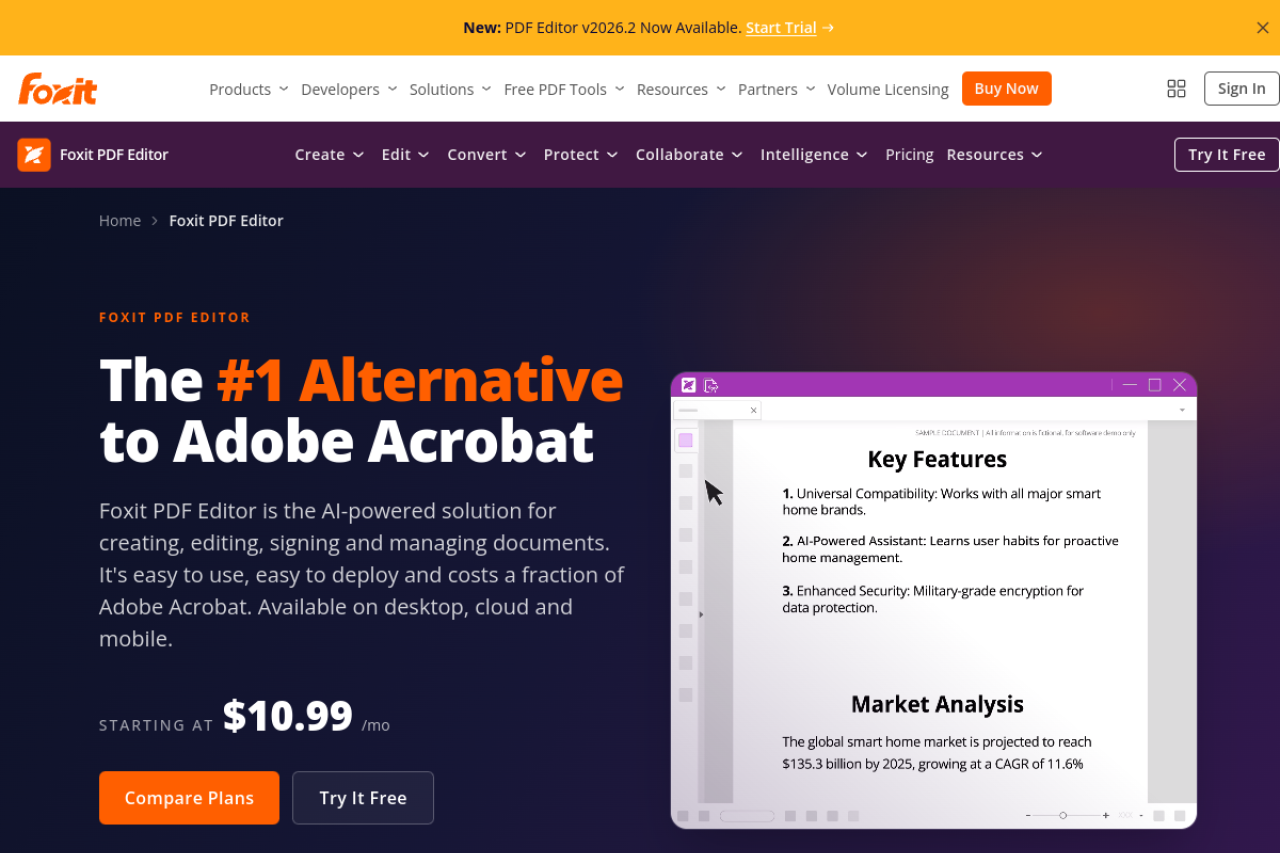
Speed. Foxit installs smaller, launches faster, and stays responsive on ordinary hardware. Acrobat has grown heavy; on an older laptop the difference is felt daily.
Familiar UI. Foxit's Office-style ribbon means anyone who knows Word finds the tools where they expect them. Acrobat's interface, redesigned more than once in recent years, sends long-time users hunting for relocated features.
90% of the capability. For the work most professionals actually do — editing text and images, assembling documents, standard forms, OCR on reasonable scans, redaction, signing — Foxit does the same job, and you'd struggle to tell the outputs apart.
Which should you pick?
- Enterprise rollout, or documents that must be bulletproof → Acrobat Pro. The compatibility guarantee, admin tooling and vendor stability justify the premium at organizational scale.
- Advanced forms, heavy OCR, or Adobe-ecosystem workflows → Acrobat Pro. These are the areas where Foxit is merely good and Acrobat is clearly better.
- A professional who edits PDFs regularly and pays their own bills → Foxit, and seriously consider the perpetual license. You give up little and stop renting.
- A small team standardizing on one editor → Foxit unless a specific Acrobat feature (Liquid Mode, deep form JavaScript, Adobe Sign integration) is on your must-have list.
The third option: maybe you don't need either
Before paying $15–20 a month, ask what you actually do with PDFs. Both Acrobat and Foxit are desktop editors priced for professional editing — and both cost real money forever (or a real lump sum) for capabilities many people never touch.
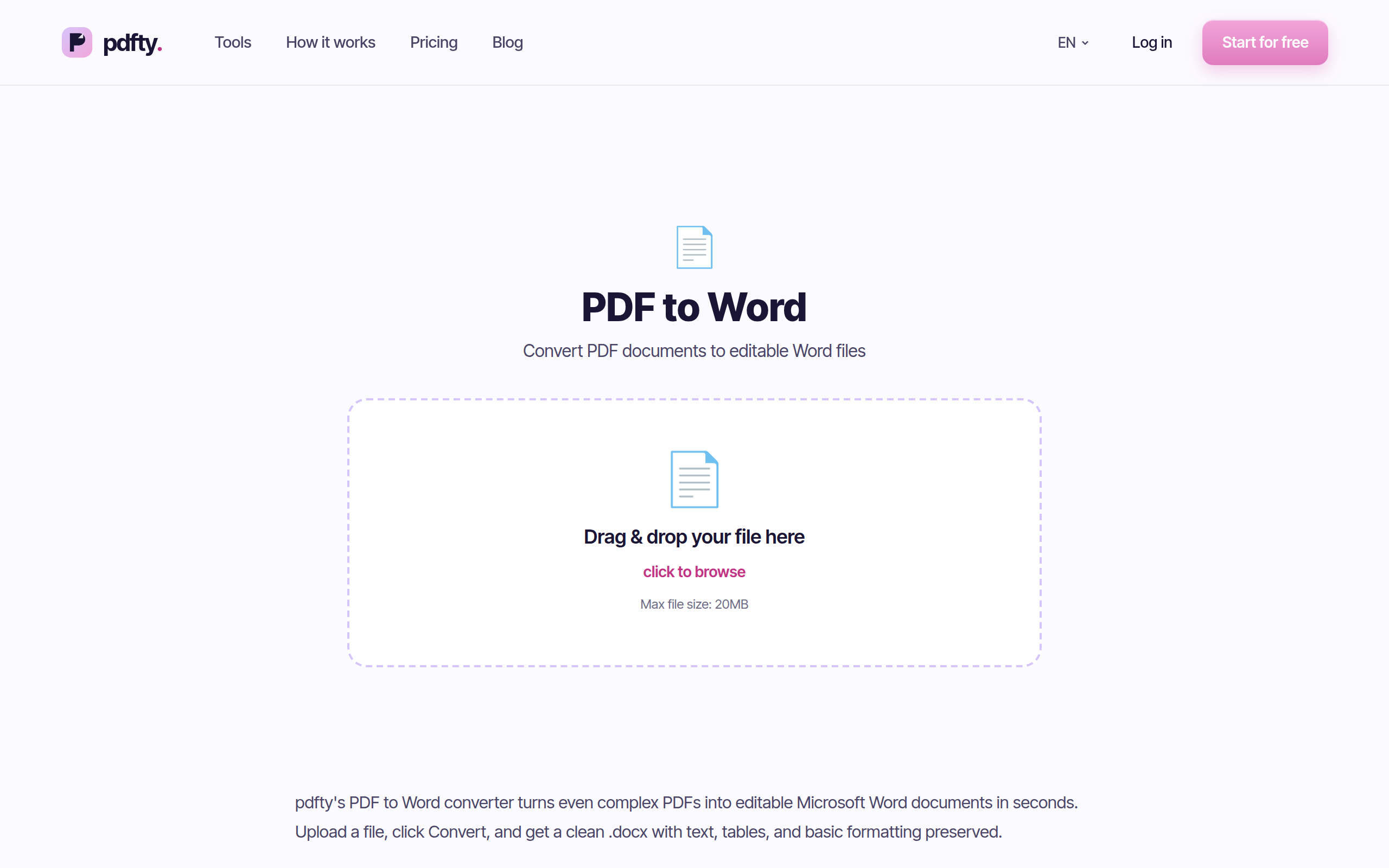
Let's be plain about the boundary. If you need to edit existing text and layout inside a PDF, redesign forms, or work offline on sensitive documents — you genuinely need one of these two. Browser tools, including ours, don't replace a desktop editor for that, and anyone who tells you otherwise is selling something.
But if your real usage is converting, combining, compressing and signing, that's a different category — and it's free. pdfty (that's us) handles the everyday subset in the browser: no sign-up, no watermark, free up to 20 MB and 50 pages, 10 operations/day, files auto-deleted after 1 hour. About 30 tools, including PDF to Word, Merge, Compress and Sign PDF, with a Pro plan at $9/mo if you outgrow the limits.
For the fuller picture of what free tools can and can't replace, see free Adobe Acrobat alternatives and free Foxit alternatives.
Frequently asked questions
Is Foxit as good as Adobe Acrobat?
For most professional editing — text, images, page assembly, standard forms, redaction, signing — yes, functionally. Acrobat stays ahead on OCR quality, advanced form logic, Liquid Mode and ecosystem integrations. Whether that gap is worth roughly $5+/mo extra (forever) is the whole decision.
Is Foxit cheaper than Acrobat?
Yes, on both models: around $15/mo vs $20/mo by subscription, and Foxit additionally offers a perpetual license — pay once, keep it — which Adobe stopped offering years ago. Over multi-year use the perpetual option is dramatically cheaper.
What happened to Foxit PhantomPDF?
PhantomPDF was renamed Foxit PDF Editor in 2021. Same product line, new name — if you're searching "PhantomPDF vs Acrobat," this is the current comparison.
Can Foxit open and edit any PDF that Acrobat can?
Nearly all. On rare, highly complex documents — intricate form JavaScript, unusual portfolio structures, prepress features — Acrobat handles edge cases Foxit occasionally fumbles, because Adobe defines the format. For ordinary business documents you won't hit this.
Does Adobe have a free version?
Yes — Adobe Acrobat Reader is free for viewing, commenting and basic fill-and-sign, and Adobe offers some limited free online tasks. Editing text, organizing pages properly and OCR require paid Acrobat. See our roundup of free Acrobat alternatives for what's covered without paying.
Do I need Acrobat or Foxit just to convert or merge PDFs?
No. Conversion, merging, compression, rotation and signing are covered by free browser tools — for example pdfty's PDF to Word or Merge, free with no account. Paid desktop editors earn their price on deep editing, not on these tasks.
Which is better for OCR on scanned documents?
Acrobat — its recognition engine is the most accurate in the category, especially on poor-quality scans. Foxit's OCR is good for routine documents. For a quick, occasional scan, a free online OCR tool may be all you need.
Is Foxit safe and legitimate?
Yes. Foxit is an established company whose PDF technology is licensed inside many other products, and its editor has been Acrobat's main commercial rival for two decades. It's a mainstream choice, not a knock-off.
The pdfty team builds privacy-first online PDF tools — compress, convert, OCR, sign and protect. Files are deleted within 1 hour. About us →