Foxit vs Nitro: Which Budget PDF Editor Should You Buy?
Foxit PDF Editor vs Nitro compared honestly — price, speed, e-sign, platforms, security — the two main Acrobat alternatives, and who each one really fits.

Once you've decided Adobe Acrobat's roughly $240/yr is more than you want to pay, you land on the same shortlist as everyone else: Foxit PDF Editor (the product formerly known as PhantomPDF) and Nitro PDF Pro. They are the two established "full Acrobat replacement, smaller bill" desktop editors, and they compete with each other more directly than either competes with Adobe. Here's the honest head-to-head.
Foxit vs Nitro at a glance
| Feature | Foxit PDF Editor | Nitro PDF Pro |
|---|---|---|
| Price model | Around $15/mo, perpetual license also offered | Historically ~$180 perpetual; now business subscriptions |
| App footprint | Notably light and fast to launch | Heavier, full-featured desktop suite |
| E-signatures | Available, tied to Foxit's eSign add-ons on some plans | E-sign workflows included |
| Interface | Ribbon UI, its own flavor | Closest match to MS Office — near-zero training |
| Platforms | Windows, Mac, Linux options, solid mobile | Windows-first; younger Mac app |
| Security & redaction | Strong redaction and document protection | Solid essentials |
| Editing, forms, OCR | Full desktop toolset | Full desktop toolset |
| Team deployment | Volume licensing available | Business analytics and deployment tooling |
Notice how many rows are effectively ties. These products have been copying each other's best features for a decade — the honest summary is that both will do the job, and the differences live at the edges.
Where Foxit wins
It's light and quick. Foxit built its reputation on a fast, small-footprint reader, and the editor keeps that DNA. It launches faster and feels snappier than most full PDF suites, which matters more than it sounds when you open PDFs forty times a day on an ordinary office laptop.
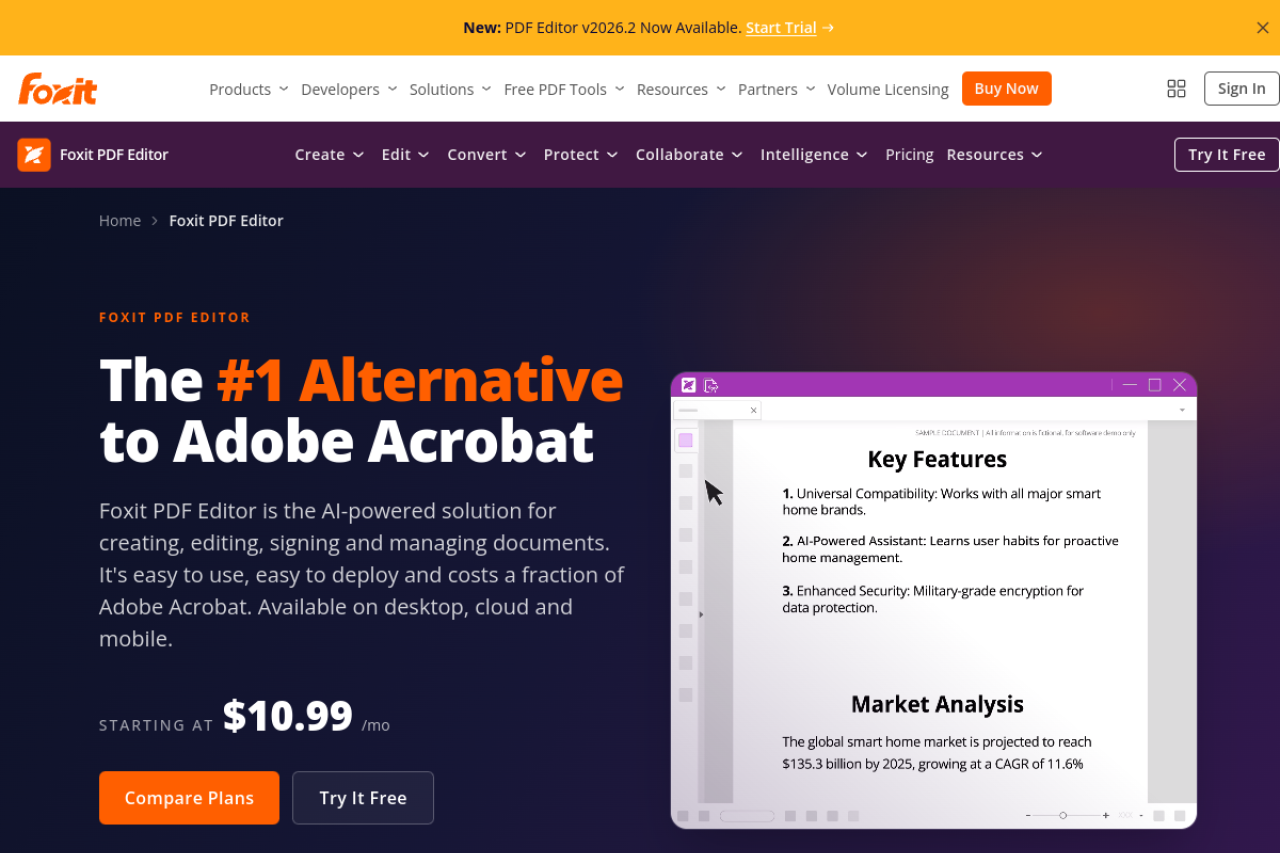
Pricing flexibility. At the time of writing, the Foxit editor starts around $11/mo depending on plan, and — unusually in 2026 — still offers a perpetual license if you'd rather pay once. For an individual buyer who hates subscriptions, that option alone can settle the comparison.
Cross-platform maturity. Foxit treats Windows and Mac as peers and has options for Linux, plus capable mobile apps. Nitro ships a Mac app, but it's the younger sibling of its Windows flagship. If your machines are mixed, Foxit standardizes more cleanly.
Security and redaction. Foxit has invested heavily in document protection, permissions, and redaction — it's a common pick in security-conscious organizations, and its ConnectedPDF/protection features go deeper than Nitro's equivalents.
Where Nitro wins
E-sign in the box. Nitro's headline advantage: electronic signature workflows — sending for signature, tracking, templates — are part of the product rather than a separately priced add-on. If signature requests are weekly business for your team, this is the line that decides it. Foxit offers eSign too, but it's more often packaged as its own add-on depending on plan.
The most Office-like UI in the category. Both use ribbons, but Nitro's is the closest imitation of Word and Excel. For a rollout across a non-technical team, "it looks exactly like Office" translates into fewer support tickets. This is Nitro's quiet superpower.
Business tooling. Nitro sells to IT departments: usage analytics, deployment tooling, and volume licensing designed for standardizing a few hundred Windows seats. Foxit has volume options too, but Nitro's pitch is more explicitly built around the org-wide rollout.
Which should you pick?
By use case, no fence-sitting:
- Individual professional buying one seat → Foxit. Lighter app, around $15/mo or a perpetual option, runs well everywhere — the better solo purchase.
- Windows team that sends documents for signature → Nitro. E-sign included plus the Office-style UI makes it the cheaper and easier rollout for that shape of team.
- Mixed Mac/Windows shop → Foxit, on cross-platform maturity.
- Security- or compliance-driven org → Foxit, for its protection and redaction depth.
- Everything else → be honest with yourself: the feature sets overlap so heavily that either will do the work. Trial both (Nitro offers a 14-day trial; Foxit has a trial too) and let price and UI feel decide. That's not a cop-out — it's the accurate description of two mature products in the same niche.
We've also written up free Foxit alternatives and Nitro alternatives if you want either side examined on its own.
The third option: neither, for everyday tasks
The trade-off Foxit and Nitro share: both are paid desktop editors you install, license, and update — justified when you edit PDFs professionally, oversized when you occasionally convert, merge, sign, or compress one.
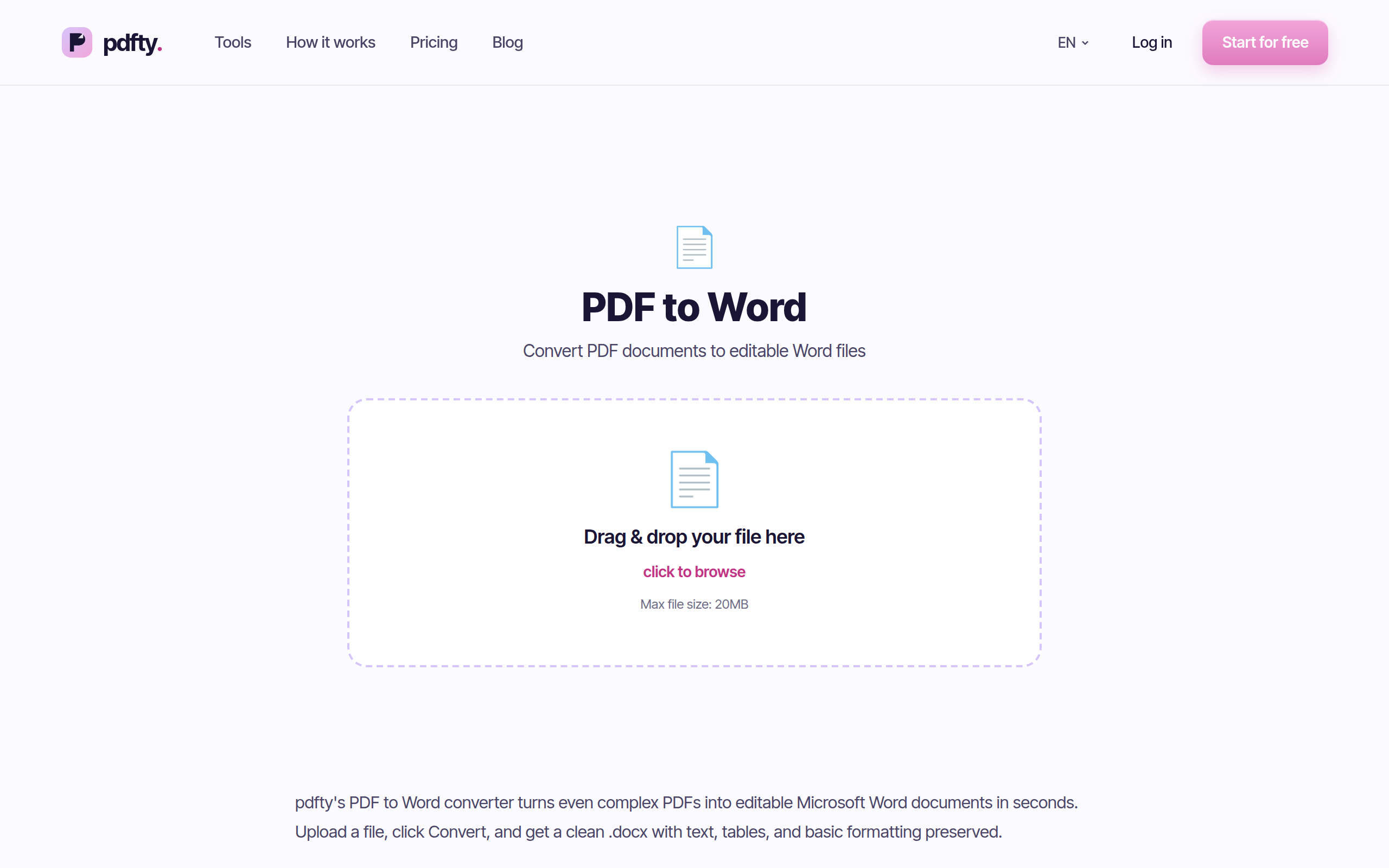
For that everyday subset, pdfty works free in any browser: up to 20 MB and 50 pages per file, 10 operations a day, no sign-up, no watermark, files auto-deleted after 1 hour. About 30 tools, including PDF to Word, Sign PDF, Compress, and OCR. Pro is $9/mo if you outgrow the limits.
To be plain about the boundary: for deep desktop editing — rewriting text inside a PDF, designing forms, enterprise signature audit trails, offline work — you genuinely need Foxit or Nitro (or Acrobat). pdfty covers the everyday subset only. But check which one your team actually does before paying for the other.
Frequently asked questions
Is Foxit better than Nitro?
Neither is flatly better. Foxit is lighter, more cross-platform, and flexible on pricing; Nitro bundles e-sign and has the most Office-like UI plus stronger business deployment tooling. For core editing, forms, OCR, and conversion they're near-equivalent — pick by platform, price model, and whether e-sign matters.
Is Foxit PhantomPDF the same as Foxit PDF Editor?
Yes — Foxit renamed PhantomPDF to Foxit PDF Editor a few years ago. Reviews and forum threads about PhantomPDF describe the same product line you'd buy today.
Which is cheaper, Foxit or Nitro?
It depends on the buying model. Foxit runs around $15/mo with a perpetual-license option; Nitro historically sold for about $180 one-time and now leans on business subscriptions. For one seat over a year or two, they land in a similar range — get current quotes, because both change packaging fairly often.
Does Foxit include e-signatures like Nitro?
Foxit has an eSign offering, but depending on the plan it's packaged as an add-on rather than included. Nitro's inclusion of signature workflows in the core business offering is its clearest advantage in this comparison.
Do Foxit and Nitro both work on Mac?
Foxit's Mac support is the more mature of the two, and it also has Linux options. Nitro's Mac app exists but its flagship remains the Windows product. Mac-heavy teams should trial Nitro's Mac app specifically before committing — or default to Foxit.
Can either replace Adobe Acrobat completely?
For most business work, yes — that's their entire market. Text editing, conversion, OCR, forms, and signing are all covered. Acrobat keeps an edge in industry-standard compatibility and the deepest forms/redaction tooling, which matters mainly in legal, prepress, and heavily regulated settings.
Do I need either just to convert or sign PDFs?
No. Converting PDF to Word, merging, compressing, and simple signing are free in a browser with tools like pdfty — no install, no trial clock. Buy Foxit or Nitro when you need to edit PDF content itself, design forms, or run signature workflows at volume.
Is there a fully free version of Foxit or Nitro?
Foxit offers a capable free PDF reader (view, comment, fill and sign), but the editor is paid. Nitro offers a 14-day trial rather than a free tier. Both editors are honest paid products — the free tools in this space live in the browser, not on the desktop.
The pdfty team builds privacy-first online PDF tools — compress, convert, OCR, sign and protect. Files are deleted within 1 hour. About us →