iLovePDF vs Sejda: Which Free PDF Tool Wins in 2026?
iLovePDF vs Sejda compared honestly — free-tier limits, the text editor gap, pricing, privacy. Which one fits your workflow, and where both hit walls.

iLovePDF and Sejda are the two names that come up most when someone wants a free, browser-based PDF suite that isn't Adobe. They look similar from the landing page — grids of tools, drag-and-drop upload, no install — which is exactly why people end up comparing them. Under the surface, they're built around different bets: iLovePDF bets on breadth and volume with monetization through upsells; Sejda bets on depth (notably a genuine PDF text editor) with a deliberately tight free meter. Which bet suits you depends on what you actually do with PDFs.
iLovePDF vs Sejda at a glance
| Feature | iLovePDF | Sejda |
|---|---|---|
| Free task limit | Generous — daily use is realistic, with size/task caps | ~3 tasks per hour |
| Free file-size cap | Varies by tool; roomy for typical files | ~50 MB and ~200 pages |
| Edit existing PDF text | Not offered | Yes — real in-browser text editing |
| Toolset breadth | Big — one of the widest free suites | Wide, slightly smaller |
| Upsell pressure | Noticeable — account and Premium nudges | Lighter, but the hourly wall does the pushing |
| Paid plan | Premium around $4–7/mo | Around $7.5/mo |
| Watermarks on free output | No | No |
| Platform | Web, plus mobile and desktop apps | Web, plus a desktop app |
Read the table as trade-offs. Sejda's ~50 MB cap is higher than what iLovePDF allows on some free tools, and its editor is unique here — but that 3-per-hour meter changes how the whole product feels.
Where iLovePDF wins
Free-tier volume. If your PDF work is many small jobs — merge these three files, compress that scan, convert this invoice to Word — iLovePDF's free tier will carry you further in a single sitting. You won't be told to come back in an hour after your third task the way Sejda's free meter works.
Toolset breadth. iLovePDF's grid is one of the largest in the category: conversions in both directions, compress, merge, split, rotate, watermark, page numbers, protect/unlock, OCR, repair, and more. If you want one bookmark that covers nearly everything, iLovePDF is the safer bet.
Ecosystem. There are mobile apps and a desktop app, so the same account follows you across devices. For people who process PDFs on a phone regularly, that matters.
Price if you upgrade. At around $4–7/mo at the time of writing, iLovePDF Premium undercuts Sejda's roughly $7.5/mo — relevant if you've already decided to pay.
The honest caveat: iLovePDF monetizes with visible upsells. Free use works, but expect prompts to create an account, banners for Premium, and per-tool limits that appear exactly when a file is slightly too big. We've covered that pattern in more detail in our iLovePDF alternative piece.
Where Sejda wins
The PDF text editor. This is the headline. Sejda lets you open a PDF in the browser, click into existing text, and actually retype it — fix a typo, change a date, update a name — without converting to Word and back. iLovePDF has no equivalent; its "edit" leans on annotation and overlay. If your recurring need is changing what a PDF says, Sejda is the clear pick of the two, and one of the few free browser tools anywhere that does this properly.
Larger files on the free tier. The ~50 MB / ~200-page ceiling comfortably covers most scanned contracts and reports that trip up tighter free tools.
A calmer interface. Sejda pushes upgrades less aggressively. The catch is that the pressure just moved: instead of banners, you get the meter — roughly 3 tasks per hour free. Do a merge, an edit and a compress, and you're often done until the hour resets. We've written about living with that limit in Sejda alternative (free).
Deletion policy. Sejda states files are deleted automatically after a few hours, and the free tools don't watermark output.
Which should you pick?
Verdict by use case, not vibes:
- You process several PDFs a day (merge, compress, convert, sign): iLovePDF. The generous free tier and big toolset fit volume work; tolerate the upsells and it costs nothing.
- You occasionally need to edit the text inside a PDF, free: Sejda. Its in-browser editor is the standout feature in this matchup and iLovePDF simply doesn't have it. Three tasks an hour is plenty when the task is one careful edit.
- You work with big scans (30–50 MB): Sejda, for the higher free size cap.
- You want mobile apps and the lowest paid price: iLovePDF.
- You do high-volume work every day: honestly, both hit walls at scale — that's when either paid plan (or a different tool) earns its keep.
The third option
Here's the trade-off iLovePDF and Sejda share, whichever you pick: both meter your usage — Sejda by the hour, iLovePDF by size caps and upgrade nudges — because both need free users to convert to paid.
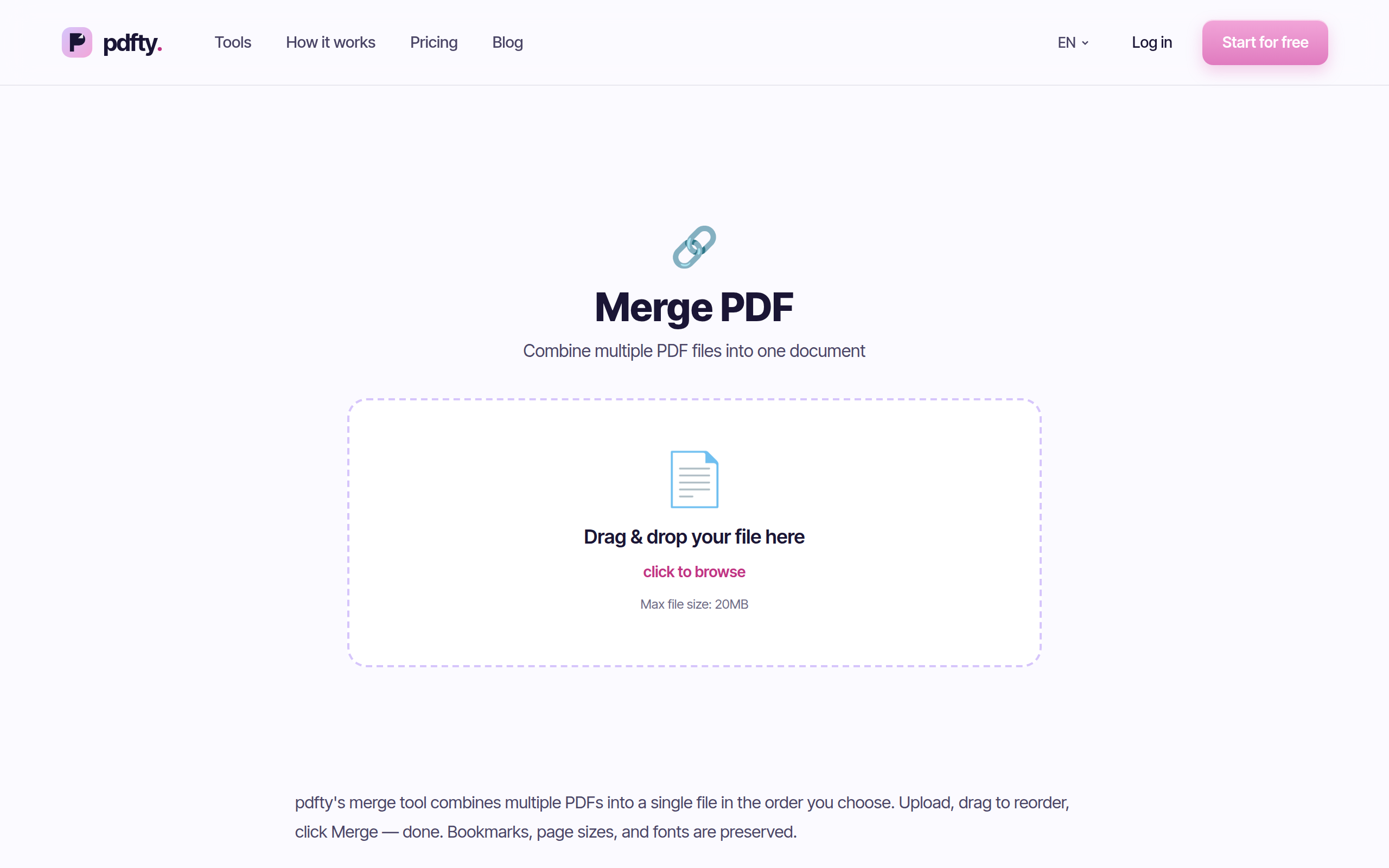
If your work is the everyday subset — not text editing — there's a third path: pdfty runs the common jobs in your browser with a flat, predictable free tier: 20 MB and 50 pages per file, 10 operations/day, no sign-up, no watermark, and files auto-deleted after 1 hour. Around 30 tools, including Merge, Compress, PDF to Word and Sign PDF. Pro is $9/mo if you outgrow the limits.
To be fair in both directions: pdfty's 20 MB cap is lower than Sejda's, and pdfty does not edit existing PDF text — for that, Sejda remains the free tool to beat. pdfty's case is the everyday middle: more daily headroom than 3-per-hour, fewer upsells than iLovePDF, no account.
Frequently asked questions
Is Sejda or iLovePDF better overall?
Neither wins outright. iLovePDF is better for volume — a generous free tier and a bigger toolset. Sejda is better for depth — it can edit existing PDF text in the browser, which iLovePDF can't. Pick by which of those you actually need.
Can iLovePDF edit text in a PDF like Sejda?
No. iLovePDF's editing is annotation-style — adding text, shapes and images on top of the page. Sejda's editor lets you click into the original text and retype it, which is the key functional difference between the two.
What are Sejda's free limits exactly?
Roughly 3 tasks per hour, files up to about 50 MB and around 200 pages, with some per-tool caps. After the hourly quota, Sejda asks you to wait or upgrade to the paid plan (around $7.5/mo at the time of writing).
Is iLovePDF really free?
Yes, genuinely — most tools work free without an account. But there are per-tool file-size and task caps, and the product steadily nudges you toward registering and toward Premium (around $4–7/mo). Free is real; frictionless it is not.
Which is safer for confidential documents?
Both state that uploaded files are deleted automatically after processing (within hours). Neither watermarks free output. For truly sensitive material, any upload carries some risk — an offline desktop tool is the conservative choice. Between the two, there's no meaningful security gap that we're aware of.
Which handles bigger files free?
Sejda — its free cap sits around 50 MB and ~200 pages, which is roomier than iLovePDF's limits on several tools. For large scanned documents on a free plan, Sejda is the practical pick.
Is there a free option without hourly or upsell pressure?
For everyday tasks, pdfty offers a flat free tier — 10 operations/day, 20 MB / 50 pages, no sign-up, no watermark, files deleted in 1 hour. It doesn't edit existing PDF text, though; for that, Sejda is still the free standout.
Do Sejda or iLovePDF watermark free files?
No — neither stamps watermarks on free output. That puts both ahead of some "free" PDF sites that do.
The pdfty team builds privacy-first online PDF tools — compress, convert, OCR, sign and protect. Files are deleted within 1 hour. About us →