PDFelement vs Adobe Acrobat Pro: The Honest Comparison
Wondershare PDFelement costs roughly half of Acrobat Pro. Where the budget rival genuinely matches Adobe, where it doesn't, and who should buy which.

Wondershare markets PDFelement hard as "the Acrobat alternative," and the pitch lands because the core claim is true: it does most of what Acrobat Pro does for roughly half the money, with a perpetual-license option Adobe abandoned years ago. But "most" is doing real work in that sentence, and the trial experience trips people up before they ever see the good parts. Here's the honest breakdown.
PDFelement vs Acrobat Pro at a glance
| Feature | PDFelement | Acrobat Pro |
|---|---|---|
| Price | ~$80-100/yr, perpetual available | ~$20/mo (~$240/yr), subscription only |
| Edit text & images | Yes, solid | Yes, the benchmark |
| OCR | Yes, good for typical scans | Best-in-class, reliable at scale |
| Form creation | Standard fields, templates | Advanced fields, JavaScript, calculations |
| Redaction | Yes, basic | Certified workflows, sanitization |
| Enterprise admin | Limited | Full deployment, licensing, policy tools |
| Learning curve | Simpler, Office-like UI | Powerful but dense |
| Free trial | Watermarks all output | 7-day full trial, then auto-bills |
Read the table as two different products for two different buyers, not a scoreboard. Almost everything Acrobat "wins" matters mostly in professional or regulated contexts; almost everything PDFelement wins matters to individuals paying with their own card.
Where PDFelement wins
Price, obviously — and the pricing model. At the time of writing, PDFelement runs around $80-100 per year, roughly half of Acrobat Pro's ~$240/yr, and Wondershare still sells a perpetual license: pay once, keep the version forever. Adobe dropped perpetual licensing for Acrobat; if subscription fatigue is why you're reading this, that alone may settle it.
It covers the everyday-pro feature set. Editing existing text and images, converting to and from Office formats, merging and organizing pages, OCR on typical scans, filling and creating standard forms, password protection, basic redaction, annotation. For the large majority of individual users, this is the whole job — call it roughly 90% of what people actually open Acrobat for.
Simpler interface. PDFelement borrows the ribbon layout from Microsoft Office, and most people find their way around it faster than Acrobat's dense toolset. If you're buying for a small office where nobody wants training, that's a real (if unglamorous) advantage.
Where Acrobat Pro wins
OCR quality at scale. On a clean single scan, both do fine. Acrobat's advantage shows on the hard cases — skewed pages, low-quality scans, mixed languages, 500-page batches. If OCR is central to your work rather than occasional, Acrobat's engine and batch processing justify a chunk of the price gap by themselves.
Advanced forms. PDFelement makes normal fillable forms. Acrobat adds JavaScript-driven logic, field calculations, validation rules, and the tooling that government and financial forms are actually built with. If you author complex forms (not just fill them), Acrobat is the tool.
Redaction you can defend. Both can black out text, but Acrobat's redaction and document-sanitization workflow is the one legal and compliance teams have standardized on and audited for years. If a redaction failure could end up in court, that track record matters more than features.
Enterprise everything. Centralized deployment, license management, admin policies, SSO, and integration with Adobe Sign and the wider Adobe ecosystem. IT departments deploy Acrobat because it fits the machinery they already run; PDFelement's business tooling is thinner.
The ecosystem effect. Everyone has Reader, Acrobat files behave predictably everywhere, and Acrobat tends to handle malformed or exotic PDFs more gracefully — it's effectively the reference implementation.
Which should you pick?
- Budget-conscious individual or freelancer → PDFelement. You get the everyday-pro feature set at roughly half the cost, with a perpetual option. Buy it outright; just don't do real work in the watermarking trial.
- Small office, standard documents → PDFelement, for the same reasons plus the gentler learning curve.
- Legal, healthcare, government, or anything regulated → Acrobat Pro. Certified redaction, audit-friendly workflows, and enterprise admin are worth the premium when compliance is on the line.
- Heavy OCR or complex form authoring → Acrobat Pro. These are exactly the areas where the cheaper tool's "90%" runs out.
- You mostly convert, merge, compress, and sign → possibly neither — see the next section, and our broader look at free Adobe Acrobat alternatives.
The third option: the everyday subset, free in your browser
Both products share one assumption: you should pay (either ~$80-100/yr or ~$240/yr) and install a desktop app. If your PDF work is the everyday subset — converting, merging, compressing, signing, splitting — that assumption is worth questioning before you buy.
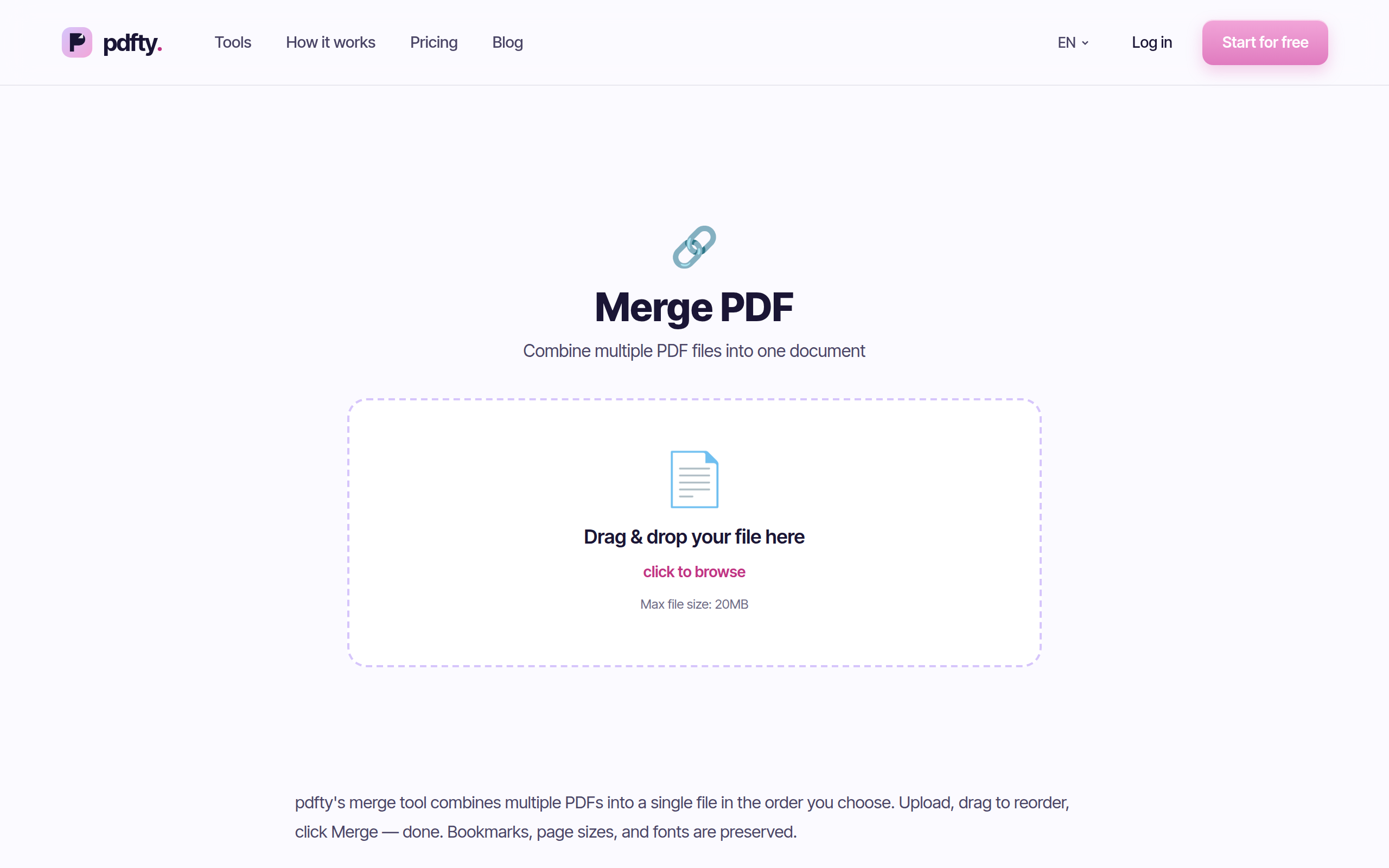
pdfty runs those jobs free in any browser: up to 20 MB and 50 pages per file, 10 operations/day, no sign-up, no watermark, and files auto-deleted after 1 hour. About 30 tools, including PDF to Word, Merge, Compress, and Sign PDF. Pro is $9/mo if you outgrow the limits.
To be plain about the boundary: pdfty does not replace desktop editing. Rewriting paragraphs inside an existing PDF, authoring complex forms, certified redaction at scale — for that you genuinely need PDFelement or Acrobat. But plenty of people shopping between those two only ever do the everyday jobs, and for them the honest answer is that neither purchase is necessary.
Frequently asked questions
Is PDFelement as good as Adobe Acrobat?
For everyday professional work — editing text, converting, organizing pages, typical OCR, standard forms — yes, close enough that most individuals won't feel the gap. It falls behind on OCR at scale, JavaScript-driven forms, certified redaction, and enterprise deployment. Whether those gaps matter depends entirely on your work.
Does PDFelement really watermark files?
The free trial does — every exported file gets a Wondershare watermark, and it's the most common complaint about the product. The paid version does not watermark anything. Treat the trial strictly as a feature demo.
How much cheaper is PDFelement than Acrobat Pro?
At the time of writing, roughly half: around $80-100/yr versus
Acrobat's $20/mo ($240/yr). Wondershare also sells a perpetual
license — a one-time purchase Adobe no longer offers for Acrobat.
Can I buy PDFelement once instead of subscribing?
Yes. The perpetual license covers the version you buy, permanently, usually without future major-version upgrades. For people tired of subscriptions it's one of PDFelement's strongest selling points.
Is PDFelement safe and legitimate?
Yes — Wondershare is an established software company and PDFelement is a legitimate, widely used product. The complaints you'll find are about the trial watermark and upsell marketing, not about the software being unsafe.
Which is better for OCR?
Acrobat, and it's one of the clearer gaps. PDFelement's OCR handles typical clean scans fine; Acrobat is markedly more reliable on poor scans, mixed languages, and large batches. For occasional OCR you can also run a scan through pdfty's free OCR tool in the browser.
Do I need either one just to merge or compress PDFs?
No. Merging, compressing, converting, and signing are free in the browser — pdfty does them with no sign-up and no watermark, within its 20 MB / 50 page / 10 ops-a-day limits. Buy a desktop editor when you need to edit content inside PDFs, not for the everyday jobs.
Does PDFelement work on Mac?
Yes, PDFelement ships for both Windows and Mac (sold separately or as a bundle, depending on the offer), plus mobile apps. Acrobat Pro also covers both platforms. Check the exact license terms at purchase — Wondershare's bundles change often.
The pdfty team builds privacy-first online PDF tools — compress, convert, OCR, sign and protect. Files are deleted within 1 hour. About us →