Smallpdf vs Adobe Acrobat: Do You Really Need Acrobat?
Smallpdf vs Adobe Acrobat compared honestly — price, features, learning curve. When a web PDF tool is enough and when only Acrobat will do the job.

"Do I need Adobe Acrobat, or is a web tool like Smallpdf enough?" is one of the most common software questions in any office — usually asked while staring at a ~$240/yr renewal. The comparison is odd on purpose: Smallpdf and Acrobat aren't two versions of the same thing. One is a polished browser suite for quick jobs; the other is the industry-standard desktop application PDFs were literally built around. The right question isn't "which is better" but "which problems do I actually have."
Smallpdf vs Adobe Acrobat at a glance
| Feature | Smallpdf | Adobe Acrobat Pro |
|---|---|---|
| What it is | Web-based PDF suite | Professional desktop app (+ web/mobile) |
| Price | Pro around $9–12/mo; free tier ~2 tasks/day | Around $20/mo (~$240/yr) |
| Everyday tasks (merge, compress, convert, sign) | Yes — fast and simple | Yes, with more steps |
| Deep editing (text, layout, objects) | Basic edits only | Full editing suite |
| Form design (fillable AcroForms) | Fill and sign, not design | Full form builder |
| OCR | Available on paid plan, basic | Advanced, multi-language, highly accurate |
| True redaction workflows | Limited | Professional, verifiable redaction |
| Works offline / handles huge files | No — browser upload | Yes — local processing |
| Learning curve | None — open a tool, drop a file | Real — it's a professional application |
| Works on any device | Yes, anything with a browser | Best on installed desktop |
The improved column tilts toward Acrobat because on raw capability it
simply is the deeper product. The table Smallpdf wins is the one about
your time, money and patience.
Where Smallpdf wins
Price. Around $9–12/mo for Pro versus roughly $20/mo for Acrobat Pro — about half, and you can stop any month. If Acrobat would sit installed doing four merges a month, that's an expensive paperweight.
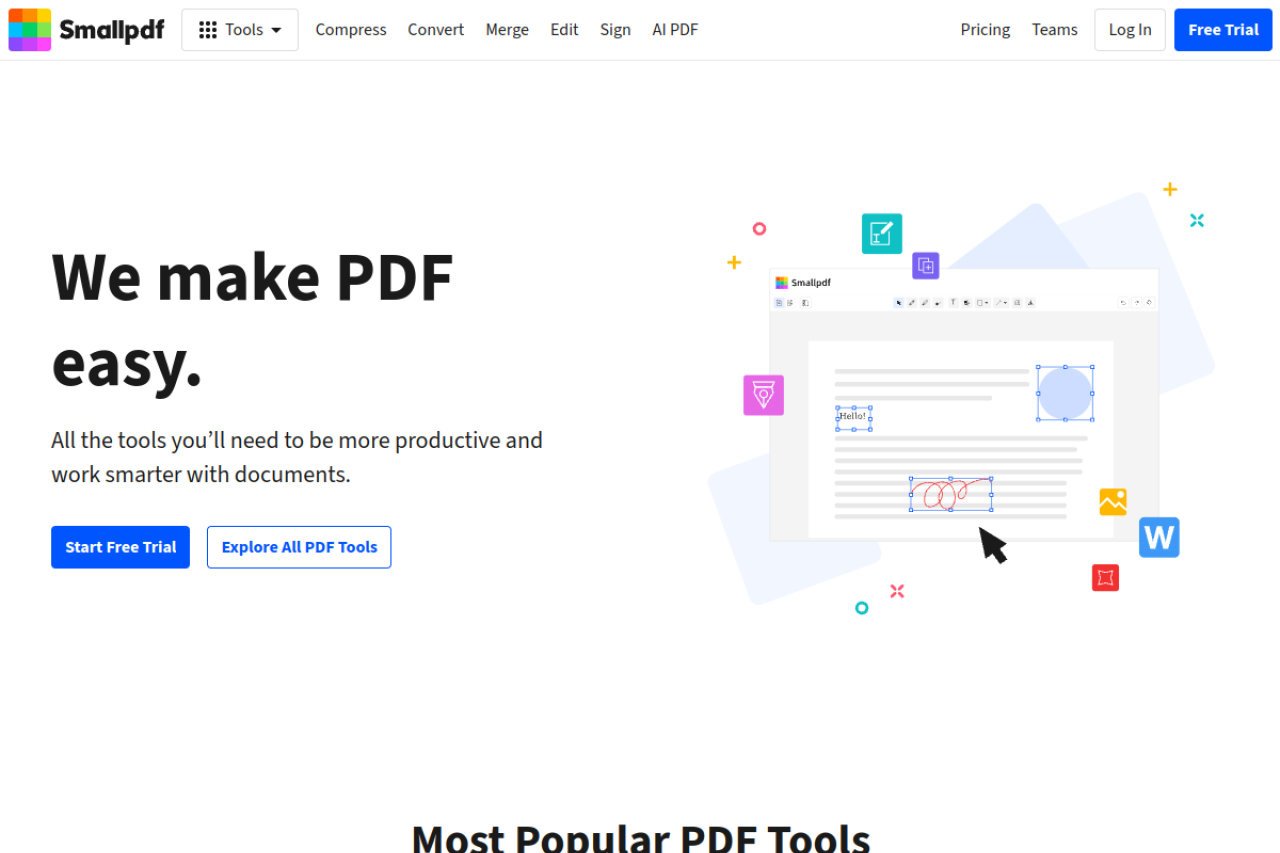
Simplicity and zero learning curve. Smallpdf's entire model is: pick a tool, drop a file, download the result. No panels, no preferences, no training. Acrobat is genuinely complex software — powerful, but nobody learns it in an afternoon.
Works anywhere. Chromebook, locked-down office PC, a borrowed laptop, your phone — if it has a browser, Smallpdf works. Acrobat is at its best only where it's installed and licensed.
Speed for one-off jobs. Compressing a file for email or converting a Word doc takes seconds in a browser tab. Launching Acrobat for the same job feels like starting a truck to cross the street.
The caveat: Smallpdf's free tier is tight — roughly 2 tasks per day at the time of writing before it pushes you toward Pro. We've covered that in detail in Free Smallpdf alternative.
Where Adobe Acrobat wins
Deep editing. Acrobat edits the PDF itself — reflow paragraphs, fix fonts, move objects, adjust layout — not an approximation of it. For changing what a finished document is, nothing web-based truly competes.
Form design. Building fillable forms with field logic, validation and calculations is Acrobat territory. Smallpdf lets you fill and sign forms; it doesn't let you author them.
Advanced OCR. Acrobat's OCR is among the best available — accurate across languages, with editable output and searchable archives at scale. Web tools do basic OCR; Acrobat does production OCR.
Redaction you can trust. Acrobat's redaction genuinely removes content from the file, with tooling built for legal and compliance workflows. That's a category where "pretty good" isn't acceptable.
Enterprise features. Preflight, accessibility tagging and remediation, PDF/A archiving, certificate-based signatures, batch actions, integration with Adobe's e-sign stack. If those words appear in your job description, the decision was already made.
Offline and heavy files. Acrobat processes locally — no upload, no size ceiling that matters, and confidential files never leave the machine. If you're weighing the cost, we've looked at what free replacements can and can't cover in Free Adobe Acrobat alternative.
Which should you pick?
By use case, plainly:
- You merge, compress, convert and sign a few times a week: a web tool is enough — Acrobat is overkill. Smallpdf Pro at $9–12/mo covers this comfortably; the extra ~$10/mo for Acrobat buys power you won't touch.
- You edit document content, build forms, redact, or produce documents professionally: Acrobat. This is what it's for, and web suites genuinely can't replace it.
- You handle confidential files that must never be uploaded: Acrobat (or any desktop tool) — local processing wins by default.
- You're on many devices or a locked-down machine: Smallpdf — a browser is all you need.
- You do a couple of tasks a month and resent paying at all: neither — see below.
The third option
Notice the trade-off both options share: you pay a subscription for everyday tasks — Smallpdf because its free tier stops at roughly two tasks a day, Acrobat because it's Acrobat.
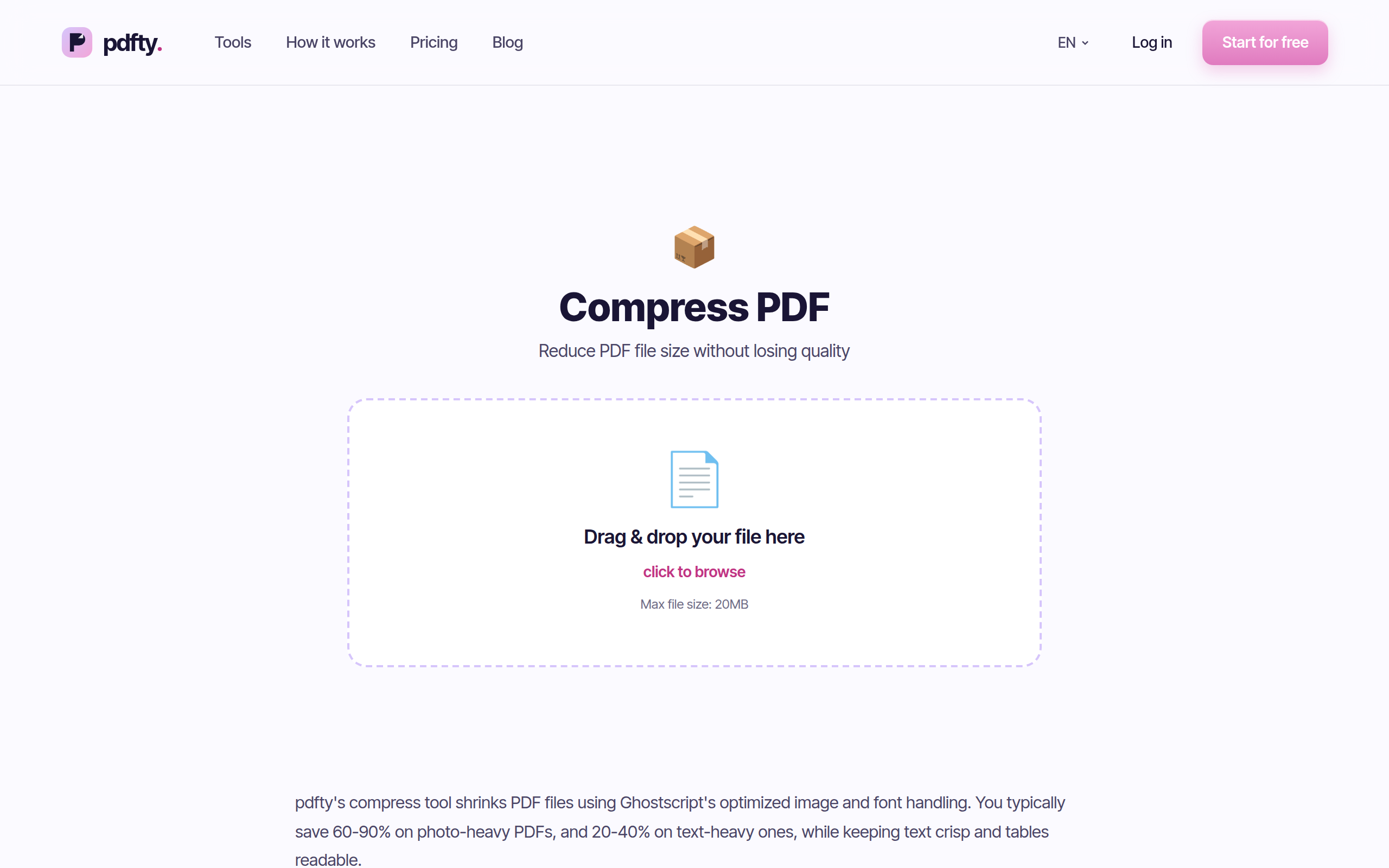
If everyday tasks are all you need, pdfty does the same web-tool jobs on a clear free tier with no daily-task meter games: 10 operations/day, 20 MB and 50 pages per file, no sign-up, no watermark, files auto-deleted after 1 hour, around 30 tools — Compress, Merge, PDF to Word, Sign PDF and the rest. Pro is $9/mo if you need more.
Honest boundary: pdfty covers the everyday subset only. It won't design forms, deep-edit layouts or run enterprise redaction workflows — for professional document production you genuinely do need Acrobat. pdfty's case is against paying $9–20/mo for merges and compressions.
Frequently asked questions
Is Smallpdf better than Adobe Acrobat?
For everyday tasks — merge, compress, convert, sign — Smallpdf is simpler, cheaper and works anywhere, so functionally "better" for that job. For deep editing, form design, OCR at scale and redaction, Acrobat is in a different league. They're different species, not rivals.
Do I actually need Adobe Acrobat?
Only if you produce or heavily modify documents: editing PDF content, designing fillable forms, professional redaction, PDF/A archiving, enterprise workflows. If your PDF life is converting and combining files, you don't — a web tool covers it for less money and effort.
How much cheaper is Smallpdf than Acrobat?
At the time of writing, Smallpdf Pro runs around $9–12/mo against roughly $20/mo (~$240/yr) for Acrobat Pro — about half. Adobe's free option is Reader plus a handful of limited online tasks, which isn't a working replacement for either.
Can Smallpdf edit a PDF like Acrobat?
Only lightly — basic text additions and annotations. Acrobat edits the underlying document: reflowing text, fixing fonts, moving layout elements. If "edit" means changing what the document actually says and looks like, that's Acrobat's side of the line.
Is it safe to upload documents to Smallpdf?
Smallpdf states uploads are encrypted and deleted automatically after processing. Still, uploading is uploading — for confidential material, a desktop tool like Acrobat that processes files locally is the conservative choice. That's a structural advantage of desktop software, not a Smallpdf flaw.
What does Smallpdf's free plan include?
Roughly 2 tasks per day at the time of writing, after which it prompts you toward Pro. Fine for occasional use; frustrating if you have a batch of files on the same afternoon.
Is there a free alternative to both?
For everyday browser tasks, pdfty is free up to 10 operations/day (20 MB, 50 pages, no sign-up, no watermark, files deleted in 1 hour). It deliberately covers only the everyday subset — for professional editing and form work, Acrobat remains the real answer.
Does Acrobat have a free version?
Acrobat Reader is free for viewing, commenting and fill-and-sign, and Adobe offers a few limited online tools. Actual editing, OCR and creation features require Acrobat Standard or Pro subscriptions.
The pdfty team builds privacy-first online PDF tools — compress, convert, OCR, sign and protect. Files are deleted within 1 hour. About us →