Adobe Acrobat Free vs Pro: What $20/mo Actually Buys
Free Adobe covers more than people think — and less than Adobe implies. A task-by-task look at Reader and the online tools vs Acrobat Pro at ~$20/mo.

Adobe's naming maximizes confusion: "Acrobat" is the paid product, "Acrobat Reader" is free, both are apps and websites, and the free website does some paid-looking things some of the time. The result is the question this article answers: which tasks does free Adobe actually cover, and which genuinely require Pro at roughly $20/mo? Let's go task by task.
Acrobat free vs Pro at a glance
| Task | Free Adobe | Acrobat Pro |
|---|---|---|
| View & print PDFs | Yes (Reader) | Yes |
| Comment & annotate | Yes (Reader) | Yes |
| Fill forms & sign | Yes (Fill & Sign) | Yes, plus sending for signature |
| Convert / compress / merge | Online tools, limited free uses | Unlimited, plus desktop |
| Edit text & images in a PDF | No | Yes |
| OCR scanned documents | No | Yes |
| Create fillable forms | No | Yes |
| Redact sensitive content | No | Yes |
| Batch processing | No | Yes |
The pattern: free Adobe handles consuming PDFs and light one-off jobs; Pro is for producing and transforming them at will.
Where free Adobe wins (yes, it wins something)
Viewing, commenting, and printing. Reader is the reference PDF viewer. Sticky notes, highlights, stamps, drawing markup — all free, all standard. If your PDF life is reading and commenting, you're done; never pay.
Filling and signing. Reader's Fill & Sign covers the single most common "do I need Acrobat?" scenario: type into a form, drop in your saved signature, send it back. Free, on desktop and mobile.
Occasional online tasks. Adobe's online tools (the acrobat.com site) let you convert, compress, merge, and a few other jobs free — with limits that work out to roughly a free use per tool per day-ish, and a sign-in required after the first taste. At the time of writing the exact quotas shift around, but the shape is consistent: fine for occasional, annoying for regular.
Zero cost, zero risk. No trial that converts to billing, no watermark on Reader's output. Free Adobe's free tier is genuinely free.
Where Acrobat Pro wins
Editing the PDF itself. The headline feature. Fixing a typo in a contract, swapping an image, rewriting a paragraph with text reflow — free Adobe simply doesn't do this, and it's the single most common reason to pay. (If you only need light edits, there are cheaper routes — see how to edit a PDF.)
OCR. Turning scans into searchable, copyable text. Pro's OCR engine is one of the best available and handles batches reliably. There is no free Adobe OCR.
Creating forms. Filling forms is free; building fillable forms — fields, validation, calculations — is Pro-only, and Acrobat's form tools are the industry's deepest.
Redaction. Properly removing sensitive content (not just drawing a black box over it) is Pro-only, and Acrobat's redact-and-sanitize workflow is the one compliance teams trust.
Batch and unlimited use. Pro removes the online tools' limits and adds Actions for processing many files at once. If PDFs are a daily part of your job, the friction savings are the real product.
Sending for signature. Reader signs your documents; Pro includes sending documents to others for e-signature, with tracking.
Which should you pick?
- You read, comment, fill and sign → Free. Reader covers you completely. This is most people.
- You occasionally convert, merge, or compress → Free, with a caveat: Adobe's online limits will nudge you to sign in and eventually to subscribe. Free non-Adobe tools do the same jobs without that funnel — our free Acrobat alternatives guide covers the field.
- You edit PDF text/images, author forms, redact, or OCR in bulk → Pro. These are genuinely Pro-only capabilities, and if you use them weekly, ~$20/mo is fair for the best-in-class version. Consider the 7-day trial first — and calendar the cancellation date, since it auto-bills.
- You need Pro features but not Adobe prices → look at mid-market editors before subscribing; roughly half-price rivals cover most of Pro's feature list.
The honest summary: most people asking this question don't need Pro. The paid tier exists for producers of PDFs — editors, form authors, legal and admin workflows — not for people who occasionally shrink a file for email.
The third option: everyday tasks without the Adobe funnel
Here's the trade-off both Adobe tiers share: the free online tools are designed as a funnel toward Pro — daily-ish limits, sign-in prompts, upgrade banners — and Pro is ~$240/yr whether you use it daily or twice a month.
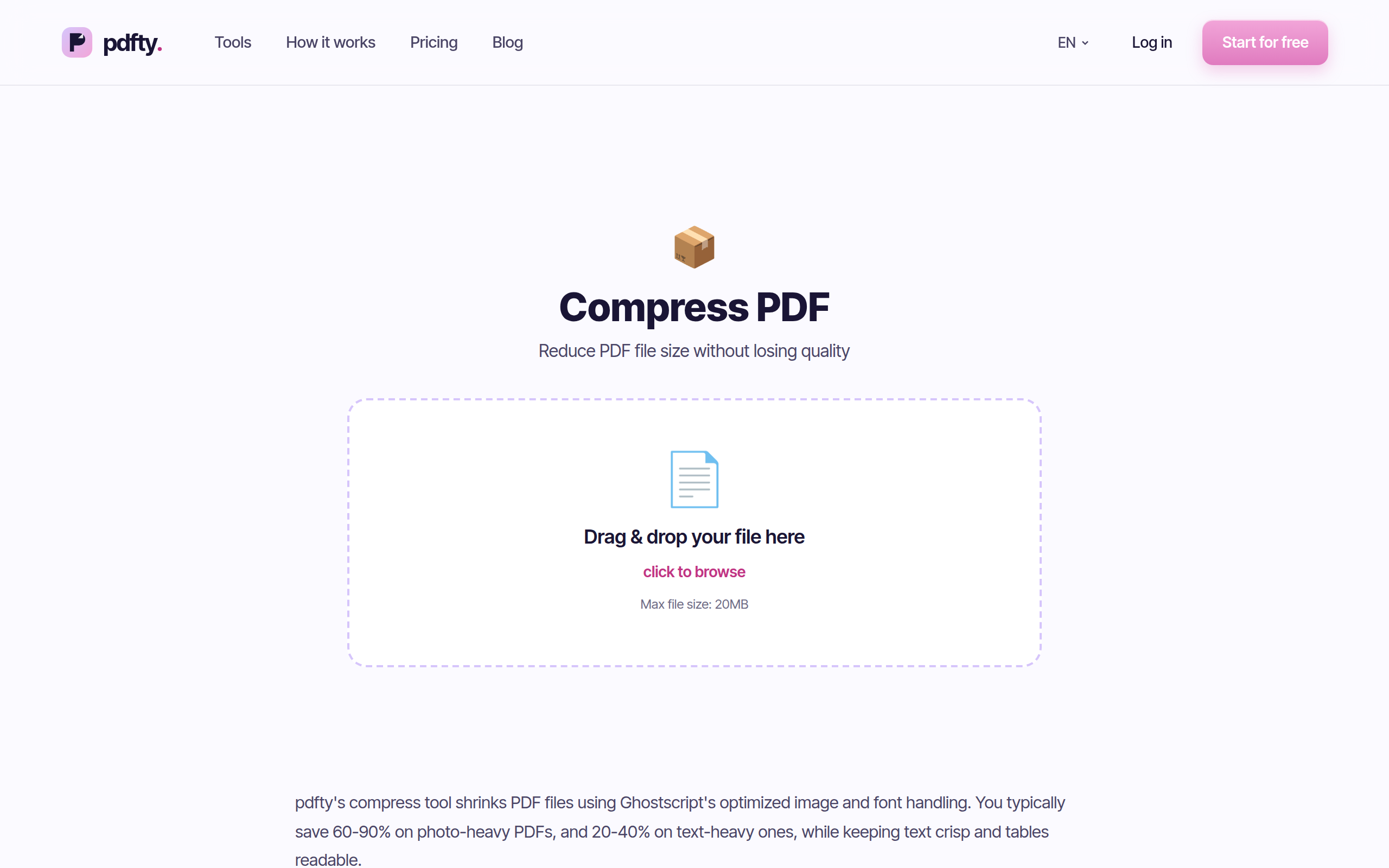
For the everyday set, pdfty is a third path: free in any browser, no sign-up, no watermark, up to 20 MB and 50 pages per file, 10 operations/day, files auto-deleted after 1 hour. About 30 tools, including Compress, PDF to Word, Merge, Sign PDF, and even OCR for occasional scans. Pro is $9/mo if you need more.
To be clear about the boundary: pdfty doesn't replace Acrobat Pro's desktop editing, form authoring, or certified redaction workflow. If your answer above was "I need Pro," you need Pro (or a desktop rival). pdfty replaces the free-Adobe use case — the occasional convert, compress, merge, sign — without the limits and the login.
Frequently asked questions
What's the difference between Acrobat Reader and Acrobat Pro?
Reader (free) views, prints, comments, fills forms, and signs. Pro (~$20/mo at the time of writing) adds editing text and images inside PDFs, OCR, form creation, redaction, batch processing, unlimited online tools, and sending documents for signature.
Can I edit a PDF with free Adobe?
Not the content. Free Adobe lets you comment on, fill, and sign PDFs, but changing existing text or images requires Pro. For light edits there are non-Adobe routes — see how to edit a PDF.
Is Adobe Acrobat Pro worth $20 a month?
If you regularly edit PDF content, build forms, redact, or OCR batches — yes, it's the best at those jobs. If you occasionally convert, merge, compress, or sign, no: free tools (Adobe's own or others) cover that without a subscription.
Are Adobe's free online tools really free?
Yes, with limits: roughly a small number of free uses per tool before sign-in and upgrade prompts, with quotas that shift over time. Fine for one-off jobs; built to convert regular users into subscribers.
Does free Adobe include OCR?
No. OCR is Pro-only in Adobe's lineup. For an occasional scanned page, free browser tools like pdfty's OCR can make it searchable; for heavy or high-stakes OCR work, Pro's engine is the benchmark.
Can I sign a PDF without paying Adobe?
Yes — Reader's Fill & Sign is free for signing documents yourself. Pro adds sending documents to other people for signature with tracking. You can also sign in the browser with pdfty's Sign PDF, no account needed.
Does Acrobat Pro have a free trial?
Yes, a 7-day full-featured trial at the time of writing — but it takes payment details and converts to a paid subscription automatically, so set a reminder if you only want the week.
Is there a one-time purchase version of Acrobat?
Not anymore for individuals — Acrobat Pro is subscription-only. If a perpetual license matters to you, that's a reason to look at rival desktop editors, several of which still sell pay-once versions.
The pdfty team builds privacy-first online PDF tools — compress, convert, OCR, sign and protect. Files are deleted within 1 hour. About us →