Smallpdf vs iLovePDF: Which One Actually Fits You?
Smallpdf or iLovePDF? An honest side-by-side of free-tier limits, pricing, tools and upsells — plus when a third free option makes more sense.

Smallpdf and iLovePDF are the two names almost everyone lands on when they search for an online PDF tool. Both cover the same everyday jobs — merge, compress, convert, sign — both run in the browser, and both make their money the same way: a free tier with limits, and a subscription when you hit them. So the real question isn't "which one can merge a PDF" (both can, well). It's which set of limits, prices and prompts annoys you less for the way you actually work.
We're not either company — pdfty is a competing PDF site — so read this as an outsider's comparison, with our own bias declared up front and our own pitch confined to one clearly-marked section near the end.
Smallpdf vs iLovePDF at a glance
| Factor | Smallpdf | iLovePDF |
|---|---|---|
| Free-tier limit | ~2 tasks per day | More tasks free, with size/page caps |
| Paid plan | Pro around $9–12/mo | Premium around $4–7/mo |
| Interface | Very clean, minimal noise | Functional, more banners and prompts |
| Upsell pressure | Mostly the daily wall itself | More frequent signup/upgrade nudges |
| Tool coverage | All the everyday tools | All the everyday tools, slightly longer list |
| Desktop/mobile apps | Yes, on paid plans | Yes, including free desktop app |
| Team features | Team plans, SSO on business tiers | Business plans available |
| Best when | Occasional use, or paid team use | Regular light use on the free tier |
Prices and limits shift over time and by region, so treat the figures above as approximate — check each pricing page before you commit. The shape of the trade-off, though, has been stable for years: Smallpdf sells polish, iLovePDF sells volume.
Where Smallpdf wins
The interface. Smallpdf's tools are noticeably calmer. One task per screen, clear buttons, little visual clutter. If you send a tool link to a colleague who's never used it, they won't get lost.
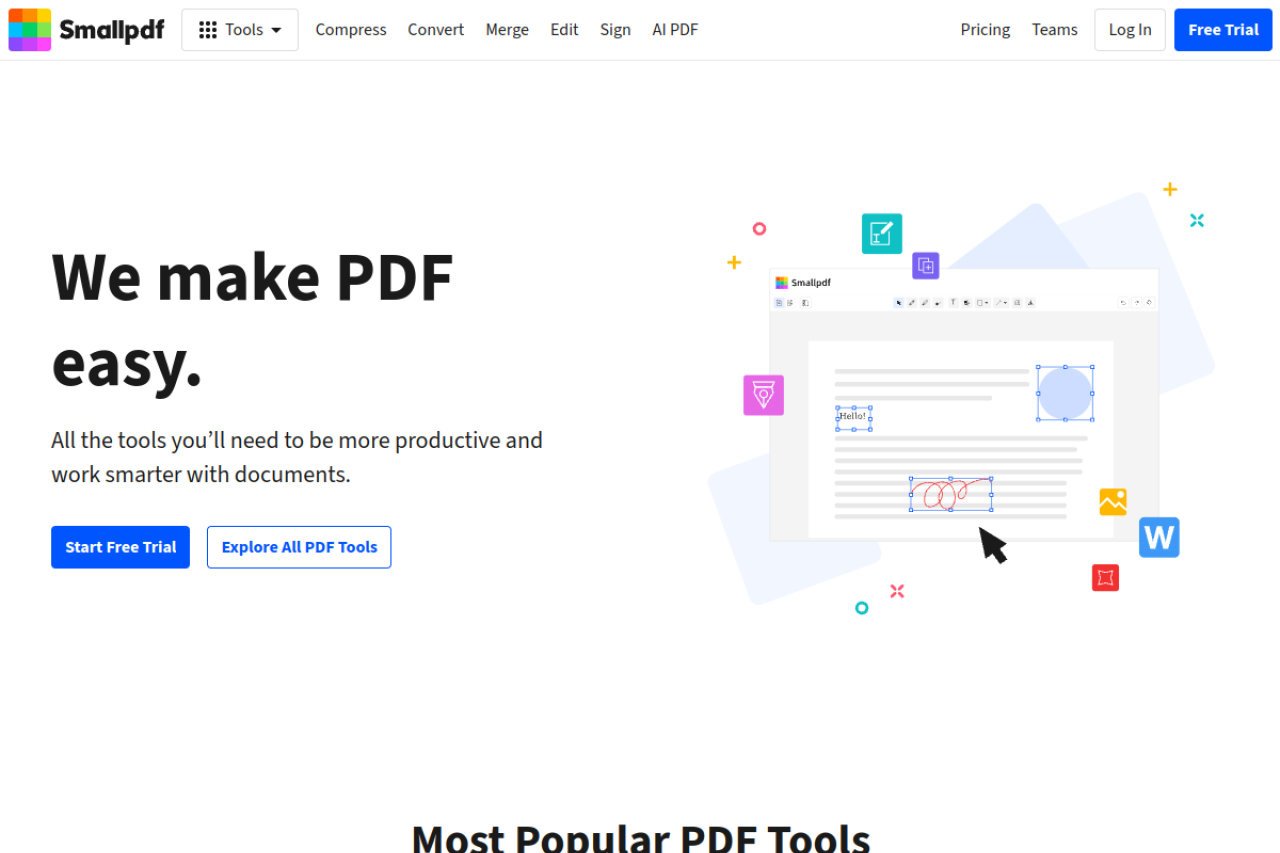
Consistency. Output quality across the suite — compression results, Office conversions, the signing flow — feels uniformly tested. iLovePDF is good too, but Smallpdf's experience is the more even one.
Teams and admin. If a company is going to standardize on a browser PDF suite and pay for it, Smallpdf's team plans, admin controls and overall finish make it the easier sell to IT and to the people who have to use it daily.
Fewer nudges inside a task. Smallpdf's main pressure point is the daily task wall itself. Once you're inside a task, it mostly leaves you alone.
Where iLovePDF wins
The free tier. This is the big one. iLovePDF lets you do meaningfully more per day without paying — its free limits are about file size and pages rather than a hard ~2-tasks-and-done ceiling. If you process a handful of small PDFs most days, iLovePDF free simply keeps working where Smallpdf has already stopped.
Price. Premium at roughly $4–7/mo undercuts Smallpdf Pro at roughly $9–12/mo. Over a year that's a real difference for one person paying out of pocket.
Tool breadth. iLovePDF's tool list runs slightly longer — a few extra utilities and batch options that Smallpdf either lacks or gates higher.
Free desktop app. iLovePDF ships a desktop app with a useful free version, which matters if you sometimes want to process files without uploading them.
The cost of all this is the experience: more banners, more "create an account" prompts, more upgrade suggestions between tasks. Nothing dishonest — just noisier.
Which should you pick?
Skip the "both are great" cop-out. Pick by how you'll actually use it:
- One task, today, and you may never come back → either. Both will merge, compress or convert your file fine on the free tier. Use whichever loads first.
- A few small tasks most days, and you don't want to pay → iLovePDF. Its free tier is built for exactly this; Smallpdf's ~2/day wall will stop you by mid-morning.
- You'll pay, and you want the nicest experience or a team rollout → Smallpdf. The extra few dollars a month buys a calmer product and better team/admin tooling.
- You'll pay, and price is the deciding factor → iLovePDF Premium. It does the same core jobs for roughly half the money.
The third option
Here's the trade-off Smallpdf and iLovePDF share, whichever you pick: both meter your free usage and both are engineered to convert you to a subscription. The daily wall, the size caps, the account prompts — that's the business model, and it's a fair one, but you're choosing between two flavors of it.
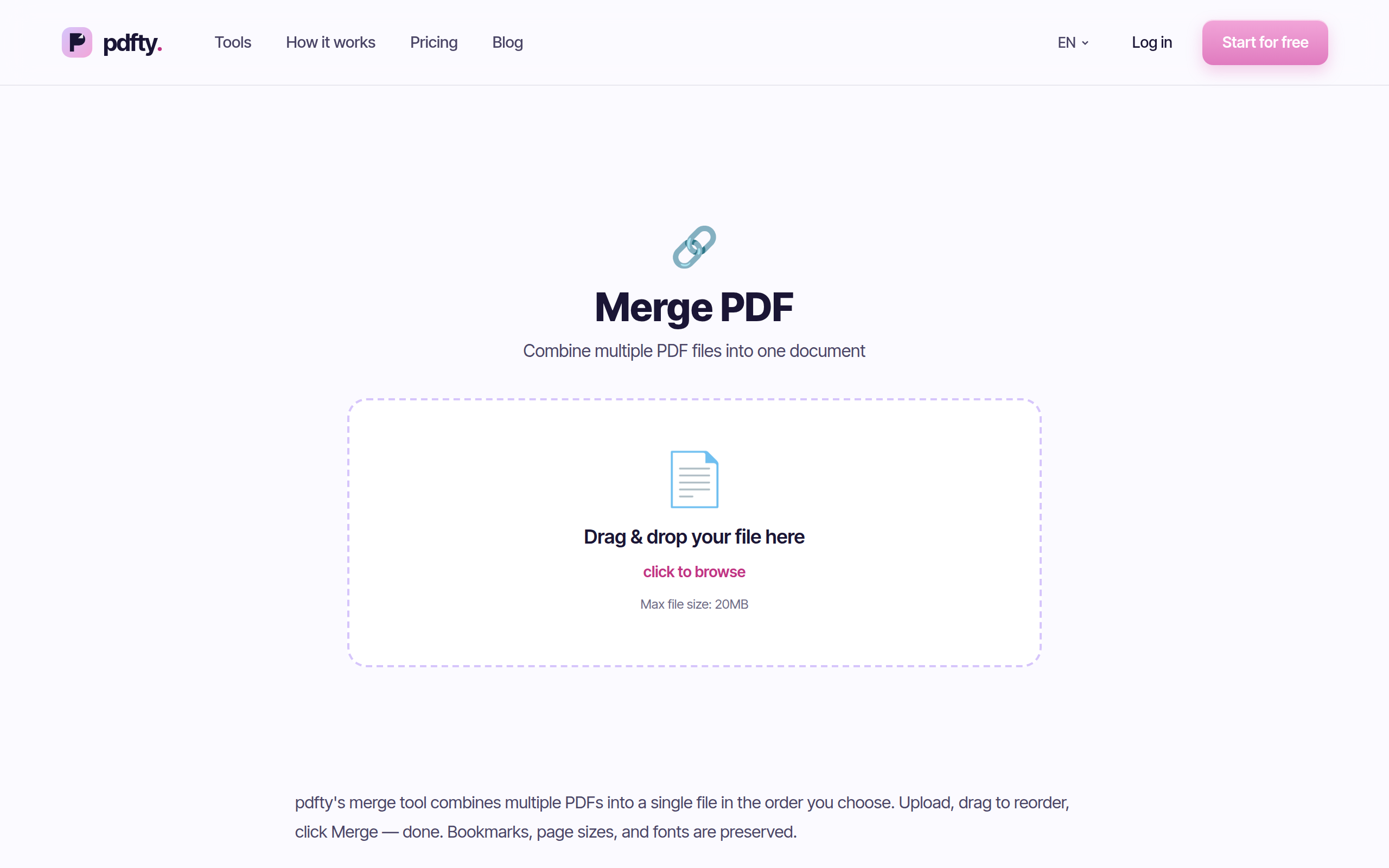
If your PDF needs are everyday-sized, a third path is to use a free tool that isn't pushing as hard. pdfty (that's us) runs in the browser with no sign-up and no watermark: free up to 20 MB and 50 pages per file, 10 operations per day, files auto-deleted after 1 hour, about 30 tools including Merge, Compress, PDF to Word and Sign PDF. There's a Pro plan ($9/mo, unlimited) but the free tier isn't a teaser — 10/day covers most people's real usage.
To be fair in the other direction: both Smallpdf and iLovePDF have broader ecosystems — mobile apps, integrations, batch processing on paid tiers — that pdfty doesn't match. If you want deeper dives on either, we've written them: iLovePDF alternative and free Smallpdf alternative.
Frequently asked questions
Is Smallpdf or iLovePDF better overall?
Neither wins outright. Smallpdf has the more polished interface and stronger team plans; iLovePDF has the roomier free tier and the cheaper subscription. Match the tool to your pattern: occasional → either, daily free use → iLovePDF, paid team use → Smallpdf.
Which has the better free plan?
iLovePDF. Smallpdf's free tier stops at roughly 2 tasks per day at the time of writing, while iLovePDF limits mainly by file size and pages, so light daily use stays free much longer.
Which is cheaper if I subscribe?
iLovePDF Premium, at roughly $4–7/mo versus Smallpdf Pro at roughly $9–12/mo. Exact prices vary by region and billing period, so check both pricing pages before deciding.
Are Smallpdf and iLovePDF safe to use?
Both are established companies that transmit files over encrypted connections and state that uploads are deleted after processing (on a schedule of hours). As with any online tool, avoid uploading documents you're not permitted to share, and check each privacy policy if you handle regulated data.
Do Smallpdf or iLovePDF add watermarks?
No — neither watermarks output on their free web tools, which is part of why they dominate this space. The free-tier pressure comes from task and size limits, not stamped files.
Can I use both to get more free tasks?
Yes, and plenty of people do: hit Smallpdf's daily wall, switch to iLovePDF, or vice versa. Adding a no-signup option like pdfty's merge tool stretches a free workflow further still.
Which converts PDF to Word better?
Both produce solid conversions for digitally-created PDFs; results on scanned documents vary case by case with either. For a scan, run OCR first — that matters more than which brand you pick.
Is there a free option without daily task walls and upsells?
Fully unlimited-and-free doesn't really exist in this category, but the limits differ. pdfty gives you 10 operations/day at 20 MB with no account; PDF24 is ad-supported and genuinely free. Both avoid the harder subscription push.
The pdfty team builds privacy-first online PDF tools — compress, convert, OCR, sign and protect. Files are deleted within 1 hour. About us →