Free Resume Template (Fillable PDF)
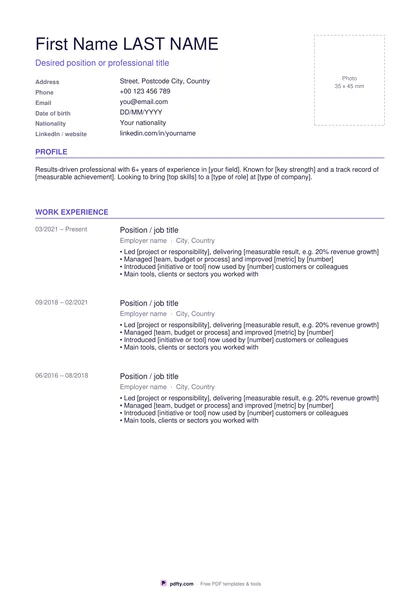
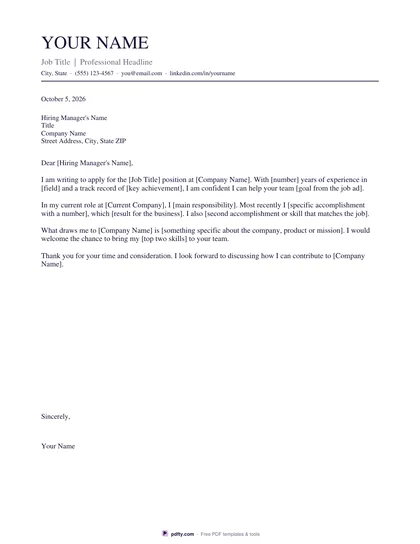
Three clean, ATS-friendly resume designs — type over the sample text and download a finished resume in minutes.
Free · no watermark · no sign-up for your first 20 downloads a day
Fillable PDF — type into the fields online or in any PDF viewer before printing.
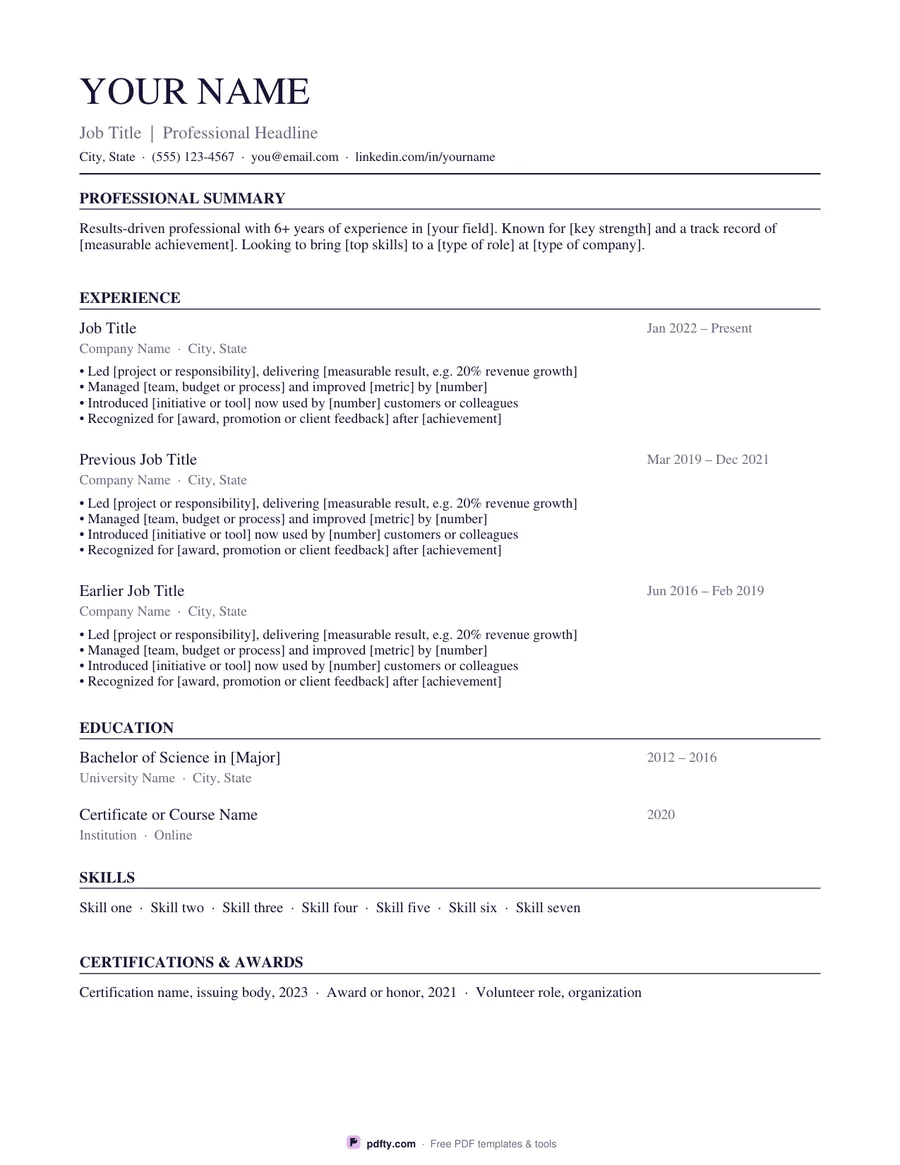
Pick a design: Classic uses a timeless serif font and ruled section headings that suit law, finance, academia and government jobs; Modern adds a lavender sidebar for contact details, skills, languages and certifications with accent-colored headings; Minimal is airy and typographic, with section labels in a narrow left column.
Every resume has the sections recruiters expect — name and headline, contact line, professional summary, three jobs with achievement bullets, education, skills and awards. Each block is a form field pre-filled with sample wording and [placeholders], so you see where everything goes and simply type over it.
Fill it in any PDF viewer, or open it in pdfty's free online editor to change fonts, add a photo or rearrange sections. The text stays real, selectable text, which applicant tracking systems (ATS) can read.