Interview Thank You Letter (Free PDF)

A short follow-up note after an interview, already written, in the same three designs as our resume and cover letter.
Printable interview thank you letter with a pre-written draft
Design
Paper size
Fill & edit free online

Free · no watermark · no sign-up for your first 20 downloads a day

Fillable PDF — type into the fields online or in any PDF viewer before printing.

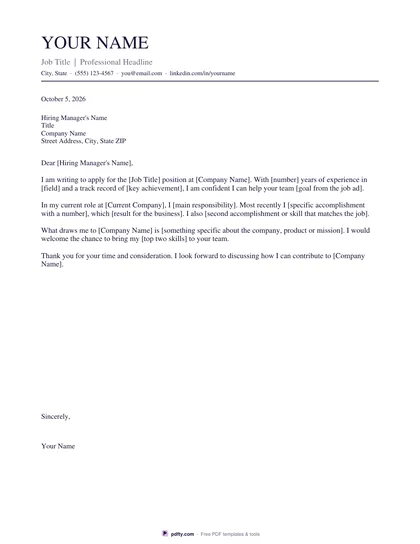
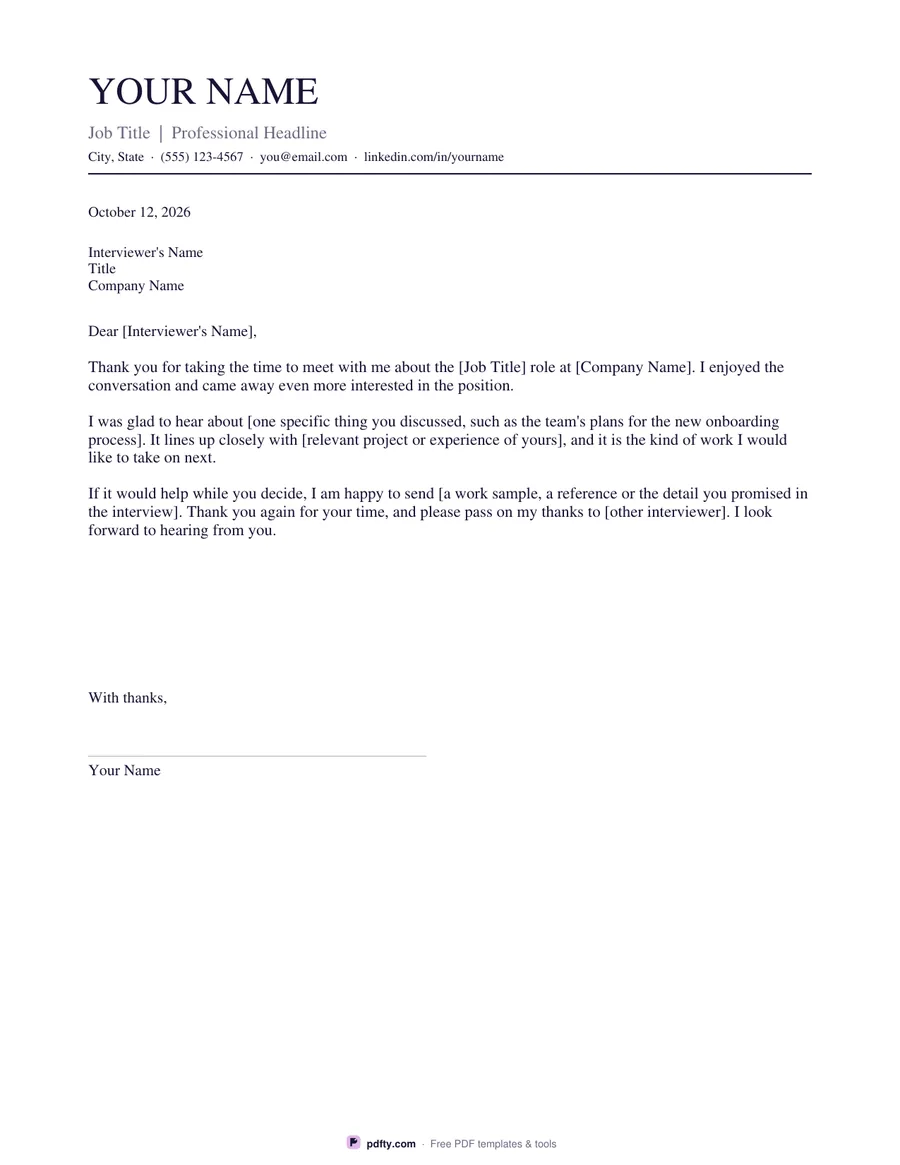
A note sent a day after the interview keeps you in the interviewer's mind and gives you one last chance to say the thing you forgot. Most people never send one because of the blank page. This template removes it: the letter body is already written as three short paragraphs you adapt in a couple of minutes, thanking the interviewer, naming the role, picking up one thing you actually discussed, and offering to send anything else they need.

The page is laid out as a proper letter. Your name, headline and contact line sit at the top in the same design as our resume templates, followed by the date, the interviewer's name, title and company, the salutation, the body, a closing and a ruled signature line with your typed name under it. Every one of those parts is a form field holding sample wording, so you type over the draft rather than starting from nothing.

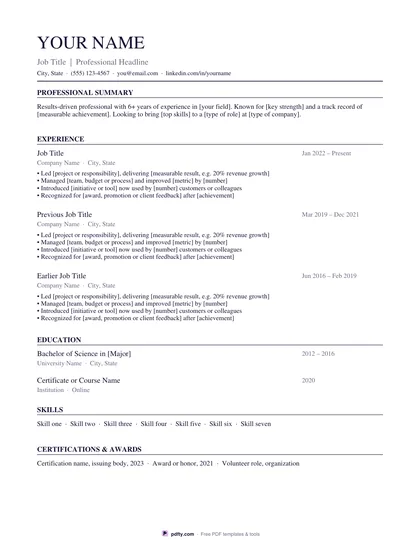
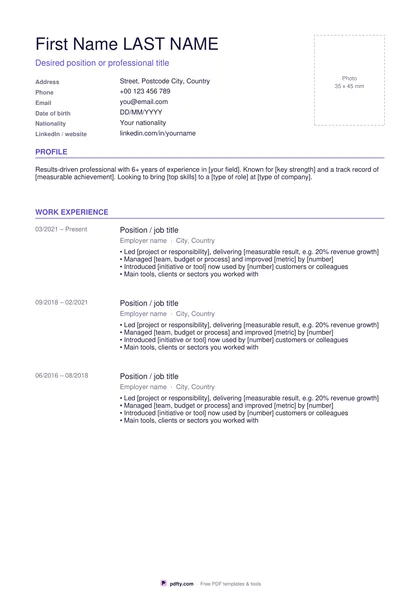
Choose Classic, Modern or Minimal to match the resume you sent, and US Letter or A4. It stays on one page in both sizes, as a thank-you note should. Fill it in on screen and email the PDF the same day, or print it and post it if the company is formal about paper. If you are writing to several interviewers, download one copy per person and change the specific detail in each, so none of them reads like a form letter.
How to use it

  1. 1

    Download it the same day

    Pick the design that matches your resume and the paper size, then download the PDF while the interview is fresh.

  2. 2

    Name the role and the person

    Fill in the date, the interviewer's name, title and company, and the job title in the first paragraph.

  3. 3

    Add one specific detail

    Replace the bracketed placeholder in the second paragraph with something you really talked about, and link it to your own experience.

  4. 4

    Print or fill it in

    Print at 100% ("Actual size") so lines and boxes keep their exact spacing, or fill the form fields on screen in any PDF viewer.

Frequently asked questions

Yes. There is no watermark and no sign-up for your first 20 downloads each day; after that a free account keeps downloads going. You may print the file as often as you like for personal, school or business use.
Within about a day of the interview, while the conversation is still fresh for both of you. A short note sent quickly reads better than a long one sent a week later.
Yes. Fill in the fields, save the PDF and attach it, or copy the text into the body of the email. Many people send the text in the email and keep the PDF as a backup.
Yes. The header, date, recipient block, body, closing and signature name are all form fields. Open the file in Adobe Reader, Preview, Chrome or Edge and type over the draft.
Send a separate note to each person you spoke with, and change the specific detail in every one. The template gives you a field for the other interviewers' names if you would rather send a single note to the panel.
One page and three short paragraphs is plenty. The draft in the template is already about the right length.

More free templates

Work with your PDF