Printable Engineering Paper (Free PDF)

The classic green engineering pad: five squares to the inch, a heavy border and a title block across the top.
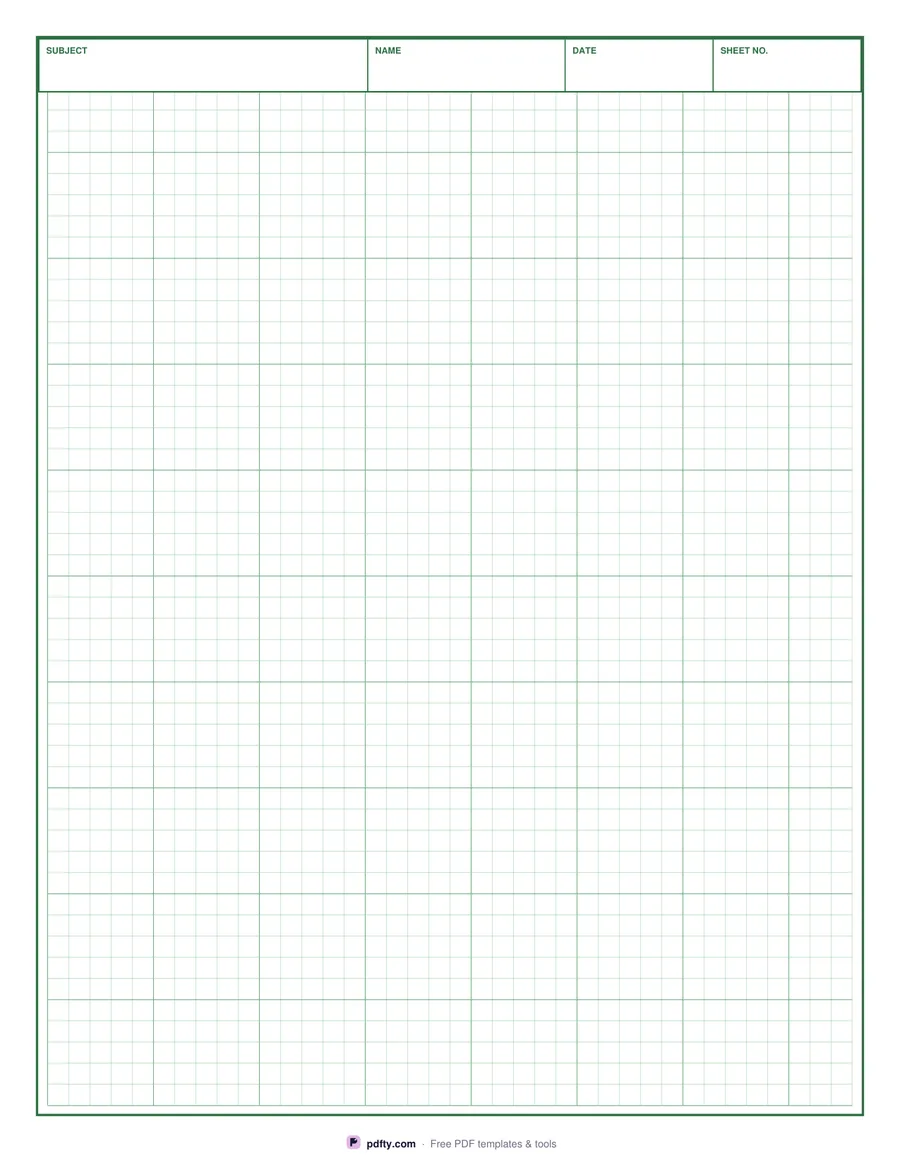
Printable engineering paper with a green 1/5 inch grid and title block
Paper size
Fill & edit free online

Free · no watermark · no sign-up for your first 20 downloads a day

Fillable PDF — type into the fields online or in any PDF viewer before printing.

This is the engineering computation pad you remember from technical drawing and physics classes. The whole sheet carries a light green grid at five squares to the inch, with a slightly heavier line every fifth square so each inch is easy to count. A heavy dark green rule runs around the page as a border, and the title block sits flush inside it at the top.

The title block has four cells: subject, name, date and sheet number. All four are real PDF form fields, so you can type them in Adobe Reader, Preview, Chrome or Edge before printing a set — handy when you are turning in a problem set and want every sheet labeled the same way. Leave them blank and write by hand if you prefer; the cells are sized for handwriting too.

Everything is measured from the page rectangle, so the squares are exactly a fifth of an inch when you print at 100%, on Letter and on A4 alike. That matters if you scale drawings off the grid. The sheet is one vector page: print a stack of them, or merge copies into a single file to keep a pad on your tablet.

How to use it

  1. 1

    Choose the paper size

    US Letter matches a standard US engineering pad; A4 is laid out for the same grid.

  2. 2

    Fill in the title block

    Type the subject, your name, the date and a sheet number into the four fields at the top, or leave them blank to write by hand.

  3. 3

    Print or fill it in

    Print at 100% ("Actual size") so lines and boxes keep their exact spacing, or fill the form fields on screen in any PDF viewer.

  4. 4

    Print a set

    Print one sheet per problem. Flatten the PDF first if you want the typed title block locked in place.

Frequently asked questions

Yes. There is no watermark and no sign-up for your first 20 downloads each day; after that a free account keeps downloads going. You may print the file as often as you like for personal, school or business use.
Five squares to the inch (1/5 inch cells), with a heavier line each inch. That is the ruling on standard US engineering computation pads.
Yes. Subject, name, date and sheet number are form fields; everything else on the sheet is printed grid.
On real pads the grid is printed on the back and shows through. Here it is printed on the front in a light green so it behaves the same way under pencil.
Yes. Choose A4 and the grid is recalculated for that sheet, so the squares stay exactly 1/5 inch.
Run the finished file through pdfty's Flatten PDF tool — the text stays visible and prints normally, but the fields are gone.

More free templates

Work with your PDF