Reference List Template (Fillable PDF)

The page that goes with your resume: four references, each with their job title, company, how they know you and how to reach them.
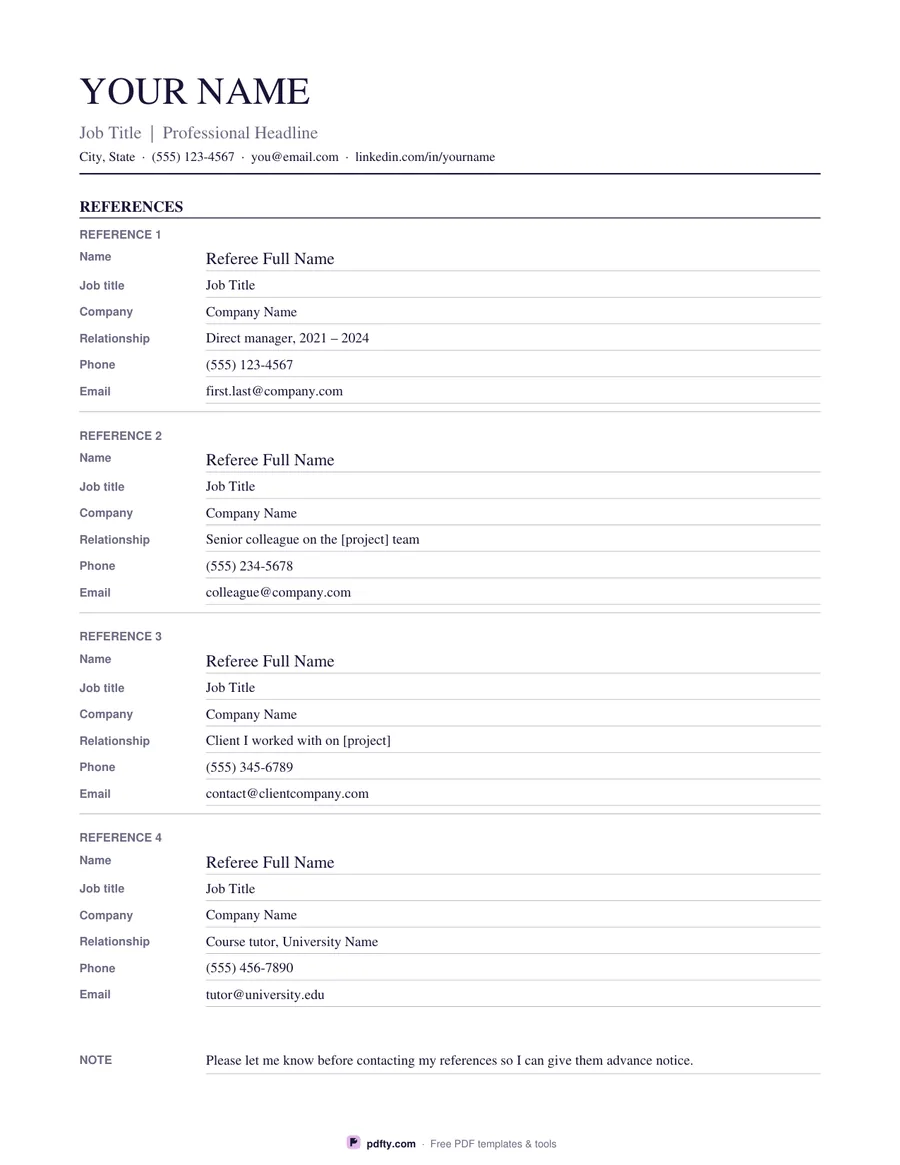
Printable job reference list with four referees and their contact details
Design
Paper size
Fill & edit free online

Free · no watermark · no sign-up for your first 20 downloads a day

Fillable PDF — type into the fields online or in any PDF viewer before printing.

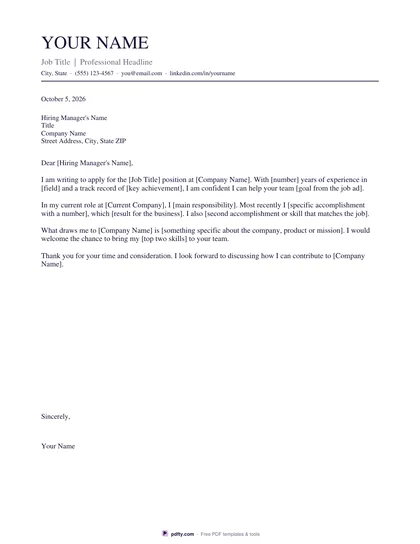
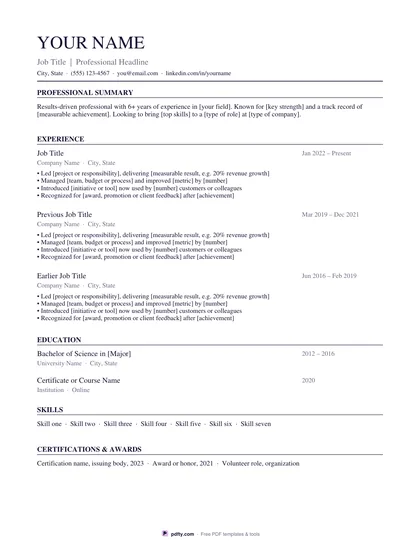
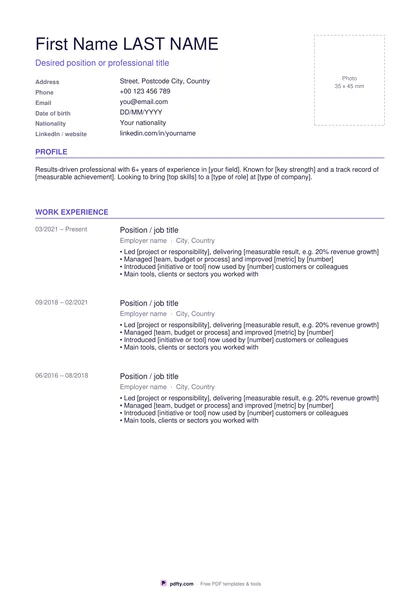
Employers usually ask for references at the end of the process, on a separate sheet rather than on the resume itself. This page gives you that sheet. The top carries your name, headline and contact line in exactly the same design as our resume and cover letter templates, so the three documents look like one application. Below it are four numbered reference blocks, each with six labeled rows: name, job title, company, relationship, phone and email.

Every row is a form field pre-filled with sample wording, so you can see what belongs where and simply type over it. The relationship line is the one people forget: the samples show four different kinds of referee a hiring manager likes to see, a direct manager, a senior colleague, a client and a course tutor. Each row also has a ruled line underneath, so the sheet works just as well filled in by hand.

At the bottom there is a short note asking the employer to let you know before they call, which gives you time to warn your referees that the phone may ring. Pick Classic, Modern or Minimal to match the resume you downloaded, then US Letter or A4. It stays on one page in both sizes, the fields print exactly as you typed them, and pdfty's Flatten PDF tool locks the text in place if you would rather nobody could change it after you send it.
How to use it

  1. 1

    Match your resume

    Choose the same design as your resume, Classic, Modern or Minimal, and the paper size you print on.

  2. 2

    Ask your referees first

    Check that all four are happy to be contacted, and confirm the phone number and email address they prefer.

  3. 3

    Type over the samples

    Click each row in any PDF viewer and replace the sample text with the real name, job title, company and relationship.

  4. 4

    Print or fill it in

    Print at 100% ("Actual size") so lines and boxes keep their exact spacing, or fill the form fields on screen in any PDF viewer.

Frequently asked questions

Yes. There is no watermark and no sign-up for your first 20 downloads each day; after that a free account keeps downloads going. You may print the file as often as you like for personal, school or business use.
Both. Every row, including your name and contact line at the top, is a fillable form field. Type in Adobe Reader, Preview, Chrome or Edge and print, or print it blank and write on the ruled lines.
Four, each with six rows of detail. If you need more, fill in a second copy and send the two pages together, or merge them into one file with pdfty's Merge PDF tool.
A separate sheet is the usual choice: it keeps the resume to the space you need for your experience, and you only hand over your referees' contact details when an employer actually asks.
How the person knows your work, in a few words, plus the dates if that helps. For example a direct manager and the years you reported to them, a colleague and the project you shared, or a client and the work you delivered.
Yes. Download both, then use pdfty's free Merge PDF tool with the resume first and the reference list last.

More free templates

Work with your PDF