Printable Graph Paper (Free PDF)

Precise, full-page grid paper for math, engineering sketches, floor plans, cross-stitch and bullet journals.

Download the ready-made PDF — no options, no sign-up. Variants below.
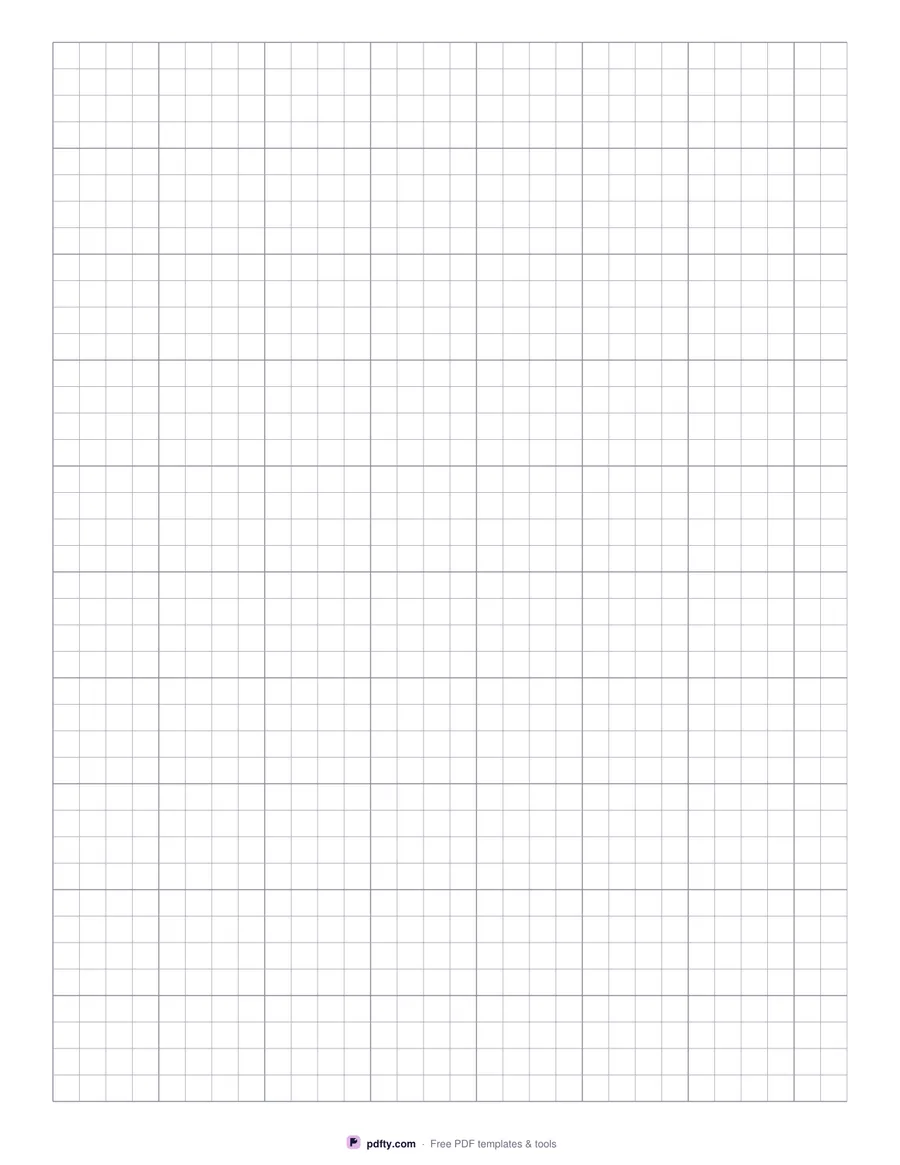
Printable quarter-inch graph paper
Grid
Line color
Paper size
Edit free online

Free · no watermark · no sign-up for your first 20 downloads a day

Pick the grid you need: 1/4 inch (4 squares per inch, the classic US school graph paper), 1/5 inch (5 per inch, common for engineering), 5 mm or 1 cm. Inch grids get a slightly darker line every inch and the 5 mm grid every centimeter, so measuring and counting stay easy.

Lines are thin and light so your own drawing stands out — choose gray for a neutral look or blue for a classic notebook feel. The grid fills the page with a small margin so it prints fully on home printers.

Because the PDF is vector, the spacing is exact when you print at 100% ("Actual size"). If you scale the page to fit, squares will be slightly smaller than labeled.

How to use it

  1. 1

    Choose the grid size

    1/4" for school math, 1/5" for engineering, 5 mm or 1 cm for metric work.

  2. 2

    Pick line color and paper size

    Gray or blue lines; US Letter or A4.

  3. 3

    Download the PDF

    One full-page grid, ready to print.

  4. 4

    Print at actual size

    Choose "Actual size" or 100% in the print dialog so each square matches its label.

Frequently asked questions

Yes. There is no watermark and no sign-up for your first 20 downloads each day; after that a free account keeps downloads going. You may print the file as often as you like for personal, school or business use.
In the US, school graph paper is usually 1/4 inch (4 squares per inch). Engineering pads often use 1/5 inch. Outside the US, 5 mm squares are most common.
Your printer scaled the page. Print again with "Actual size" / 100% instead of "Fit to page".
Yes — choose A4 before downloading. The grid is laid out for that sheet, so you don't need to scale it.
Yes. Import the PDF into GoodNotes, Notability, OneNote or Xodo and write on it with a stylus.
Print the page as many times as you need, or combine copies with pdfty's Merge PDF tool to make a multi-page pad.

More free templates

Work with your PDF