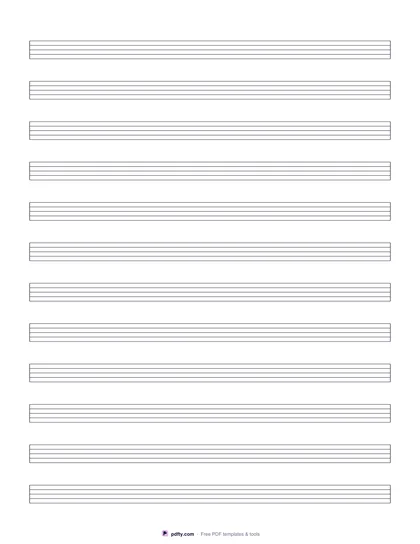
Printable Music Manuscript with Chord Boxes (Free PDF)

Staves with a ruled chord box above each one, divided into four numbered bars, for writing the chart and the melody on the same page.
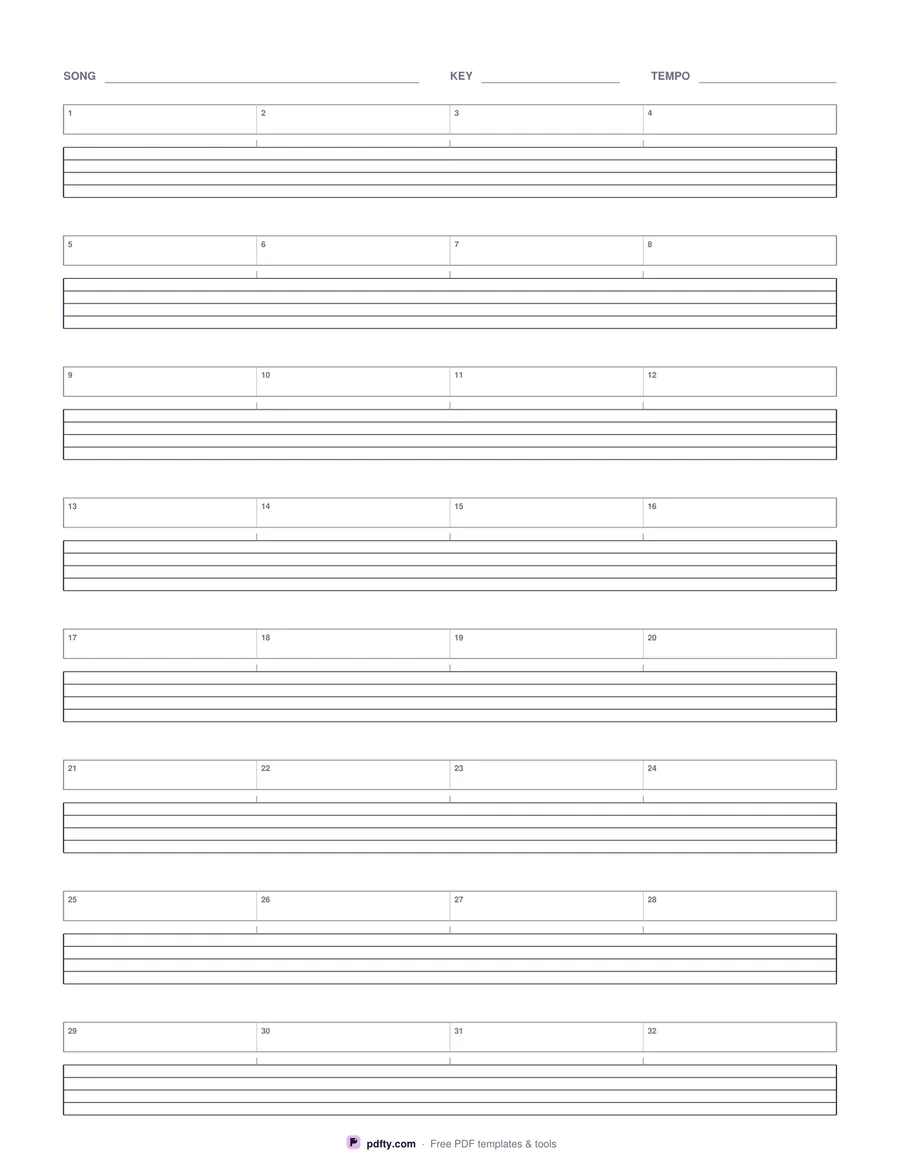
Printable music manuscript paper with a four-bar chord box above every stave
Staves per page
Paper size
Edit free online

Free · no watermark · no sign-up for your first 20 downloads a day

Plain staff paper leaves nowhere sensible to put chord symbols: they end up crowded above the top line or scrawled between systems. This sheet gives every stave its own box above it, ruled off from the music and divided into four bars, so the chart and the notation line up bar for bar. Short tick marks drop from each bar division to the top of the stave, marking where the bar begins without printing a barline through music you have not written yet.

The bars are numbered straight through the page - 1 to 4 on the first system, 5 to 8 on the next, and so on - which makes rehearsal talk much easier: bar 19 means the same thing to everyone holding the sheet. Eight systems is the default, giving thirty-two bars a page, with six and ten available for bigger handwriting or denser charts. Along the top there are printed rules for the song, the key and the tempo.

Everything is measured from the page rectangle, so the systems are spread evenly down the sheet in both US Letter and A4 and the staves run the full width with equal margins. It is paper to print and write on in pencil, not a form to type into. Print a handful before a writing session, or merge several into one file with pdfty's Merge PDF tool for a longer arrangement.

How to use it

  1. 1

    Choose how many staves

    Six for large handwriting, eight for a normal chart, ten if you write small and want more bars on a page.

  2. 2

    Download and print

    US Letter or A4, with the chord boxes, bar numbers and song, key and tempo lines already drawn.

  3. 3

    Print at actual size

    In the print dialog choose "Actual size" or 100% instead of "Fit to page", so every measurement on the sheet comes out exactly as labeled.

  4. 4

    Write the chart, then the tune

    Put chord symbols in the boxes bar by bar, then write the melody on the stave underneath so the two line up.

Frequently asked questions

Yes. There is no watermark and no sign-up for your first 20 downloads each day; after that a free account keeps downloads going. You may print the file as often as you like for personal, school or business use.
Four bars per system: 24 bars on the six-stave version, 32 on the eight-stave default and 40 on the ten-stave one. The bars are numbered straight through the page.
So you are free to write the music as it falls. A short tick above the stave marks where each of the four bars begins, and the start and end of every system are ruled as proper barlines.
Yes - that is what it is for. Chord symbols go in the box, the melody goes on the stave beneath it, and the lyrics fit under the stave in the gap before the next system.
No. Music notation does not work as form fields, so this is paper to print and write on, or to annotate with a stylus on a tablet.
Yes. Open the PDF in an annotation app such as GoodNotes, Notability or Xodo and draw on it with a stylus; the grid stays crisp at any zoom because it is vector, not an image.

More free templates

Work with your PDF