Printable Semester Planner (Free PDF)

The whole term on one page - sixteen numbered weeks down the sheet, with a column for what is taught, what is due and what is examined.
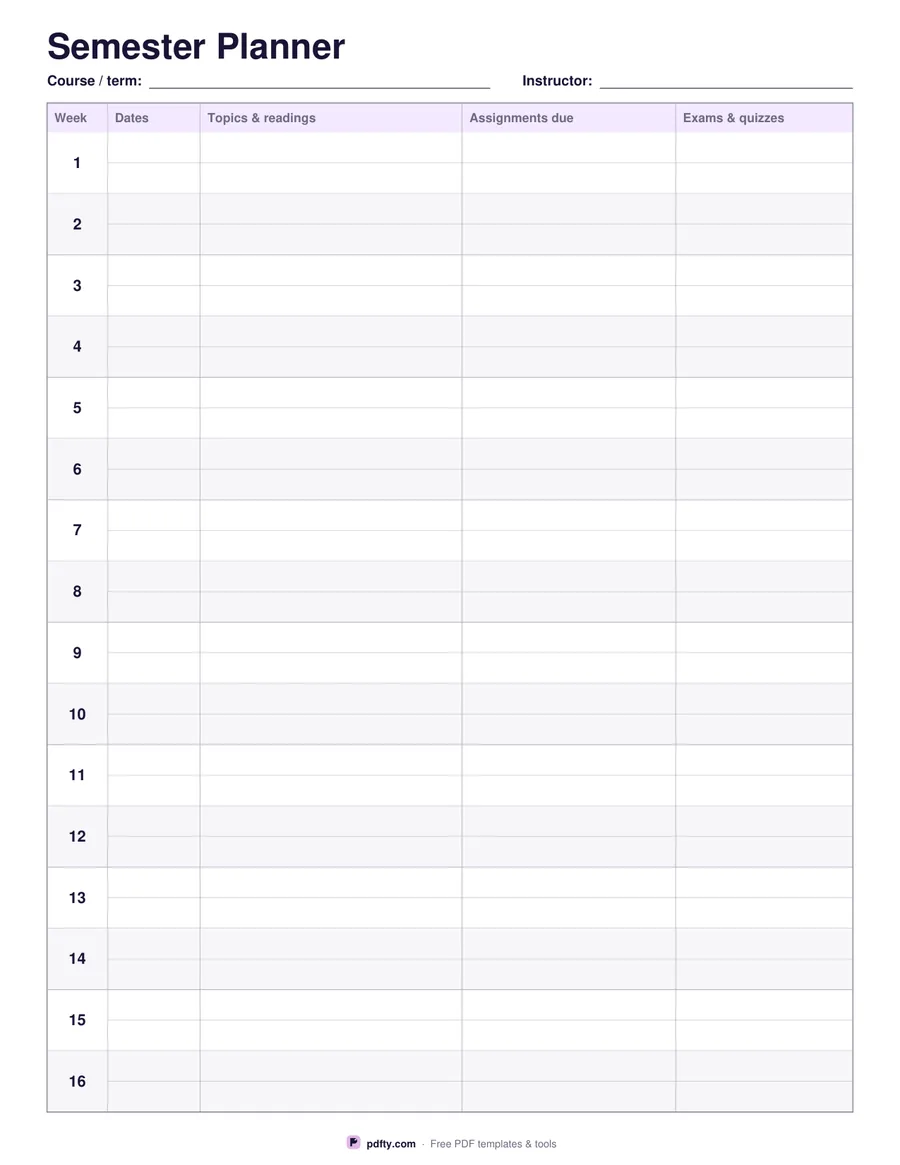
Printable semester planner with sixteen week rows and assignment and exam columns
Weeks
Paper size
Fill & edit free online

Free · no watermark · no sign-up for your first 20 downloads a day

Fillable PDF — type into the fields online or in any PDF viewer before printing.

A semester is hard to see from a weekly planner. This sheet lays the whole term out at once: sixteen numbered rows, one per week, running from the top of the page to the bottom. Each row has a column for the dates, a wide column for topics and readings, a column for assignments due and a column for exams and quizzes. Two faint writing lines inside every row let you fit a couple of entries without the sheet turning into a wall of text.

Seeing the term in one view is what makes it useful: three deadlines in week eleven and an exam in week twelve is obvious here and invisible in a week-by-week planner. Fill it in during the first week from each syllabus, then keep it inside the front cover of a folder and mark things off as they pass. Alternating rows are tinted so your eye stays on the right week as it crosses the page.

Pick fourteen, sixteen or eighteen weeks to match a quarter, a standard semester or a longer term; the rows are measured again so they always fill the page. There are lines for the course or term and the instructor at the top. Every cell is a fillable form field, so you can type the whole plan on screen and print a clean copy, or print it blank and write it in. One page, US Letter or A4.
How to use it

  1. 1

    Choose the term length

    Fourteen, sixteen or eighteen weeks, depending on whether you are planning a quarter, a semester or a longer term.

  2. 2

    Copy out the syllabus

    Work through each course's syllabus once and put every deadline and exam in the week it falls in.

  3. 3

    Print or fill it in

    Print at 100% ("Actual size") so lines and boxes keep their exact spacing, or fill the form fields on screen in any PDF viewer.

  4. 4

    Keep it where you study

    Inside a folder cover or on the wall above your desk, and cross off each week as it ends.

Frequently asked questions

Yes. There is no watermark and no sign-up for your first 20 downloads each day; after that a free account keeps downloads going. You may print the file as often as you like for personal, school or business use.
Sixteen by default, with fourteen and eighteen also available. The week numbers are printed; the dates are yours to fill in, so it works for any year.
Week number, dates, topics and readings, assignments due, and exams and quizzes - the four things a syllabus actually gives you.
Yes, that is the usual way: put the course code before each entry. If you prefer one sheet per course, print several and name each at the top.
Yes. The course and instructor lines and all four columns of every week are form fields, so you can type the term out and keep a copy on your laptop too.
Yes. Open the PDF in an annotation app such as GoodNotes, Notability or Xodo and write on it with a stylus, or fill the form fields in any PDF reader and keep the file on screen.

More free templates

Work with your PDF