Resume Worksheet (Free Printable PDF)

A planning sheet, not a finished resume: work out your keywords, achievements and numbers here first, then write the real thing.
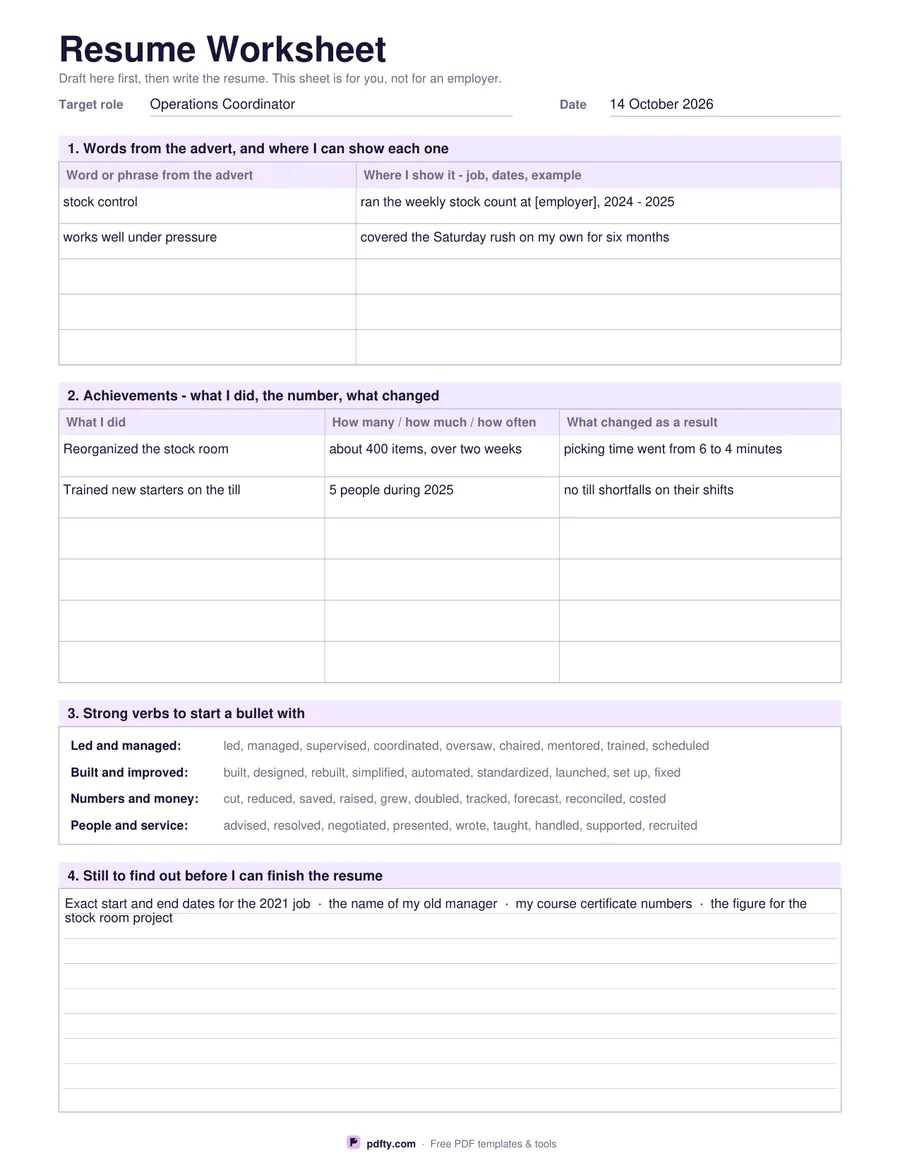
Printable resume worksheet with keyword and achievement tables and a verb bank
Paper size
Fill & edit free online

Free · no watermark · no sign-up for your first 20 downloads a day

Fillable PDF — type into the fields online or in any PDF viewer before printing.

This sheet is for the half hour before you open the resume template. It has four sections. The first is a five-row table for words and phrases lifted from the advert, with a second column for where in your own history you can show each one. The second is a six-row table with three columns: what you did, how many or how much or how often, and what changed as a result. That middle column is the one most drafts are missing, and filling it in gives you the numbers your bullets need.

The third section is a printed bank of thirty-six verbs grouped under four headings, for leading and managing, building and improving, numbers and money, and people and service. It is there to be read, not filled in, so you have something to start a bullet with when the obvious word is used up. The fourth is a ruled box for everything you still have to look up: exact dates, an old manager's name, certificate numbers, the figure you half remember.

The top line holds the role you are aiming at and the date, so a worksheet you filled in for one application is not mistaken for another. The two tables and the find-out box are form fields, each with sample rows already filled in to show the level of detail that is useful, and the sheet prints just as well blank for writing on by hand. Choose US Letter or A4. Nothing here is meant to be sent to an employer.
How to use it

  1. 1

    Put the advert next to you

    Write the role at the top, then copy the words and phrases it repeats into the first table.

  2. 2

    List achievements with numbers

    Fill the second table one row at a time: what you did, the number, and what changed because of it.

  3. 3

    Draft bullets from the verb bank

    Start each line with a verb from section three, then move the finished bullets into your resume.

  4. 4

    Print or fill it in

    Print at 100% ("Actual size") so lines and boxes keep their exact spacing, or fill the form fields on screen in any PDF viewer.

Frequently asked questions

Yes. There is no watermark and no sign-up for your first 20 downloads each day; after that a free account keeps downloads going. You may print the file as often as you like for personal, school or business use.
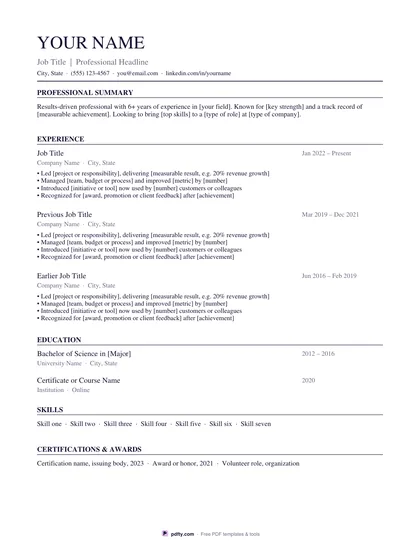
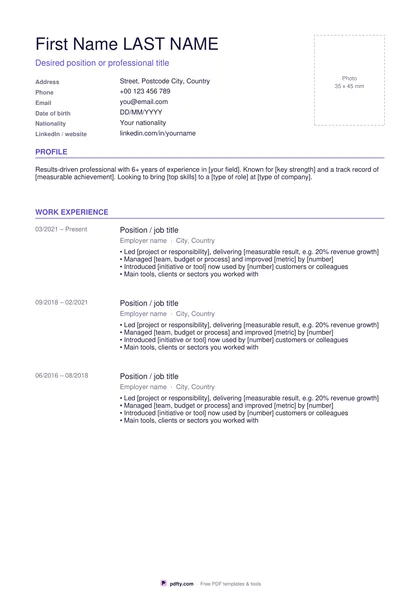
No, and it is not meant to be. It is a planning sheet you fill in first; the finished text then goes into our resume, student resume or functional resume template.
Yes. Both tables and the find-out box are form fields, so you can fill it on screen and keep the file. The verb bank is printed text.
Five rows for keywords, six for achievements, and a ruled box about seven lines deep for what you still need to find out. Two rows in each table arrive pre-filled as examples.
Count something you do regularly: people served in a shift, items handled, reports sent each month, how long a task used to take. An honest approximate figure with the word about in front of it is still a number.
Yes, print as many as you like. The target role line at the top is there so you can keep one sheet per job without mixing them up.

More free templates

Work with your PDF