Student Resume Template (Fillable PDF)

A first resume for someone with no full-time work history: education at the top, then coursework, projects, part-time work and volunteering.
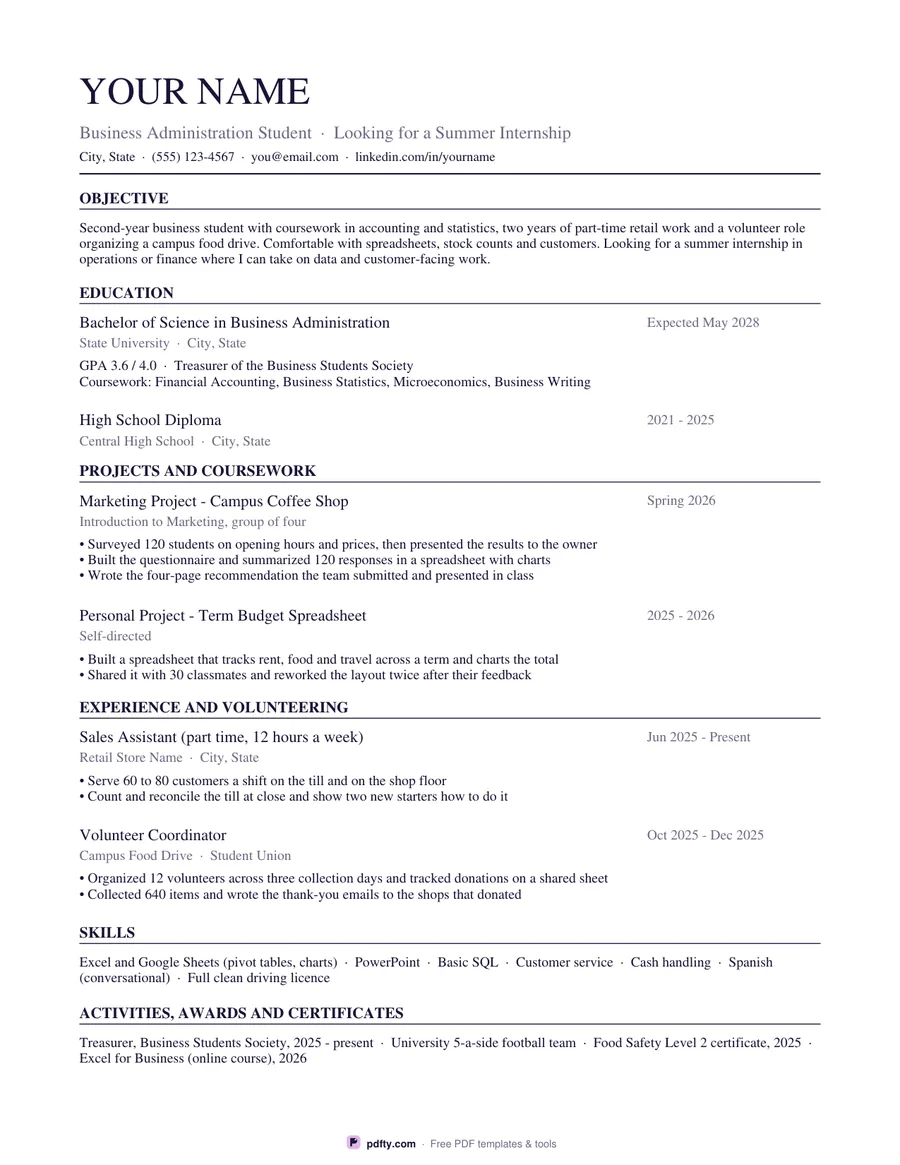
Printable student resume with education, projects and volunteering sections
Design
Paper size
Fill & edit free online

Free · no watermark · no sign-up for your first 20 downloads a day

Fillable PDF — type into the fields online or in any PDF viewer before printing.

This is a one-page resume laid out for someone whose longest line is still their degree. Education comes first, with room for a GPA line and a list of relevant coursework, followed by a projects section that treats class work and self-directed work as real experience, then part-time jobs and volunteering, then skills and activities. Every entry has a title, a place, a date range on the right and two or three bullet lines underneath, so the sheet holds about eight blocks of detail without running onto a second page.

Nothing on it is blank. The sample wording describes an invented business student with a retail job, a campus food drive and a marketing project, and each bullet is written the way a resume bullet works: what you did, how many, what came of it. You change the names, the dates and the numbers and the structure is already right. If a section does not apply to you, delete the lines and the ones below it stay where they are.

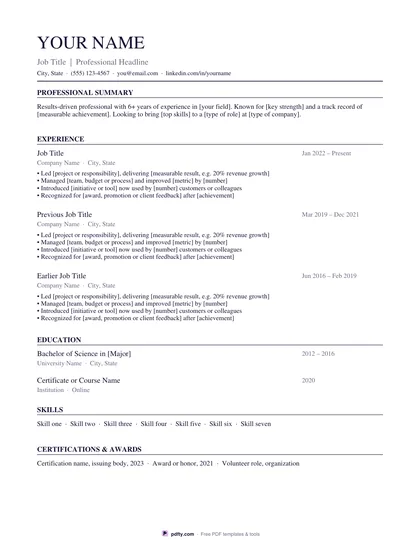
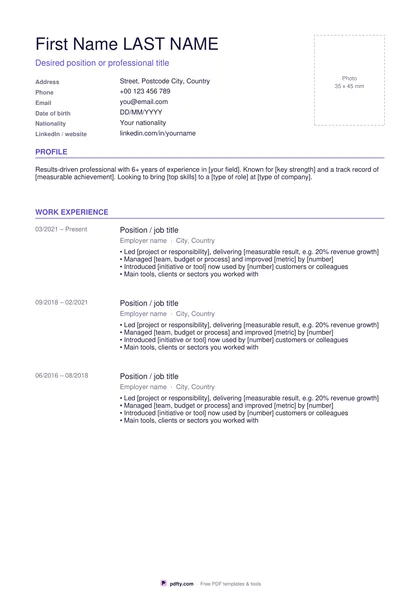
Every line is a form field, including your name, headline and contact line, so you can finish the whole page on screen in any PDF viewer and never open a word processor. Pick Classic, which is set in a serif with ruled section headings, or Modern, which uses a sans-serif with a small accent bar, and US Letter or A4. It stays on one page in both sizes. Flatten the PDF before you send it if you would rather the fields could not be edited.
How to use it

  1. 1

    Pick the design and size

    Choose Classic or Modern, then US Letter or A4, and download the PDF.

  2. 2

    Type over the samples

    Click each field and replace the sample name, school, dates, coursework and bullets with your own.

  3. 3

    Cut what does not apply

    Delete any entry you cannot fill honestly, such as the second project, and keep the page to one side.

  4. 4

    Print or fill it in

    Print at 100% ("Actual size") so lines and boxes keep their exact spacing, or fill the form fields on screen in any PDF viewer.

Frequently asked questions

Yes. There is no watermark and no sign-up for your first 20 downloads each day; after that a free account keeps downloads going. You may print the file as often as you like for personal, school or business use.
Every line is a fillable form field, including the name, headline and contact line. Fill it in Adobe Reader, Preview, Chrome or Edge, save, and send or print the result.
The sheet is built for that case. The projects section takes class assignments and anything you built on your own, and the experience section takes volunteering, clubs, sport and unpaid work. The sample text shows all three.
Two education entries, two projects, two experience entries, and a skills and an activities line. That fills one page at a readable size in both Letter and A4.
That is your call and it depends on the application you are filling in. The sample puts it on the first education line, so you can type over it or delete it in a second.
Yes. Fill in what you can here, then run the PDF through pdfty's free PDF to Word tool if you would rather keep editing in a word processor.

More free templates

Work with your PDF