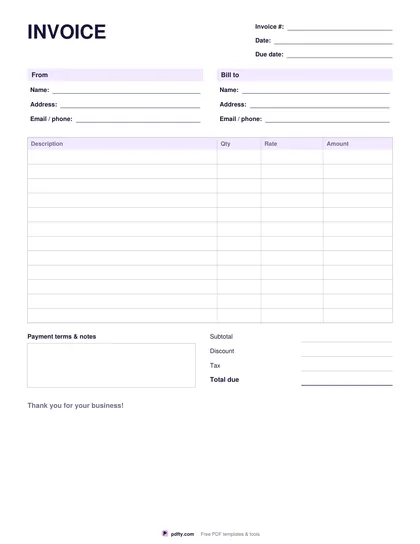
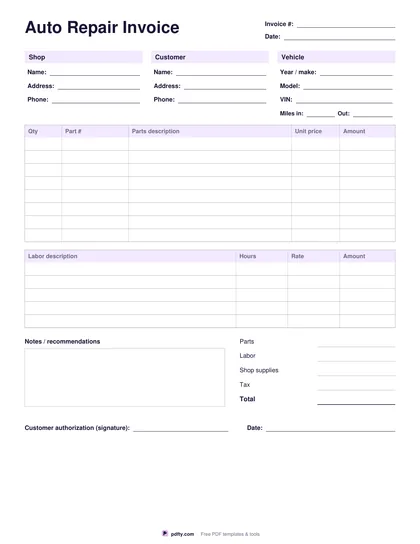
Car Sale Receipt Template (Free Fillable PDF)
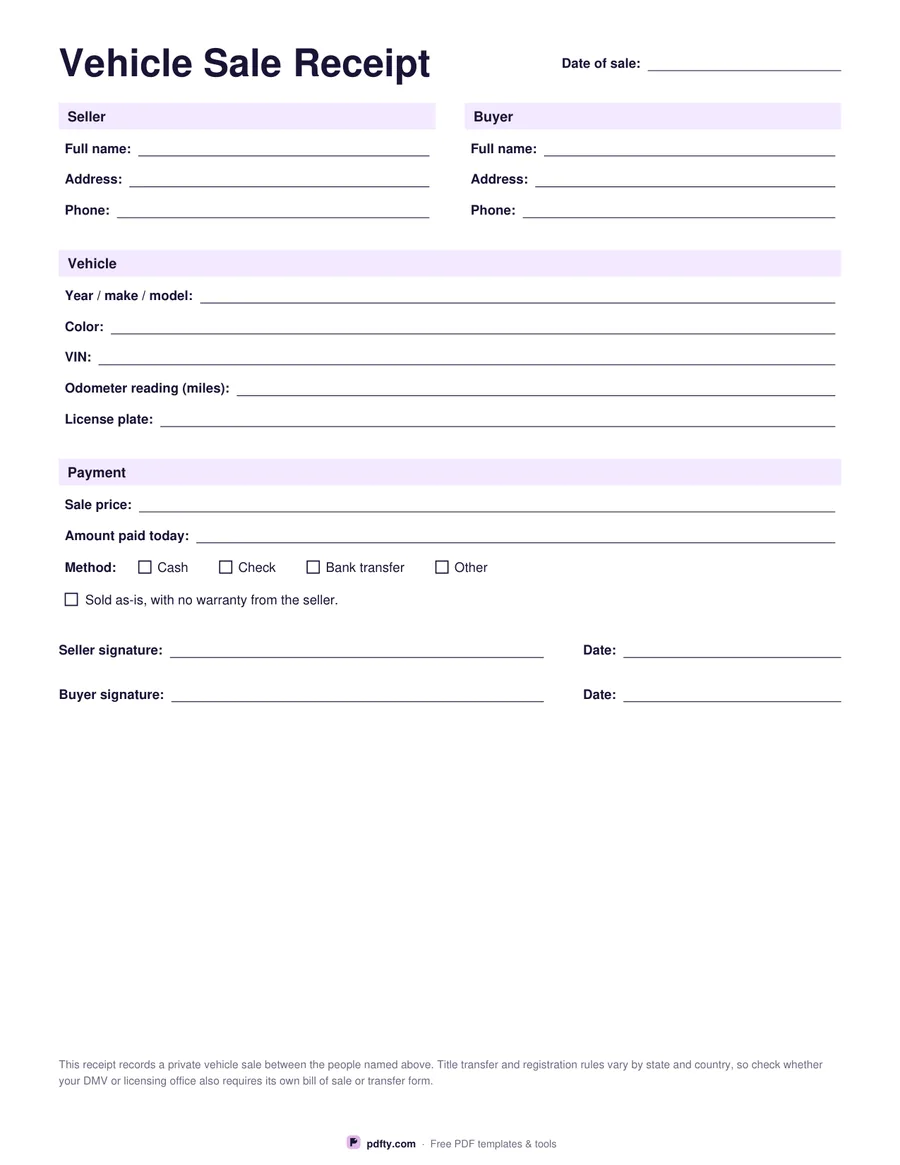
Record a private car sale in minutes: who sold it, who bought it, the vehicle, the price and both signatures.
Free · no watermark · no sign-up for your first 20 downloads a day
Fillable PDF — type into the fields online or in any PDF viewer before printing.
When you sell or buy a used car privately, a written receipt protects both sides. This one-page form records the date, seller and buyer details, the vehicle (year, make, model, color, VIN, odometer reading, plate), the sale price and amount paid, the payment method and whether the car is sold as-is.
Both parties sign and date at the bottom. All fields are fillable — complete it on a phone or laptop, then print two copies so seller and buyer each keep one.
Rules for transferring a title differ by state and country, and some licensing offices require their own bill of sale form, so check local requirements as well.