Project Status Report Template (Free PDF)

One page a sponsor will actually read: status at a glance, what moved, what is in the way and where the budget stands.
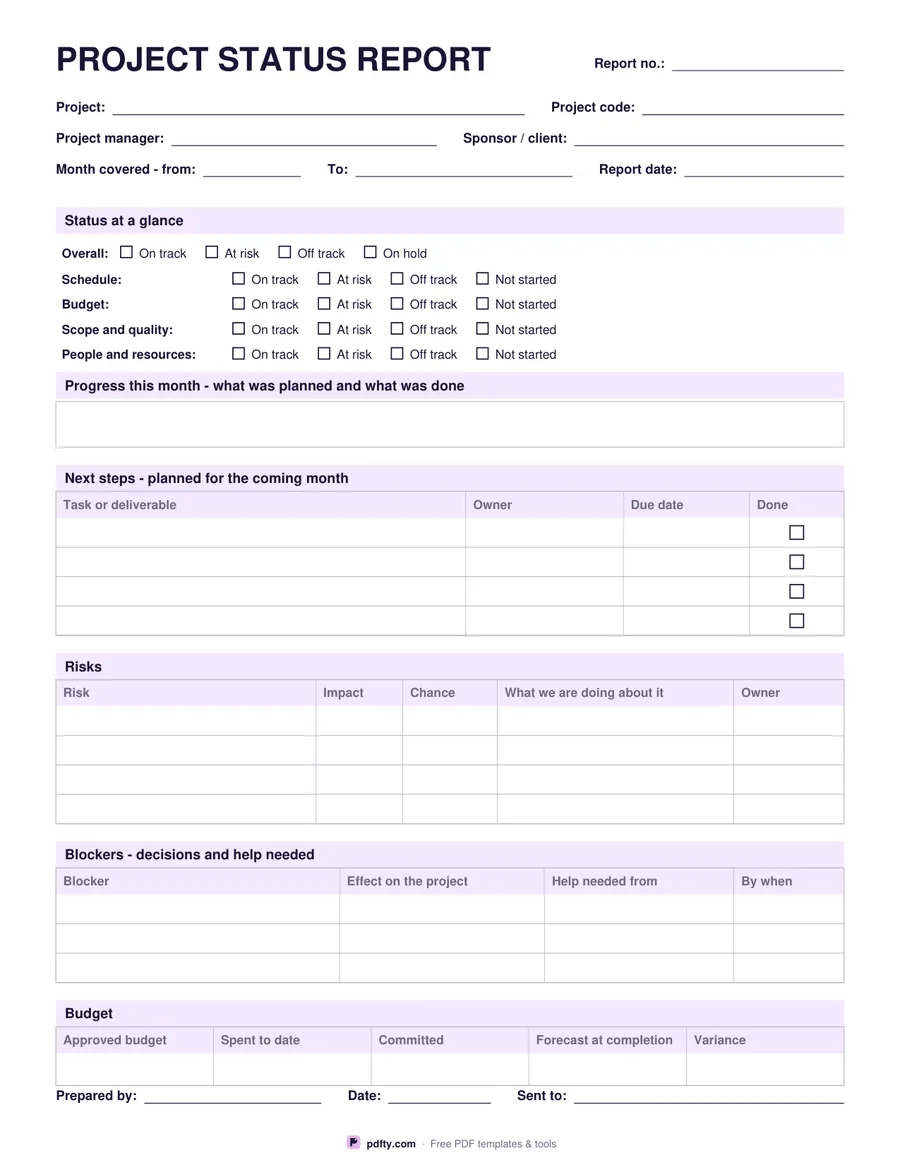
Printable project status report with status lines, risks, blockers and budget row
Reporting period
Paper size
Fill & edit free online

Free · no watermark · no sign-up for your first 20 downloads a day

Fillable PDF — type into the fields online or in any PDF viewer before printing.

The sheet opens with the project, its code, the manager, the sponsor or client and the period covered. Status at a glance comes next: an overall line - on track, at risk, off track or on hold - and four more for schedule, budget, scope and quality, and people and resources, each ticked as on track, at risk, off track or not started. A sponsor who reads nothing else has the picture in five seconds, which is the honest purpose of a status report.

Under that sits the progress box, for what was planned and what was actually done in the period, followed by a four-row next steps table with an owner, a due date and a tick box. Risks get four rows with the impact, the chance, what is being done about each one and who owns it. Blockers get their own three-row table - the blocker, its effect, who can unblock it and by when - because a blocker is a request, not a risk, and mixing the two is how projects stall politely.

A single budget row holds the approved budget, spent to date, committed, forecast at completion and the variance, with no currency symbol printed. Prepared by, date and a distribution line close the page. Choose the monthly version or the weekly one and the headings change to match - progress this week, planned for the coming week. Every field is fillable, so the report can be typed and emailed or printed for a steering meeting.
How to use it

  1. 1

    Pick weekly or monthly

    The progress and next-step headings change to match the period you report on.

  2. 2

    Download the PDF

    US Letter or A4, one page, no sign-up.

  3. 3

    Print or fill it in

    Print at 100% ("Actual size") so lines and boxes keep their exact spacing, or fill the form fields on screen in any PDF viewer.

  4. 4

    Fill the status lines first

    Tick the overall and the four detail lines, then write only what explains them. Keep risks and blockers in their own tables.

Frequently asked questions

Yes. There is no watermark and no sign-up for your first 20 downloads each day; after that a free account keeps downloads going. You may print the file as often as you like for personal, school or business use.
Yes. The tick boxes, the progress box and every table cell are form fields, so the report can be filled in on screen and emailed as a PDF.
A risk might happen and has an owner and a mitigation; a blocker has already happened and needs a decision or help from somebody named, by a date. They have separate tables for exactly that reason.
The wording is on track, at risk and off track rather than colours, so it prints the same on a black and white printer and means the same to everyone reading it.
One row with five figures: approved budget, spent to date, committed, forecast at completion and variance. No currency symbol is printed.
Yes. Print the status report as page one and merge the plan behind it with pdfty's merge tool.

More free templates

Work with your PDF