Printable Step Tracker (Free PDF)

A month of walking on one page: write the day's steps, then shade the bar across to show it against the scale and the goal you set yourself.
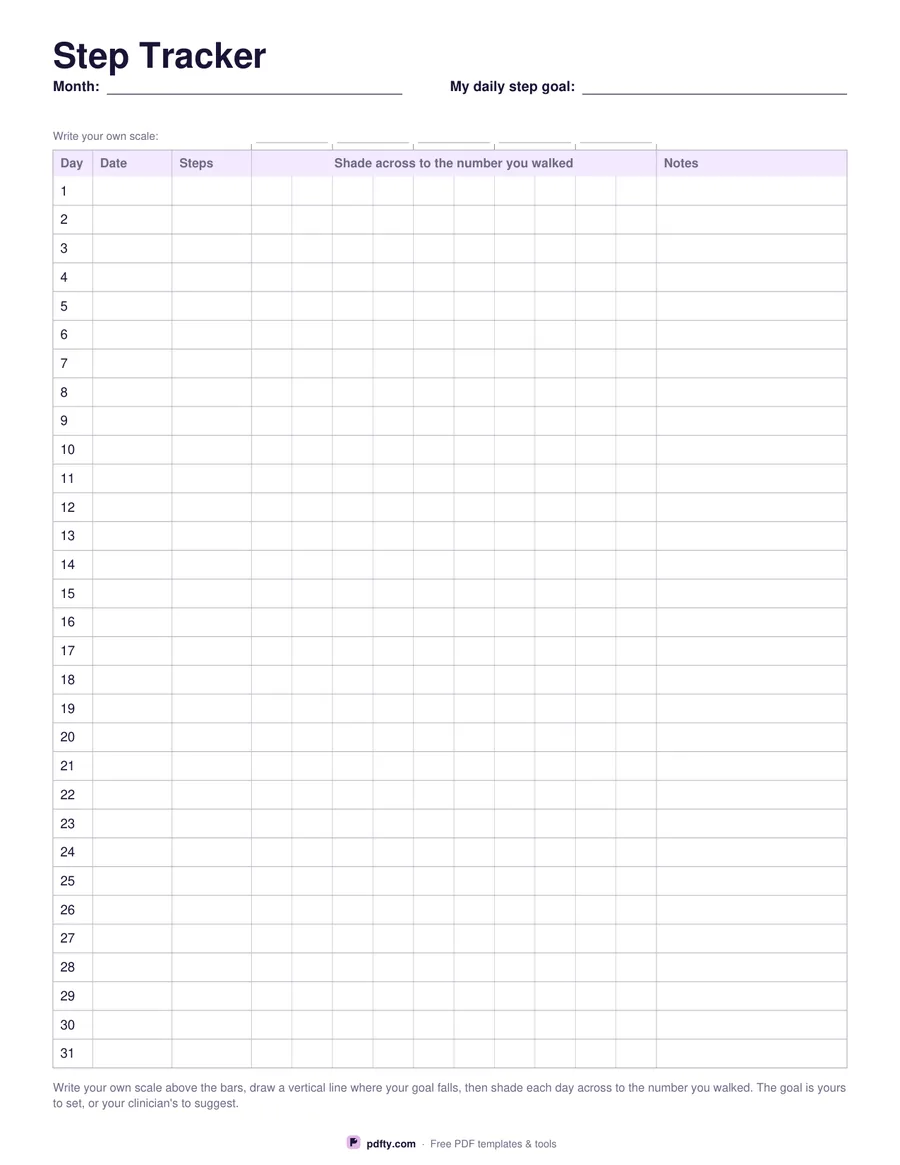
Printable monthly step tracker with a steps column and a bar to shade in for each day
Paper size
Fill & edit free online

Free · no watermark · no sign-up for your first 20 downloads a day

Fillable PDF — type into the fields online or in any PDF viewer before printing.

Thirty-one numbered rows run down the page, each with a date, a steps figure and a wide bar column divided into ten light sections. Writing a number tells you what happened on one day; shading the bar across lets you see the month. Five fields above the bars are where you write your own scale, so the chart fits whether a busy day for you is four thousand steps or sixteen.

There is a goal field in the header and a vertical line you draw yourself down the bar column to mark it. The sheet prints no step target, because what is a reasonable day depends on your age, your health and what you are recovering from; the goal is yours to set, or your clinician's to suggest. The notes column on the right is for why a day went the way it did.

The month, the goal, the five scale fields, every date, every steps cell and every note are form fields, so the numbers can be filled on screen, though the shading itself is done with a pencil or a highlighter, or with the pen tool in an annotation app. It is one page in US Letter or A4, on a plain grid that prints cleanly in black and white and copies well if you want one on the fridge and one in a diary.
How to use it

  1. 1

    Write your own scale

    Fill the five fields above the bar column with numbers that suit the way you walk.

  2. 2

    Set a goal

    Type your goal in the header and draw a vertical line down the bar column where it falls.

  3. 3

    Print or fill it in

    Print at 100% ("Actual size") so lines and boxes keep their exact spacing, or fill the form fields on screen in any PDF viewer.

  4. 4

    Shade each day

    Write the steps your phone or watch shows, then shade the bar across to that point.

Frequently asked questions

Yes. There is no watermark and no sign-up for your first 20 downloads each day; after that a free account keeps downloads going. You may print the file as often as you like for personal, school or business use.
Because a sensible daily number depends on you. The header has a blank goal field instead, which you fill in yourself or after talking to your clinician.
The bar column is divided into ten light sections and you write the scale above it, so shading halfway across means half of the number at the end of your scale.
Yes, thirty-one rows. In shorter months leave the last rows empty.
The numbers and notes are form fields. The shading is meant for a pencil, or for the highlighter tool in an annotation app.
Yes. Open the PDF in GoodNotes, Notability or Xodo and write on it with a stylus, or fill the form fields and keep the file on your device instead of printing it.

More free templates

Work with your PDF