Printable Year at a Glance Planner (Free PDF)

Twelve month grids on one landscape page, undated so the same sheet works for any year you write at the top.
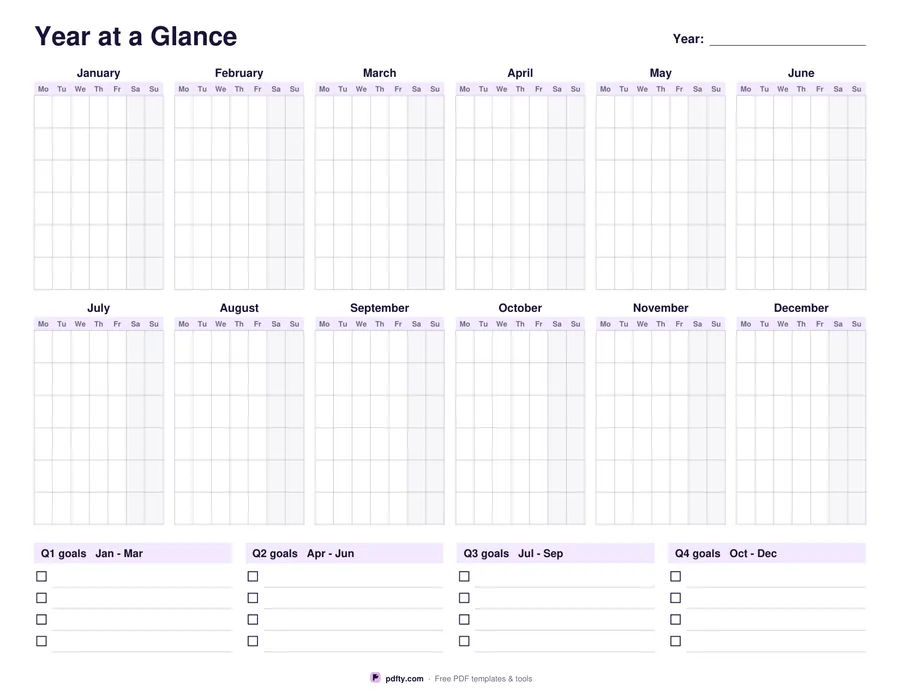
Printable year at a glance planner with twelve blank month grids and quarter goal panels
Week starts on
Paper size
Fill & edit free online

Free · no watermark · no sign-up for your first 20 downloads a day

Fillable PDF — type into the fields online or in any PDF viewer before printing.

Six month grids across and two down put the whole year in front of you on a single landscape page. Each grid is the familiar seven columns by six rows with the weekday initials printed across the top and the two weekend columns shaded, so you can see at a glance where a trip, a term or a deadline falls. The month names are printed; the day cells are left empty, which is what makes one file usable in any year rather than only in the year it was made for.

The year itself is a form field at the top right, so type it or write it in. Fill the grids the way that suits the job: number every day from the first, number only the weeks you care about, or skip numbers entirely and block out holidays, school terms, pay weeks or project phases. Under the grids runs a strip of four quarter panels, Q1 to Q4, with four checkbox lines each, which gives you sixteen lines to park the goals and the big dates that belong to a quarter rather than a day.

The year field and the sixteen quarter goal lines are fillable, so you can type those on screen before printing. The day cells are deliberately blank for a pen, a highlighter or a set of stickers. It is one page, drawn as vector lines and laid out separately for US Letter and A4, which means thin crisp rules on a home printer and no scaling needed. Pick Monday or Sunday as the first column before you download.
How to use it

  1. 1

    Choose the week start

    Monday first, as most of Europe prints it, or Sunday first, as most of the US does.

  2. 2

    Pick the paper size

    US Letter or A4. Both print in landscape and need no scaling.

  3. 3

    Add the year and the quarter goals

    Type the year and up to sixteen quarter goals in any PDF viewer, or leave them blank and write them in.

  4. 4

    Print or fill it in

    Print at 100% ("Actual size") so lines and boxes keep their exact spacing, or fill the form fields on screen in any PDF viewer.

Frequently asked questions

Yes. There is no watermark and no sign-up for your first 20 downloads each day; after that a free account keeps downloads going. You may print the file as often as you like for personal, school or business use.
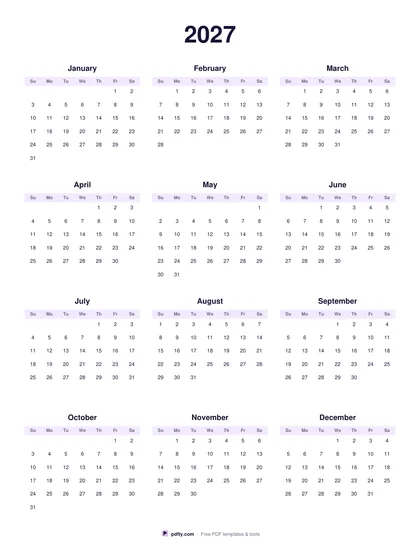
No. The twelve grids are blank, so the same file works for 2026, 2027 or any later year. If you want real printed dates, use the 2027 Calendar template, which prints a dated year on one page or a dated month per page.
So one sheet covers every year. Write the day numbers in from the first of the month, or ignore numbering and simply shade the weeks that matter.
The year field and the sixteen quarter goal lines are form fields you can type into. The month grids are meant for a pen.
Roughly 16 by 28 points on US Letter, which is enough for a day number plus a dot, a cross or a highlighter stripe.
The page is defined as landscape so most printers pick it up automatically. If yours does not, set orientation to landscape and scale to 100%.

More free templates

Work with your PDF