Printable Weekly Review Sheet (Free PDF)

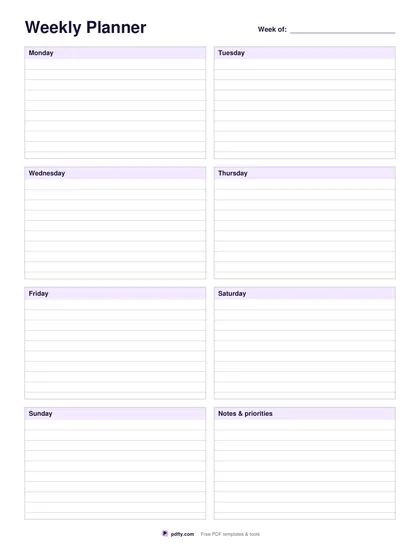
The Friday page: what went well, what did not, what actually moved, and the three things that matter next week.
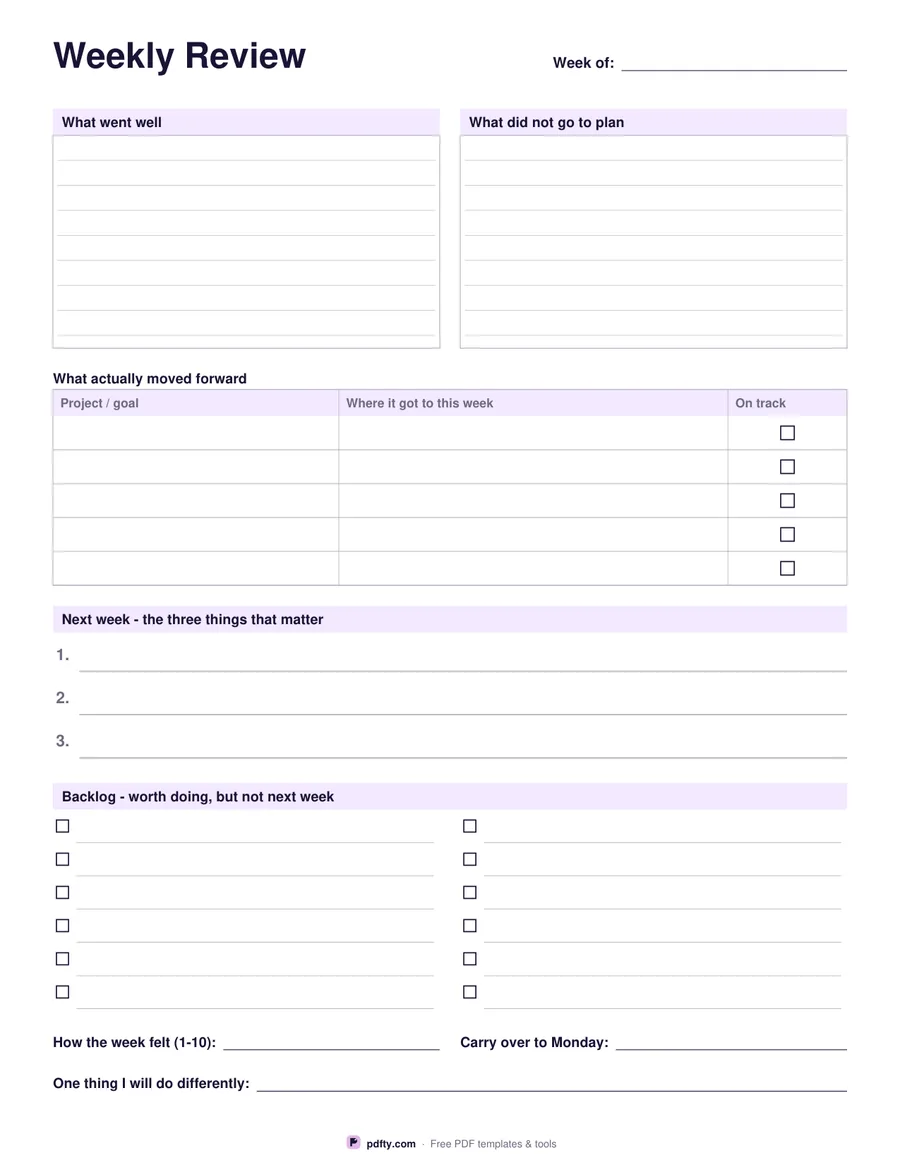
Printable weekly review sheet with went well, did not go to plan, priorities and backlog sections
Paper size
Fill & edit free online

Free · no watermark · no sign-up for your first 20 downloads a day

Fillable PDF — type into the fields online or in any PDF viewer before printing.

This is a looking-back sheet rather than a planning grid. It starts with two ruled boxes side by side, what went well and what did not go to plan, each about seven lines deep. Under them sits a five-row table headed project or goal, where it got to this week, and an on-track checkbox, which is the part that stops a review turning into a mood diary: you write where each thread actually ended up, not how busy you felt.

The lower half turns the review into next week's instructions. A wide band gives you three numbered priority lines, deliberately only three, and below it a backlog strip of twelve checkbox lines in two columns for everything that is worth doing but not next week. The page closes with three short fields: how the week felt out of ten, what carries over to Monday, and one thing you will do differently.

Every box, cell, line and checkbox is a form field, so you can run the review on screen in Adobe Reader, Preview, Chrome or Edge and keep a dated file each week, or print the blank sheet and fill it in with a pen on Friday afternoon. It is one portrait page, drawn separately for US Letter and A4, with thin gray rules that stay quiet under handwriting.
How to use it

  1. 1

    Download the sheet

    Pick US Letter or A4 and download the one-page PDF.

  2. 2

    Look back

    Fill what went well, what did not go to plan, and the five rows of what actually moved forward.

  3. 3

    Look forward

    Write next week's three priorities, park the rest in the backlog strip, and answer the three closing lines.

  4. 4

    Print or fill it in

    Print at 100% ("Actual size") so lines and boxes keep their exact spacing, or fill the form fields on screen in any PDF viewer.

Frequently asked questions

Yes. There is no watermark and no sign-up for your first 20 downloads each day; after that a free account keeps downloads going. You may print the file as often as you like for personal, school or business use.
A weekly planner gives you day boxes to schedule the week ahead. This sheet has no day boxes: it is filled at the end of a week to judge what happened and to pick the three things that matter next.
Yes, all 48 fields are fillable, including the two review boxes, the five-row table, the three priority lines and the twelve backlog lines.
Twelve, arranged as two columns of six, each with its own checkbox.
Fill it on screen and save a copy per week. Use pdfty's Flatten PDF tool if you want the typed answers fixed in place before you file or send it.
Yes. Open it in GoodNotes, Notability or Xodo and write with a stylus, or fill the form fields and keep it digital.

More free templates

Work with your PDF