Printable Expense Tracker (Free Fillable PDF)
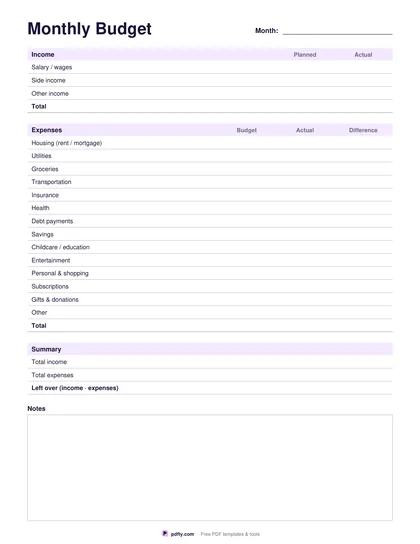
Write down every purchase on one page, then add up the month and see which categories took the money.
Free · no watermark · no sign-up for your first 20 downloads a day
Fillable PDF — type into the fields online or in any PDF viewer before printing.
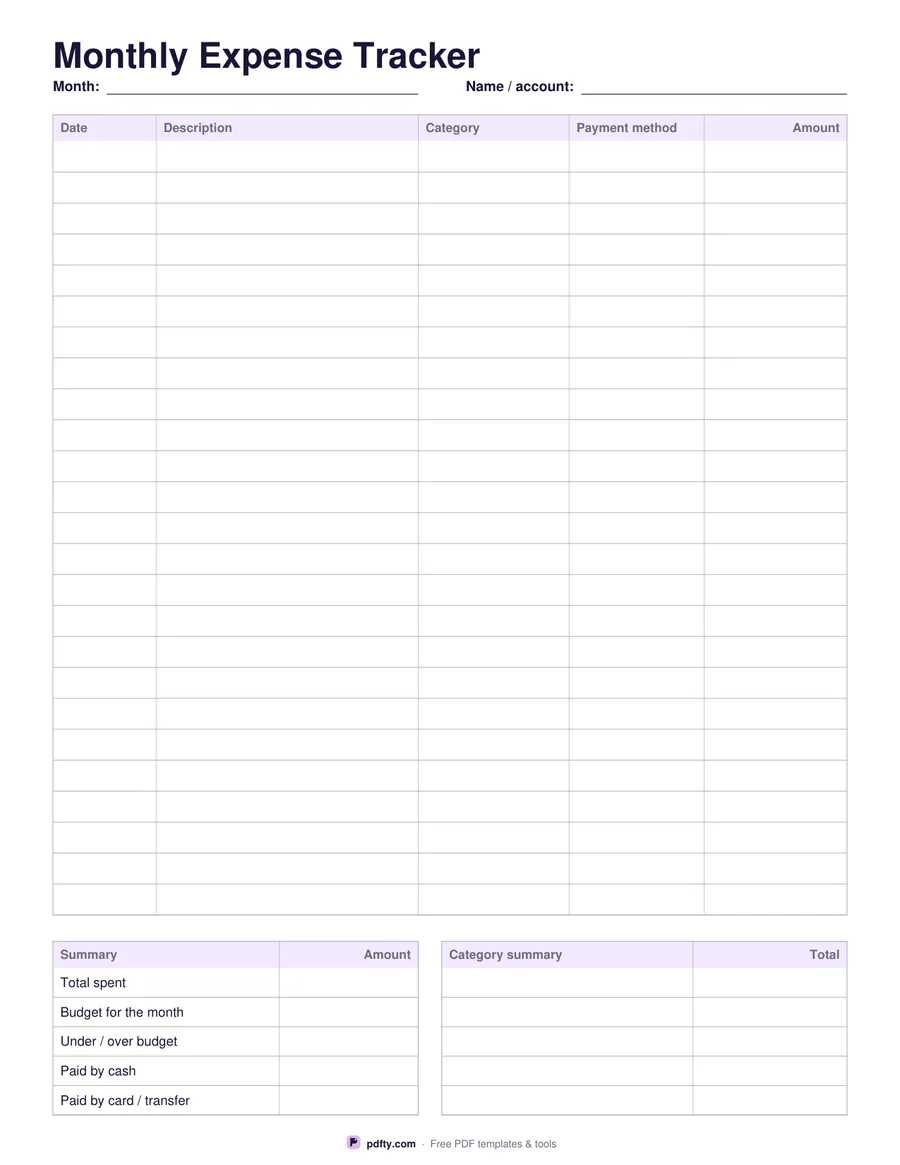
This expense tracker gives you twenty-five numbered rows with five columns: the date, a description of what you bought, the category you want it counted under, how you paid for it (cash, card, transfer) and the amount. The amount column is right-aligned and carries no currency symbol, so the sheet works whatever you spend in. Keep it in a kitchen drawer, a binder or a work folder and fill a line in as you go.
Under the table sit two summary panels. The left one has rows for total spent, your budget for the period, whether you came in under or over, and how much of the total went out in cash versus card or transfer. The right one is a short category summary: write in your five biggest categories and their totals so you can see at a glance where the money went.
Choose monthly if you review your spending once a month, or weekly if you prefer a shorter cycle and a fresh sheet every Monday. The only difference is the heading, the date field at the top and the wording of the budget row. Every cell is a form field, so you can type the whole thing on a computer or phone and keep a saved copy per period instead of printing.