Free Printable Monthly Budget Worksheet (Fillable PDF)

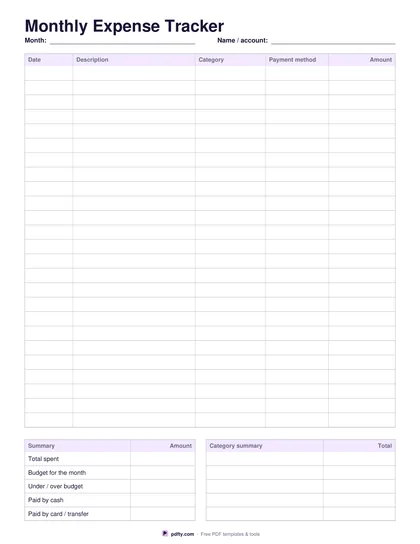
Plan the month, then compare what you budgeted with what you actually spent — type straight into the PDF or print it and use a pen.

Download the ready-made PDF — no options, no sign-up. Variants below.
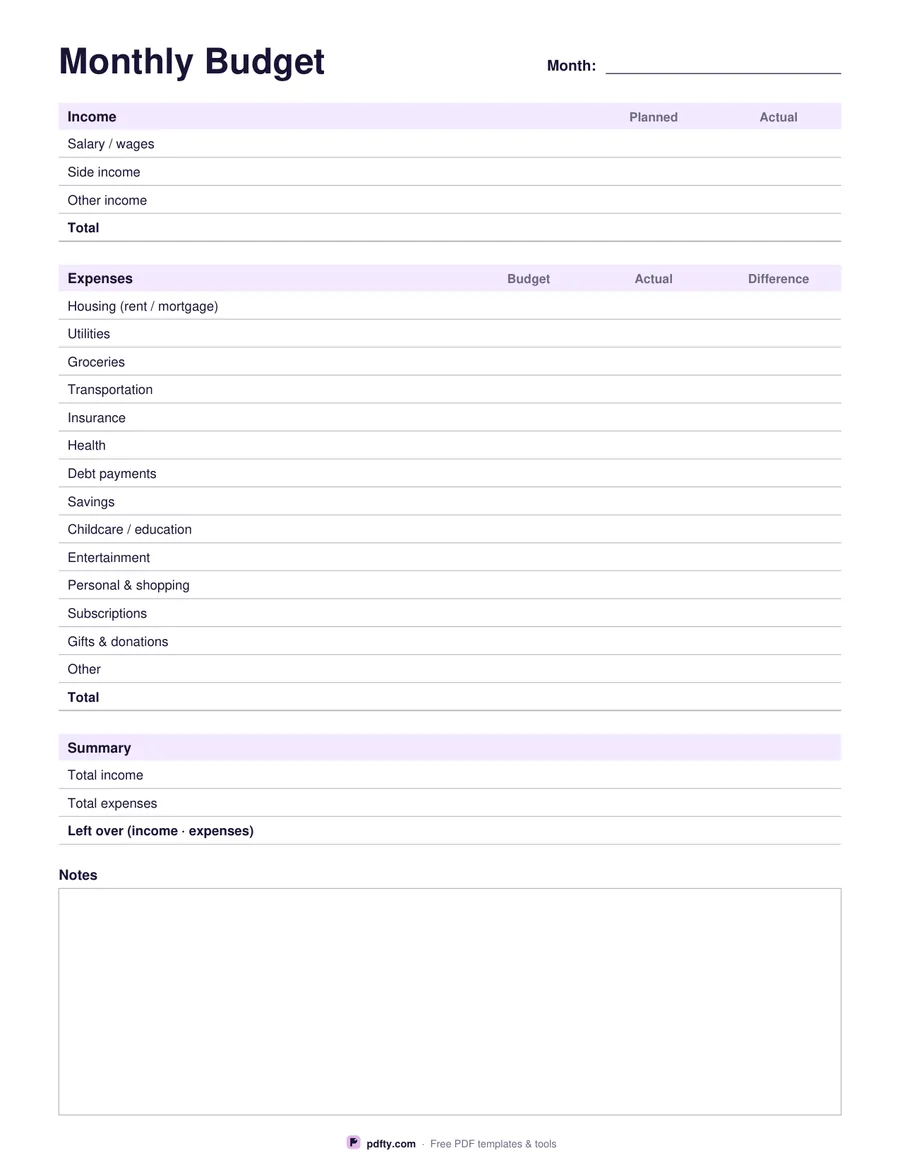
Fillable monthly budget worksheet PDF
Paper size
Fill & edit free online

Free · no watermark · no sign-up for your first 20 downloads a day

Fillable PDF — type into the fields online or in any PDF viewer before printing.

This one-page budget worksheet keeps the essentials together: planned and actual income, fourteen common expense categories with Budget, Actual and Difference columns, a short summary and space for notes. The categories cover housing, utilities, groceries, transportation, insurance, health, debt payments, savings and the everyday extras that are easy to forget.

Every amount is a fillable form field, so you can type numbers in any PDF viewer, save the file and keep a copy for each month. Prefer paper? Print it and fill it in by hand — the layout leaves enough room for handwriting.

The worksheet does not calculate totals automatically, which keeps it compatible with every PDF app; add up each column with a calculator or your phone.
How to use it

  1. 1

    Download the worksheet

    Choose US Letter or A4 and download the fillable PDF.

  2. 2

    Enter your income

    Write your planned income, then the actual amount once the month is over.

  3. 3

    Set a budget per category

    Fill the Budget column, track spending in Actual, and note the Difference.

  4. 4

    Review the summary

    Total income minus total expenses shows what is left over — or where to cut next month.

  5. 5

    Print or fill it in

    Print at 100% ("Actual size") so lines and boxes keep their exact spacing, or fill the form fields on screen in any PDF viewer.

Frequently asked questions

Yes. There is no watermark and no sign-up for your first 20 downloads each day; after that a free account keeps downloads going. You may print the file as often as you like for personal, school or business use.
Yes. All amounts, the month and the notes are form fields that work in Adobe Reader, Preview, Chrome, Edge and most mobile PDF apps. Save the file to keep your numbers.
No — totals are typed manually so the file behaves the same in every PDF viewer. Use a calculator for each column.
The category names are printed, but "Other" is there for anything else; write details in the Notes box.
Save one filled copy per month, then combine them with pdfty's Merge PDF tool into a single yearly file.
Flatten the PDF with pdfty's Flatten tool. The values become part of the page and can no longer be changed.

More free templates

Work with your PDF