Printable Invoice Tracker (Free Fillable PDF)

Every invoice you have sent on one page, so you can see at a glance what is paid and what is late.
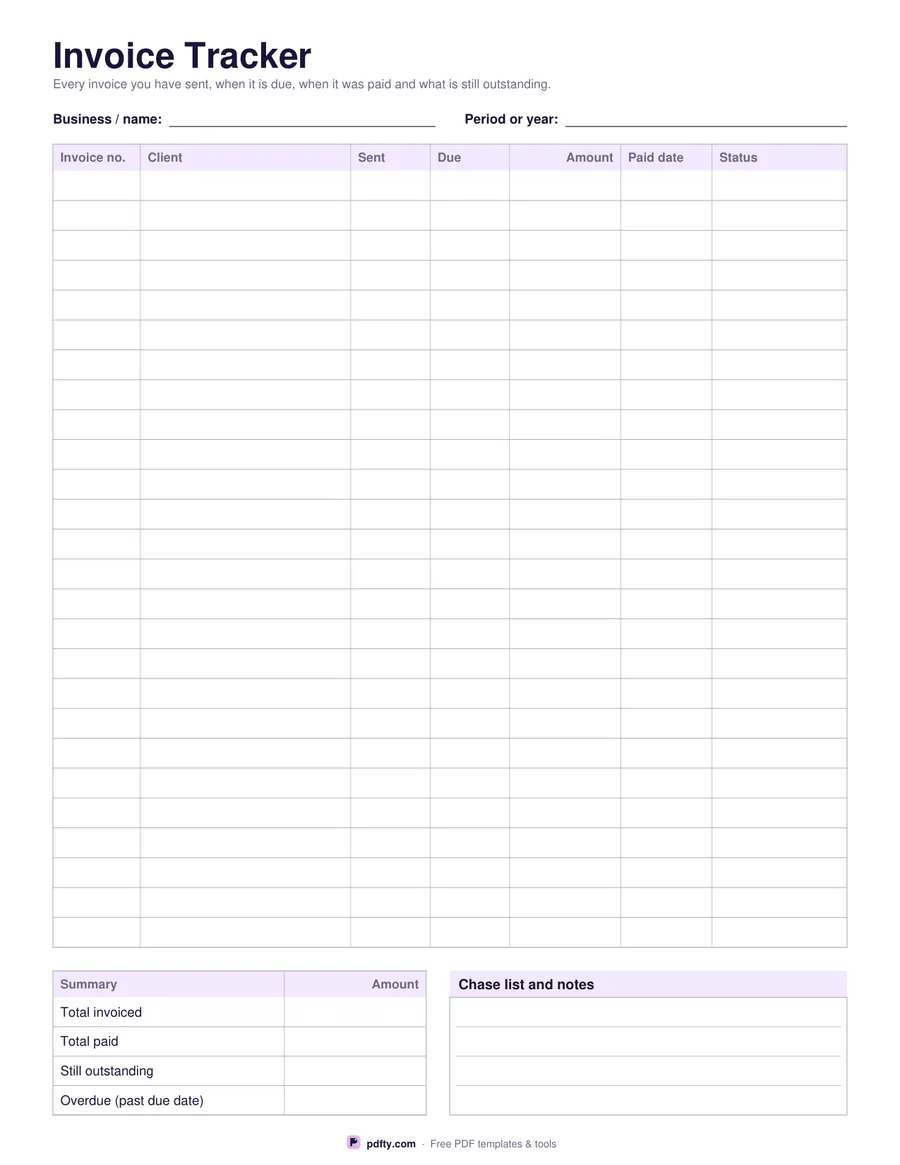
Printable invoice tracker with 26 rows for invoice number, client, dates, amount and status
Tax columns
Paper size
Fill & edit free online

Free · no watermark · no sign-up for your first 20 downloads a day

Fillable PDF — type into the fields online or in any PDF viewer before printing.

Sending an invoice is the easy part; remembering which ones came back is the work. This tracker gives you twenty-six rows with the invoice number, the client, the date you sent it, the date it falls due, the amount, the date it was paid and a status column for words like sent, part paid, paid or chased. Reading down the paid date column shows you the gaps, which are the invoices worth a phone call.

Underneath sits a four-row summary panel for total invoiced, total paid, still outstanding and the amount that is past its due date, with the figures right-aligned under an Amount header. Beside it is a ruled notes box headed "Chase list and notes", for the three clients you mean to ring this week or the reason an invoice is sitting unpaid. Fields at the top record your business name and the period or year the sheet covers.

Choose the plain version for one amount per invoice, or turn the tax column on and the amount splits into net, tax and total, which suits anyone registered for VAT, GST or sales tax. No currency symbol is printed, so the sheet works wherever you invoice from. Every cell, including the summary and the notes box, is a form field, so the tracker can live on your desktop and be printed only when you want it on paper.
How to use it

  1. 1

    Choose the columns

    One amount column for simple invoicing, or net, tax and total if you charge VAT, GST or sales tax.

  2. 2

    Download and head the sheet

    Pick US Letter or A4, then fill in your business name and the period the sheet covers.

  3. 3

    Print or fill it in

    Print at 100% ("Actual size") so lines and boxes keep their exact spacing, or fill the form fields on screen in any PDF viewer.

  4. 4

    Update it when money lands

    Write the paid date and change the status as each invoice is settled, then total the outstanding column at the end of the month.

Frequently asked questions

Yes. There is no watermark and no sign-up for your first 20 downloads each day; after that a free account keeps downloads going. You may print the file as often as you like for personal, school or business use.
Yes. All twenty-six rows, the summary panel and the notes box are form fields, so you can keep it open on a computer and type as invoices go out and come back.
Twenty-six. A freelancer usually gets a quarter or more on one sheet; busier businesses can print one per month and file them together.
No. The summary rows are plain fields with no formulas, which keeps the PDF working in every viewer. Add the columns up and write the figures in.
Whatever you track by: sent, due, part paid, paid, chased or written off. The column is free text, so use the words your business already uses.
Any. The amount, net, tax and total columns print no currency symbol.

More free templates

Work with your PDF