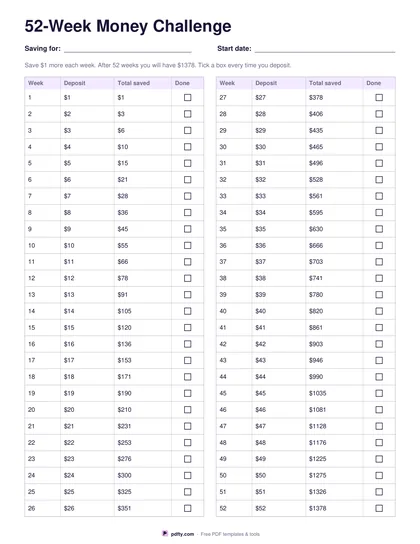
Holiday Savings Plan (Free Printable PDF)

Split what the trip will cost over the weeks you have left, then tick a week off every time you put the money aside.
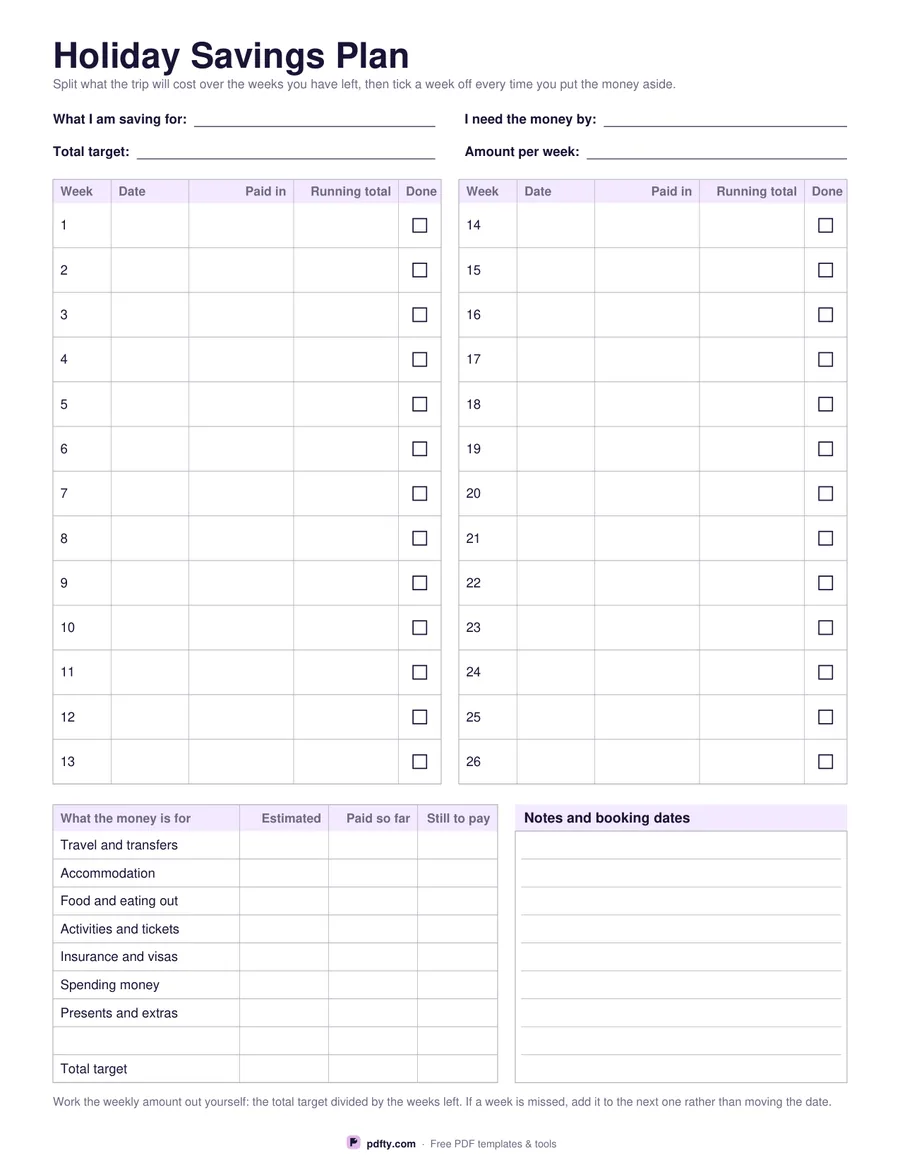
Printable holiday savings plan with weekly deposit rows and a cost breakdown table
Weeks
Paper size
Fill & edit free online

Free · no watermark · no sign-up for your first 20 downloads a day

Fillable PDF — type into the fields online or in any PDF viewer before printing.

The top of the sheet holds what you are saving for, the date you need the money by, the total target and the amount per week. Below it the weeks are laid out in blocks: twenty-six weeks in two columns, each week with a date, the amount paid in, the running total and a tick box, or fifty-two weeks in four narrower columns with the date, the amount in and a tick. Weeks are numbered for you, so you can start the plan in any month.

Under the weeks sits a second table for what the money is actually for: travel and transfers, accommodation, food and eating out, activities and tickets, insurance and visas, spending money, presents and extras, and a blank row, each with an estimated cost, what has been paid so far and what is still to pay, closing on a total target line. That is the table that makes the weekly number honest, because a target picked out of the air is the usual reason a savings plan quietly stops.

Nothing on the sheet prints a rate, a bank or an amount: you work the weekly figure out by dividing the target by the weeks you have, which is the one calculation worth doing by hand. The note under the table suggests adding a missed week to the next one rather than moving the date. A ruled panel beside the costs holds booking dates and notes. One page, US Letter or A4, every field fillable.
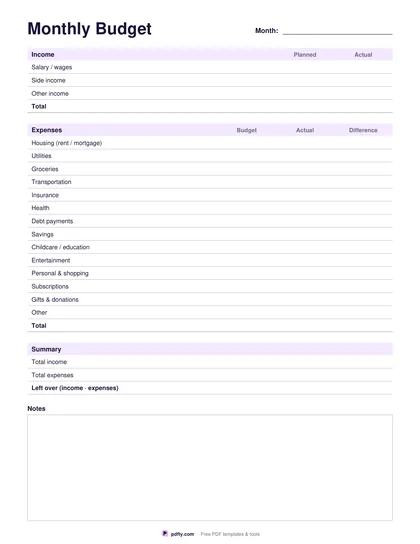
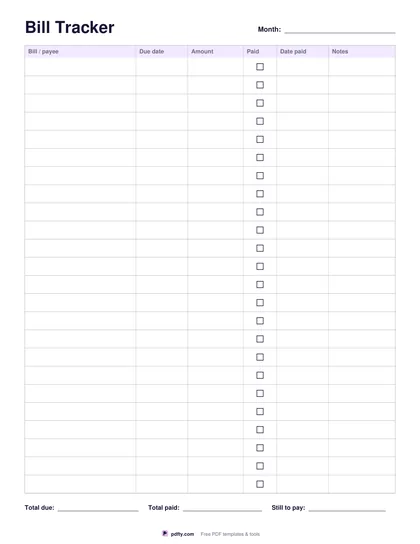
How to use it

  1. 1

    Choose 26 or 52 weeks

    Half a year in two roomy columns, or a full year in four narrower ones.

  2. 2

    Work out the weekly amount

    Divide the total target by the weeks you have left and write it at the top. Nothing is printed for you.

  3. 3

    Print or fill it in

    Print at 100% ("Actual size") so lines and boxes keep their exact spacing, or fill the form fields on screen in any PDF viewer.

  4. 4

    Tick a week every time you pay in

    Write the date and the amount, keep the running total going and tick the box. A missed week goes onto the next one.

Frequently asked questions

Yes. There is no watermark and no sign-up for your first 20 downloads each day; after that a free account keeps downloads going. You may print the file as often as you like for personal, school or business use.
No. It suits anything you are saving for by a date - a trip, a festive season, a course, a deposit. The what-I-am-saving-for field at the top names it.
Yes. The week rows, the cost table and the notes panel are all form fields, and the tick boxes work on screen.
No. No amount, rate or target is printed anywhere. Divide your own target by the weeks you have left and write the result at the top.
The weeks are numbered one to twenty-six or one to fifty-two rather than dated, and each row has its own date field, so you can start on any week of any month.
None is printed, so the plan works in any currency.

More free templates

Work with your PDF