Printable Square Foot Garden Plan (Free PDF)

A bed drawn as one-foot squares, each lettered and numbered, with a planting key underneath and a spacing guide for 1, 4, 9 or 16 plants.
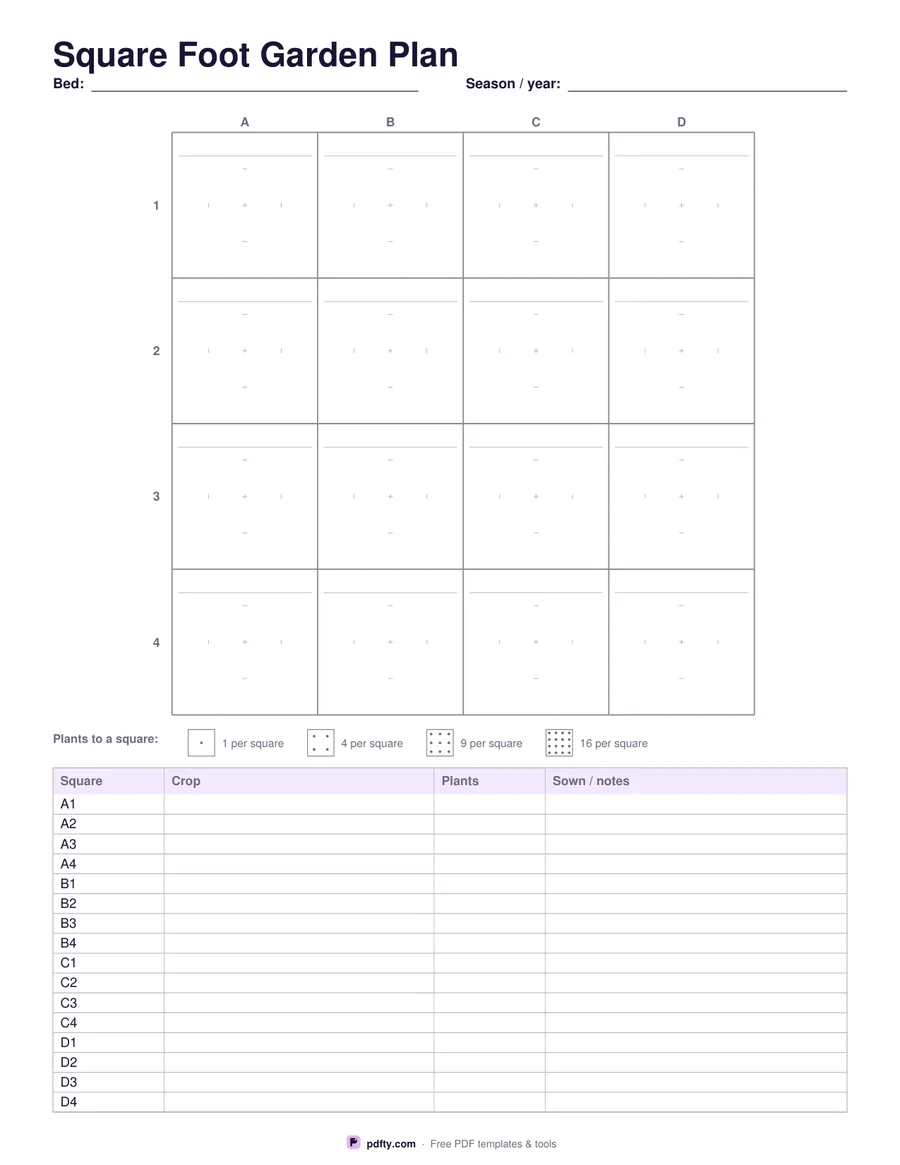
Printable square foot garden plan with one-foot squares and a planting key
Bed size
Paper size
Fill & edit free online

Free · no watermark · no sign-up for your first 20 downloads a day

Fillable PDF — type into the fields online or in any PDF viewer before printing.

The grid is the bed. Choose a four by four bed, the classic beginner's box, or a four by eight, and the page draws it as individual one-foot squares with columns lettered across the top and rows numbered down the side. Each square has a writing line in it, so you can put the crop straight on the plan, and faint quarter marks on the centre lines help you divide a square for closer spacing.

Underneath, a key table gives one row per square — A1 to D4, or A1 to H4 — with columns for the crop, how many plants went in that square, and when it was sown. That lettered key is what makes the plan readable in July, when the labels have faded and the plan has to answer what was planted where.

A small spacing guide sits between the grid and the key, showing the dot patterns for one, four, nine and sixteen plants in a square, which is the part of square foot gardening people sketch on the back of an envelope every spring. The four by eight layout also gets a ruled notes panel for what follows what and where the shade falls. Every square and key cell is a form field. One page in US Letter or A4 — print one per bed and keep them together year on year to rotate crops properly.
How to use it

  1. 1

    Choose your bed size

    Four by four for a single box, four by eight for a long bed.

  2. 2

    Fill the squares

    Write the crop in each square, using the spacing guide to decide how many plants go in it.

  3. 3

    Print or fill it in

    Print at 100% ("Actual size") so lines and boxes keep their exact spacing, or fill the form fields on screen in any PDF viewer.

  4. 4

    Complete the key

    Fill the lettered key with the crop, the number of plants and the sowing date for each square.

Frequently asked questions

Yes. There is no watermark and no sign-up for your first 20 downloads each day; after that a free account keeps downloads going. You may print the file as often as you like for personal, school or business use.
No — it is a plan, not a template. Each square on the page stands for one square foot of bed, whatever size the square prints at.
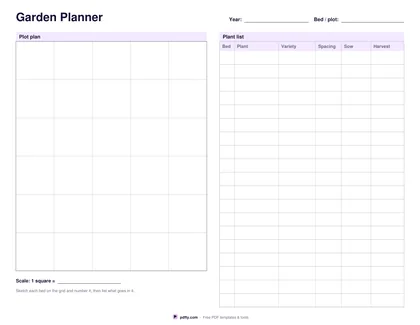
The garden planner is a free sketching grid for a whole plot with a plant list. This one draws a single bed as numbered one-foot squares with a key row for every square.
That depends on the crop. The spacing guide shows the one, four, nine and sixteen patterns so you can mark the square accordingly; the crop's own spacing is on the seed packet.
Print one sheet per bed and label it in the header. Merge the sheets into a single file with pdfty's Merge PDF tool if you want them in one place.
Yes. Open the PDF in GoodNotes, Notability or Xodo and write on it with a stylus, or fill the form fields and keep the file on the device instead of printing it.

More free templates

Work with your PDF